
The 12 Best AI Video Creation Tools for 2026 (Creators' Guide)
The landscape of video production is undergoing a radical transformation. Tasks that once demanded costly equipment, specialized teams, and significant time investment can now be managed from a single interface in a fraction of the time. This guide is your definitive resource for navigating the best AI video creation tools on the market today. We cut through the hype to deliver a practical, in-depth analysis for content creators, e-commerce brands, and marketing agencies alike.
Our goal is to help you find the perfect platform for your specific needs, whether you're generating dynamic product videos, creating likeness-consistent AI portraits for a campaign with PhotoMaxi, or producing engaging avatar-led training modules. We will explore everything from cutting-edge text-to-video generators like Runway and Pika to sophisticated AI-powered editing suites such as Descript and Adobe Premiere Pro.
Inside this comprehensive roundup, you will find a detailed breakdown for each tool, complete with screenshots and direct links to get you started immediately. We compare each platform on several key criteria:
- Core Features: What are its standout capabilities?
- Best Use Cases: Who is this tool built for?
- Output Quality: How realistic and professional are the results?
- Pricing Tiers: What investment is required to unlock its full potential?
- Pros & Cons: An honest assessment of strengths and limitations.
This resource is designed to be your one-stop shop for making an informed decision. By understanding the unique advantages and practical applications of each option, you can confidently select the right tool to streamline your workflow, scale content production, and unlock new creative possibilities without the traditional production bottlenecks. Let's dive in.
1. PhotoMaxi
PhotoMaxi establishes itself as a powerful and well-rounded choice among the best AI video creation tools by acting as a personal AI photographer and video producer. It uniquely allows users to train a private AI model from a single photo, which can then generate studio-quality images and cinematic video sequences with remarkable consistency. This capability directly addresses a common pain point in AI generation: maintaining a recognizable likeness across different outputs.
The platform is engineered to collapse lengthy production cycles. Instead of coordinating photoshoots, users can batch-create on-brand assets for social media, product photography, and even Shopify virtual try-ons in a fraction of the time. Its integrated toolset for upscaling, relighting, and prompt control provides the granular adjustments needed to refine outputs, ensuring they meet professional standards. This makes PhotoMaxi an exceptionally practical solution for creators and businesses focused on efficiency without sacrificing visual quality.
Customer testimonials frequently highlight its speed and production value, with users stating it “replaced weeks of work with hours” and feels like having a “full production team” on demand.
Key Features and Use Cases
- Consistent Likeness: PhotoMaxi's core strength is its ability to produce photos and videos where the subject’s face and character remain consistent, a critical feature for building a personal brand or creating narrative content.
- Image-to-Video Sequences: The platform excels at transforming static AI-generated images into dynamic, short video clips. This is ideal for creating engaging content for TikTok, Instagram Reels, or animated product showcases.
- Ecommerce and Shopify Integration: For online merchants, PhotoMaxi offers specialized workflows for product photography and virtual try-ons, providing a cost-effective way to generate high-quality commercial imagery.
- Built-in Editing Suite: Users can fine-tune results directly within the platform using tools for upscaling, relighting, and detailed prompt adjustments, reducing the need for external editing software.
Pricing and Plans
PhotoMaxi operates on a subscription model with tiered plans that scale based on usage needs.
| Plan | Monthly Price | Key Features |
|---|---|---|
| Starter | $9 | Personal use, lower-fidelity models |
| Pro | $29 | Higher-fidelity, more credits, concurrent renders |
| Premium | $49 | Increased allowances, commercial usage rights |
| Ultra | $99 | Maximum credits, priority processing, top-tier likeness |
Note: Annual billing offers a discount. Verify current pricing and plan details directly on their website.
Pros and Cons
Pros:
- Production Speed: Drastically reduces content creation time from weeks to hours.
- Character Consistency: Delivers dependable face likeness, solving a major AI generation issue.
- Integrated Workflow: Combines generation and editing tools for a streamlined process.
- Commercial Applications: Strong focus on ecommerce and marketing use cases.
Cons:
- Credit-Based System: The subscription plus credit model may be restrictive for users with high-volume or unpredictable needs.
- Tiered Features: Professional features like commercial licensing and high-fidelity output are reserved for more expensive plans.
- Generative Limitations: Like all AI tools, outputs may occasionally require manual touch-ups to correct minor artifacts.
For those looking to explore how AI can enhance their video strategy, you can learn more about AI for video creation on PhotoMaxi.com.
Website: https://photomaxi.com
2. Runway
Runway positions itself as a comprehensive, production-focused suite for creators serious about integrating AI into their workflows. It's more than just a text-to-video generator; it’s an ecosystem designed for iterative creation, combining powerful generative models like Gen-3 Alpha with a built-in video editor. This makes it one of the best AI video creation tools for producing polished social media content, dynamic advertisements, and detailed pre-visualization shots without leaving the platform.
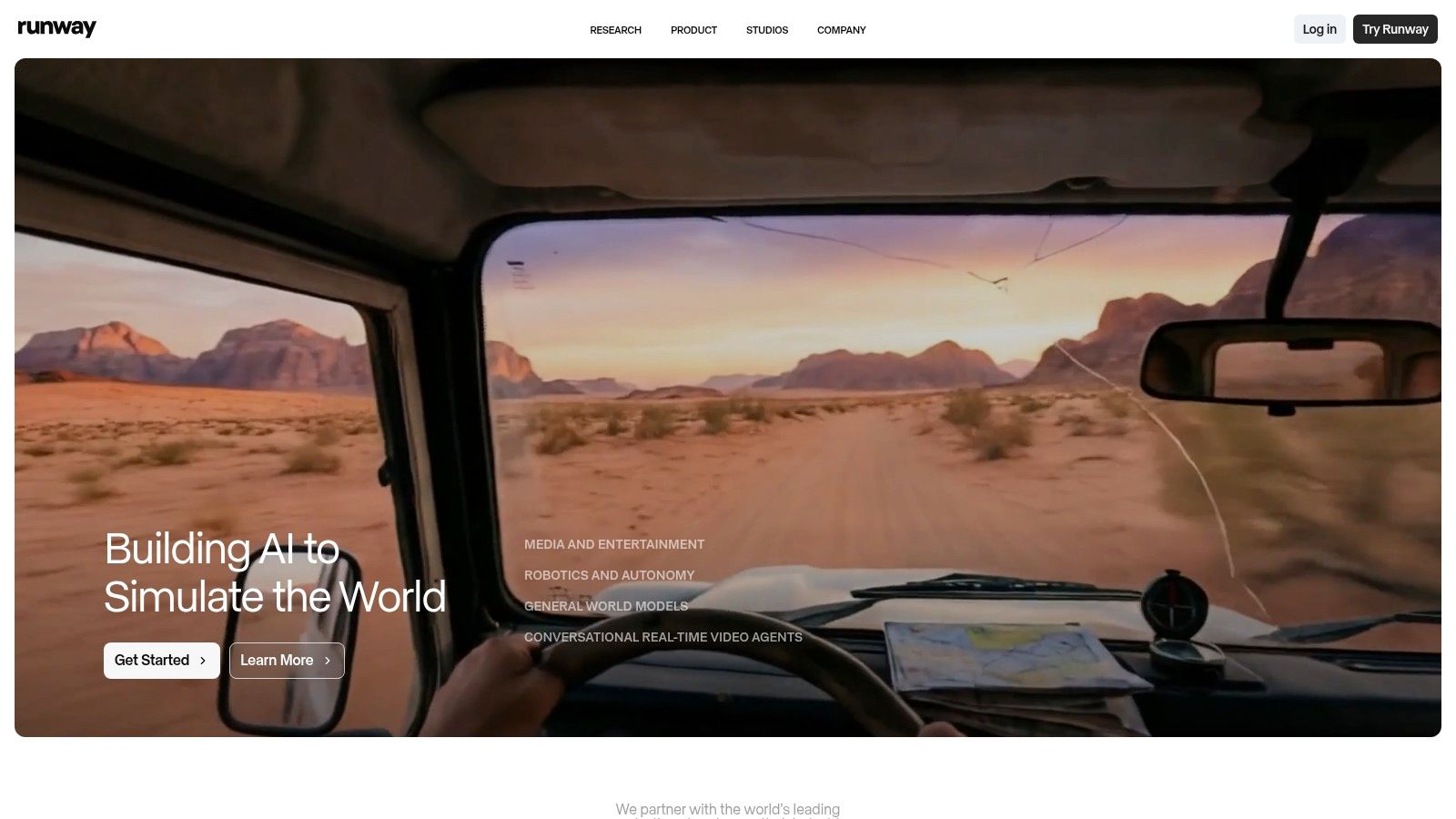
What sets Runway apart is its focus on a complete workflow. Users can generate a clip from a text prompt or an image, then immediately take it into the Aleph editing pipeline to trim, add effects, or combine it with other generated assets. This integrated approach saves significant time and streamlines the creative process. If you want to dive deeper into the technical side, you can learn more about how to make AI videos with tools like Runway.
Key Features & Pricing
Runway operates on a credit-based system, which can be initially confusing but offers transparency once understood. The costs for its latest Gen-3 Alpha model are published per second of video generated, allowing for predictable budgeting on projects.
| Feature | Details |
|---|---|
| Generative Models | Access to multiple models including Gen-3 Alpha for high-fidelity text-to-video and image-to-video generation. |
| Integrated Editor | A full-featured, timeline-based video editor directly within the platform for post-generation tweaks and assembly. |
| Team Collaboration | Paid plans include team workspaces, shared assets, and centralized billing, ideal for agencies and creative studios. |
| Pricing | Free Tier: Limited credits. Standard ($12/user/mo): 625 credits/mo. Pro ($28/user/mo): 1250 credits/mo. Unlimited ($76/user/mo): 2250 credits & unlimited generations. |
Pros:
- All-in-One Platform: The combination of generation and editing tools is a major efficiency booster.
- Transparent Costs: Published per-second generation costs for Gen-3 help manage credit usage effectively.
- Competitive for Individuals: The pricing structure is accessible for solo creators compared to enterprise-level software.
Cons:
- Credit System: The credit-to-second conversion can be a learning curve for new users.
- Short Clip Length: Like most current tools, high-quality outputs are limited to short clips, requiring users to stitch scenes together for longer videos.
Website: https://runwayml.com
3. Pika
Pika has rapidly emerged as a favorite among creators for its speed, accessibility, and focus on artistic expression. It excels at turning simple text prompts or static images into dynamic, short-form video clips, making it one of the best AI video creation tools for quick ideation and social media content. The platform encourages experimentation with a variety of creative styles and effects, allowing users to generate clips that feel more like motion art than simple video.
What makes Pika stand out is its emphasis on a fast, iterative workflow. With multiple model choices, including a "Turbo" mode for near-instant previews, users can quickly test concepts and refine their ideas without long waiting times. This rapid feedback loop is invaluable for creators working on tight deadlines or those who need to produce a high volume of content for platforms like TikTok or Instagram Reels.
Key Features & Pricing
Pika's structure is built for accessibility, with a free tier to get started and paid plans that unlock more powerful features and commercial usage rights. The platform uses a credit system for generations, with different costs associated with standard and Turbo models.
| Feature | Details |
|---|---|
| Multi-Model Access | Choose between different models (like Pika 1.0) to balance speed and quality, including a fast "Turbo" option for rapid prototyping. |
| Creative Controls | Tools to modify regions, expand the canvas, or change the aspect ratio of your video after generation. |
| Image & Video Input | Generate video from text, images, or even existing video clips, offering versatile creative starting points. |
| Pricing | Free Tier: Basic credits with a watermark. Standard ($8/mo): 700 credits/mo. Pro ($28/mo): 3,000 credits/mo. Custom enterprise plans are available. |
Pros:
- Rapid Iteration: The Turbo mode is excellent for quickly testing prompts and visual concepts.
- Strong Community: A vibrant user community, especially on platforms like Discord, provides inspiration and support.
- Commercial Use: Paid plans grant the necessary rights for creators and brands to use generated content in commercial projects.
Cons:
- Evolving Platform: Features, pricing, and model names can change frequently, requiring users to stay updated.
- Limited Editing: Lacks the deep, timeline-based editing features found in more comprehensive platforms like Runway.
Website: https://pika.art
4. Luma AI – Dream Machine
Luma AI's Dream Machine has rapidly gained attention for its ability to generate video clips with exceptionally fluid motion and a strong grasp of physics. While many tools can create visually interesting sequences, Dream Machine excels at producing outputs that feel more grounded and realistic, making it one of the best AI video creation tools for generating believable concept shots, product teasers, and cinematic B-roll. It is accessible via both a web interface and an iOS app, offering flexibility for creators on the go.
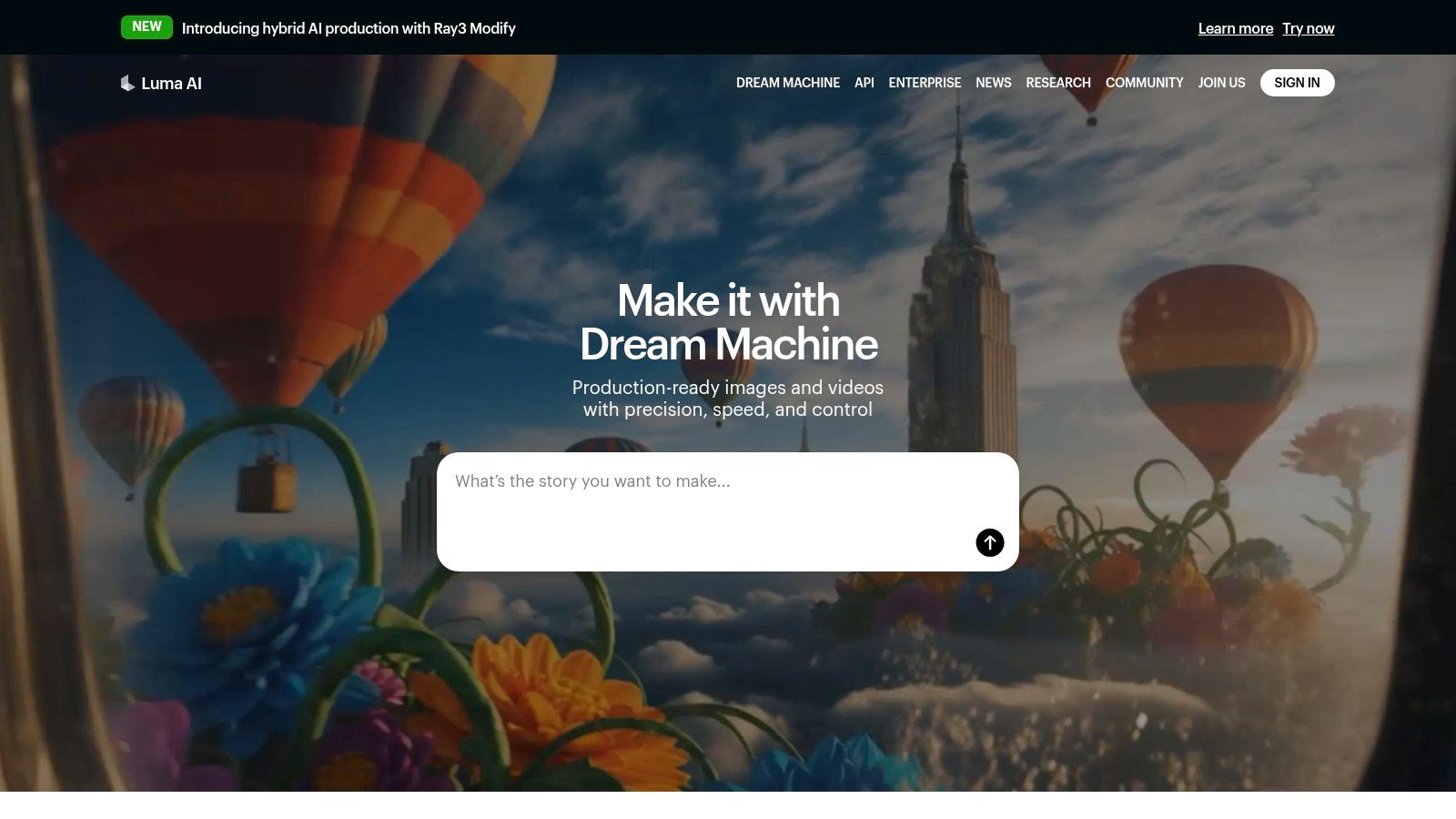
The platform is designed around a straightforward generation process, focusing on high-quality text-to-video and image-to-video capabilities rather than an integrated editing suite. This specialized approach allows Luma to fine-tune its models for motion quality. Higher-tier plans unlock advanced features like 4K up-resolution and HDR, enabling professional-grade outputs directly from the platform. For users needing high volumes of clips for experimentation, the top plans also offer an "unlimited" relaxed generation mode.
Key Features & Pricing
Luma AI uses a clear, credit-based system with published credit tables detailing the cost per generation, which helps users manage their budget. Pricing varies based on the desired video duration and resolution, providing a transparent framework for project planning.
| Feature | Details |
|---|---|
| Realistic Motion Physics | Generates 5-second clips with a strong focus on fluid, natural movement and believable object interactions. |
| High-Resolution Output | Higher-tier plans support up-resolution to 4K and HDR, suitable for professional and commercial projects. |
| Usage Tiers | Paid plans offer commercial usage rights, increased generation quotas, and priority access during high-traffic periods. |
| Pricing | Free Tier: 30 generations/mo. Standard ($29.99/mo): 120 generations/mo. Pro ($99.99/mo): 400 generations/mo. Premier ($499.99/mo): 2000 generations/mo. |
Pros:
- Superior Motion Quality: Stands out for its natural-looking motion and adherence to physics, creating more believable scenes.
- Transparent Credit System: Clear pricing tables allow for predictable costs based on generation needs.
- High-Fidelity Options: Access to 4K upscaling and HDR is a significant benefit for professional-quality work.
Cons:
- Short Clip Duration: Generations are capped at 5 seconds, requiring extensive editing to create longer videos.
- No Integrated Editor: Lacks built-in editing tools, meaning all post-production must be done in external software.
Website: https://lumalabs.ai
5. Synthesia
Synthesia specializes in creating professional, studio-quality AI avatar videos, making it an indispensable tool for corporate training, marketing explainers, and large-scale localization. Instead of focusing on generative scenes, it excels at producing polished talking-head style content. This makes it one of the best AI video creation tools for businesses needing to convert scripts into presenter-led videos for onboarding, internal communications, or product tutorials without booking a film studio.

What sets Synthesia apart is its enterprise-grade focus on realism, localization, and scalability. Users can choose from a vast library of stock avatars or create a custom digital twin for brand consistency. The platform's ability to translate and dub scripts into over 140 languages with a single click provides a powerful workflow for global teams, dramatically reducing the time and cost associated with multilingual video production.
Key Features & Pricing
Synthesia’s pricing is based on a subscription model that provides a set number of video minutes per month, with options for purchasing add-ons like custom avatars. The plans are structured to support everyone from individual creators to large enterprise teams with complex compliance needs.
| Feature | Details |
|---|---|
| AI Avatars | Access to 180+ diverse stock avatars. Paid plans offer options to create a custom, personal avatar for exclusive use. |
| Localization | Supports over 140 languages and voices, enabling one-click script translation and automated voice-over dubbing for global audiences. |
| Integrations & API | An API allows for automated video creation at scale. It also supports enterprise needs like SCORM exports for LMS and SSO for security. |
| Pricing | Starter ($22/mo): 10 minutes of video/mo. Creator ($67/mo): 30 minutes of video/mo. Enterprise (Custom): Custom minutes, avatars, and features. |
Pros:
- Market-Leading Avatars: The fidelity and naturalism of the AI avatars are top-tier, making videos highly professional.
- Powerful Localization: The one-click translation and dubbing workflow is a massive time-saver for international companies.
- Enterprise-Ready: Features like SSO, SCORM, and an API make it a secure and scalable choice for corporate customers.
Cons:
- Niche Focus: It is not a tool for creating cinematic or generative art-style videos; its strength is strictly in avatar-led content.
- Credit System: The minutes-based system requires careful planning, and costs can increase with add-ons and higher usage.
Website: https://www.synthesia.io
6. HeyGen
HeyGen carves out a unique niche as an avatar-first AI video platform, excelling at creating polished, human-led videos for marketing, training, and multilingual content. Instead of generating cinematic scenes, it focuses on producing realistic digital presenters from text, making it one of the best AI video creation tools for explainer videos, corporate communications, and social media updates that require a human touch without a physical camera crew.
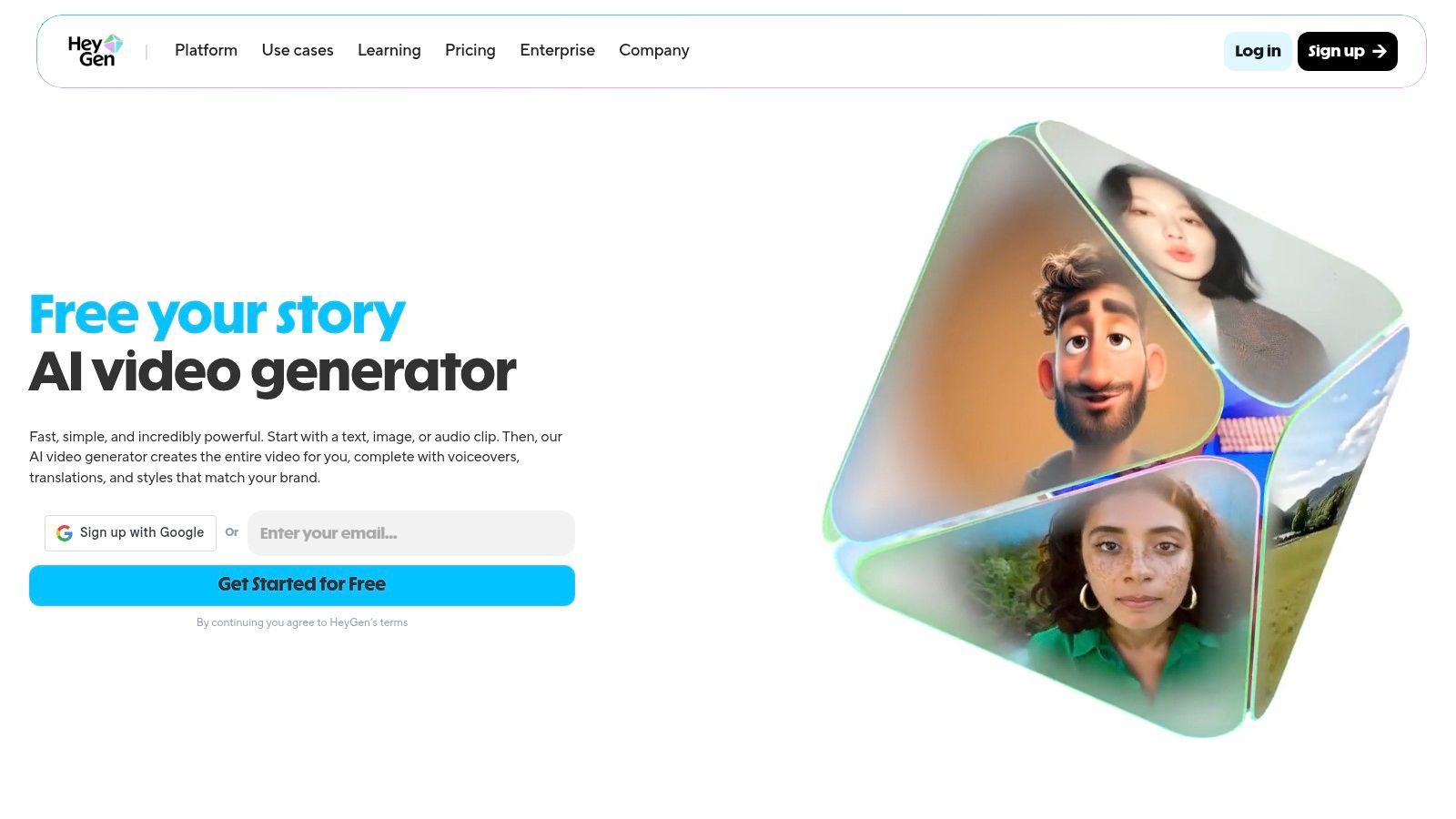
What truly sets HeyGen apart is its powerful translation and dubbing engine. Users can upload a video and have the speaker's voice cloned and lip-synced in over 175 languages, opening up global markets for content creators. This, combined with a vast library of stock avatars and the ability to create custom ones, provides a scalable solution for personalized video outreach. As one of the premier AI tools for content creation, HeyGen simplifies what was once a complex production process.
Key Features & Pricing
HeyGen uses a credit-based model where credits are consumed for each minute of generated video. The plans are structured to support individuals and scale up to teams and enterprise use, with a notable "unlimited videos" policy on higher tiers that applies to shorter, draft-quality exports.
| Feature | Details |
|---|---|
| Avatars & Dubbing | Large library of stock avatars, custom avatar creation, and an industry-leading video translation feature with voice cloning and lip-syncing in 175+ languages. |
| Team Collaboration | Shared workspaces, brand kits for asset consistency, and centralized billing are available on Team and Enterprise plans. |
| API Access | A well-documented API allows developers to integrate HeyGen's avatar and video generation capabilities directly into their own applications and services. |
| Pricing | Free Tier: 1 credit. Creator ($24/mo): 15 credits/mo. Team ($120/mo): 30 credits/mo. Enterprise: Custom pricing. API pricing is separate and usage-based. |
Pros:
- Best-in-Class Dubbing: The video translation feature is exceptionally realistic and easy to use.
- Generous Export Policy: Paid plans allow unlimited, albeit watermarked, "Instant Avatar" video exports up to one minute, which is great for drafts.
- Scalable API: Clear API pricing makes it a viable choice for businesses looking to productize AI video features.
Cons:
- Niche Focus: It's not a general text-to-video generator for creating cinematic scenes or abstract visuals.
- Credit Costs: High-quality custom avatar videos can consume credits quickly, requiring careful budget management.
Website: https://www.heygen.com
7. Colossyan
Colossyan is an AI video platform that carves out a specific niche in corporate training and eLearning. Instead of focusing on general-purpose marketing or creative videos, it provides specialized tools for Learning & Development (L&D) professionals to create engaging, scenario-based training content. This focus makes it one of the best AI video creation tools for instructional designers and corporate trainers who need to produce consistent, high-quality educational materials with AI avatars.

What sets Colossyan apart is its workflow, which is built around the needs of education. It offers templates and features designed for creating interactive learning scenarios, multi-scene dialogues between avatars, and quizzes. This allows L&D teams to move beyond simple explainer videos and build more complex, interactive training modules that can scale across an entire organization.
Key Features & Pricing
Colossyan’s feature set is tailored for enterprise use, with an emphasis on collaboration, security, and integration. While it offers plans for individuals, its core strength lies in its team-oriented capabilities. Pricing details for larger teams are often customized and require contacting sales.
| Feature | Details |
|---|---|
| Learning-Focused Avatars | AI avatars and templates are specifically designed for professional training, courses, and corporate communication. |
| Scenario-Based Tools | Create multi-scene dialogues and branching scenarios to build interactive and engaging learning experiences. |
| Enterprise Collaboration | Features include team workspaces, admin controls, and dedicated support designed for large-scale deployment within an organization. |
| Pricing | Starter ($28/mo): 10 mins/mo. Pro ($96/mo): 40 mins/mo. Enterprise: Custom pricing and features available via sales demo. |
Pros:
- Deep L&D Specialization: The platform is purpose-built for training videos, a clear advantage over general-use tools.
- Interactive Scenarios: Support for dialogues and branching logic allows for more effective learning content.
- Enterprise-Ready: Offers robust features for team collaboration, security, and large-scale onboarding.
Cons:
- Niche Focus: Not ideal for creative marketing, social media content, or artistic video generation.
- Less Transparent Pricing: Enterprise costs are not publicly listed, requiring a sales conversation to get a full quote.
Website: https://www.colossyan.com
8. Descript
Descript approaches video creation from an editing-first perspective, making it one of the best AI video creation tools for anyone working with existing footage. Instead of focusing on pure text-to-video generation, it uses AI to radically simplify the editing process. Descript automatically transcribes your video and audio, allowing you to edit your video by simply editing the text document. Deleting a sentence in the transcript removes the corresponding video and audio clips, a workflow that dramatically speeds up editing for podcasts, interviews, and talking-head content.
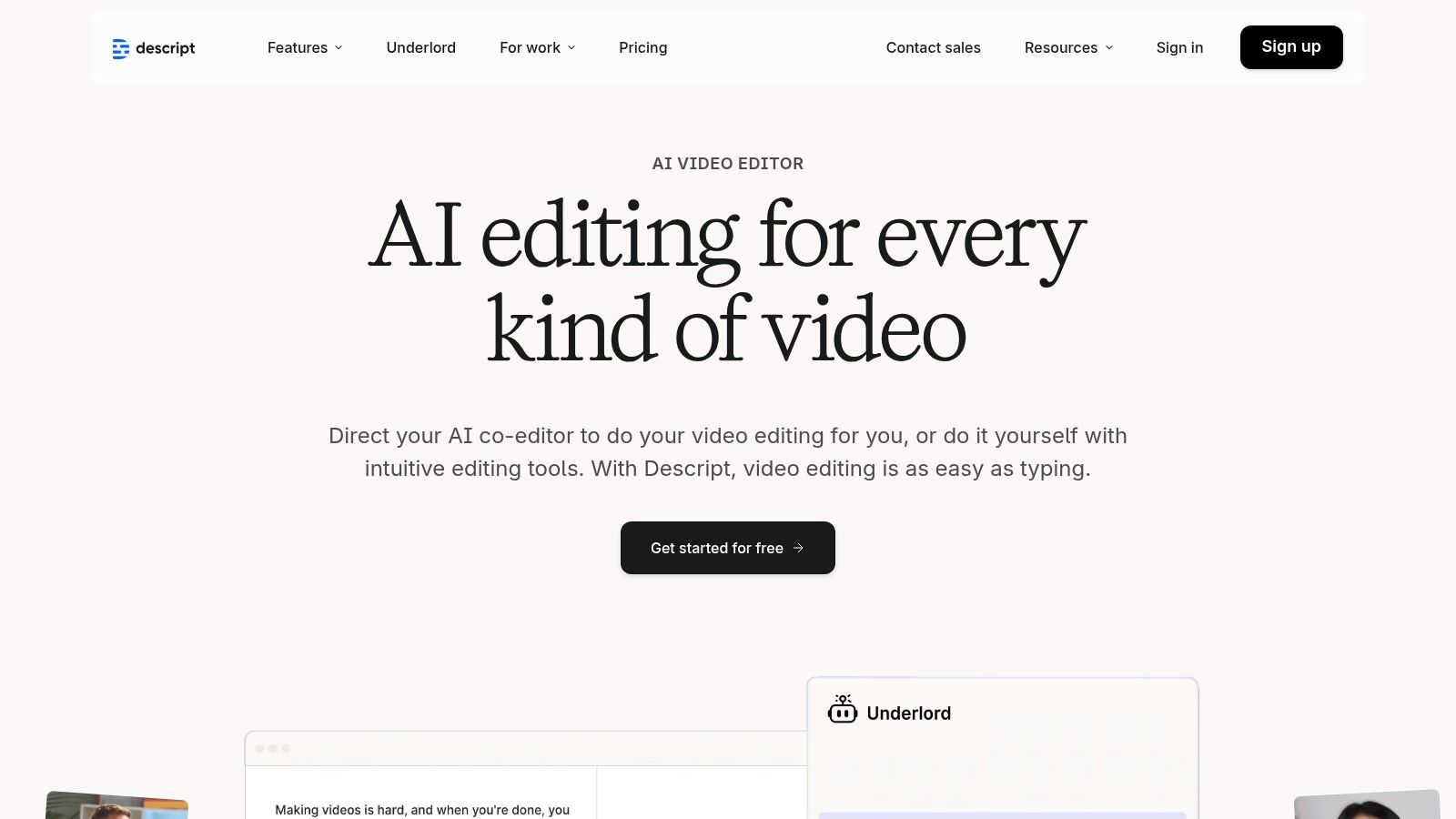
What makes Descript unique is its suite of practical AI features built for editors. The "Overdub" feature lets you clone your voice to correct audio mistakes, while "Studio Sound" removes background noise and enhances vocal quality with a single click. AI Actions can automatically remove filler words like "um" and "uh," saving hours of tedious manual work. It is an indispensable tool for podcasters and content repurposing teams who need to turn long recordings into polished, shareable clips quickly.
Key Features & Pricing
Descript offers a straightforward subscription model with pricing based on transcription hours and access to advanced features. The platform is designed for both individual creators and collaborative teams, offering plans that scale with usage.
| Feature | Details |
|---|---|
| Text-Based Editing | Edit video and audio by manipulating the auto-generated transcript. The timeline syncs automatically with text edits. |
| AI Audio Tools | Includes Overdub voice cloning for audio corrections, Studio Sound for noise removal, and automatic filler word removal. |
| Collaboration | Team plans provide shared drives, collaborative commenting, and centralized project management for seamless workflows. |
| Pricing | Free Tier: 1 hour of transcription. Creator ($12/user/mo): 10 hours/mo. Pro ($24/user/mo): 30 hours/mo & unlimited Overdub. Enterprise: Custom pricing. |
Pros:
- Extremely Fast Editing: The text-based workflow is revolutionary for editing dialogue-heavy content.
- Powerful Audio AI: Features like Studio Sound and Overdub are best-in-class for cleaning up and correcting audio.
- Fair Team Pricing: The plans are affordable for teams, with options to purchase additional transcription hours as needed.
Cons:
- Not a Generative Tool: It's not designed for creating video from a text prompt; you must provide your own footage.
- Focus on Dialogue: Its strengths are most apparent in content driven by spoken word, like podcasts and interviews.
Website: https://www.descript.com
9. Kapwing
Kapwing carves out its space as a browser-based, all-in-one video editor designed for speed and collaboration, particularly for social media teams. It integrates a powerful AI Studio directly into its familiar editing interface, offering tools like an AI video generator, text-to-video conversion, automatic subtitles, and AI-powered dubbing. This makes it one of the best AI video creation tools for creators and agencies focused on producing a high volume of short-form content efficiently.
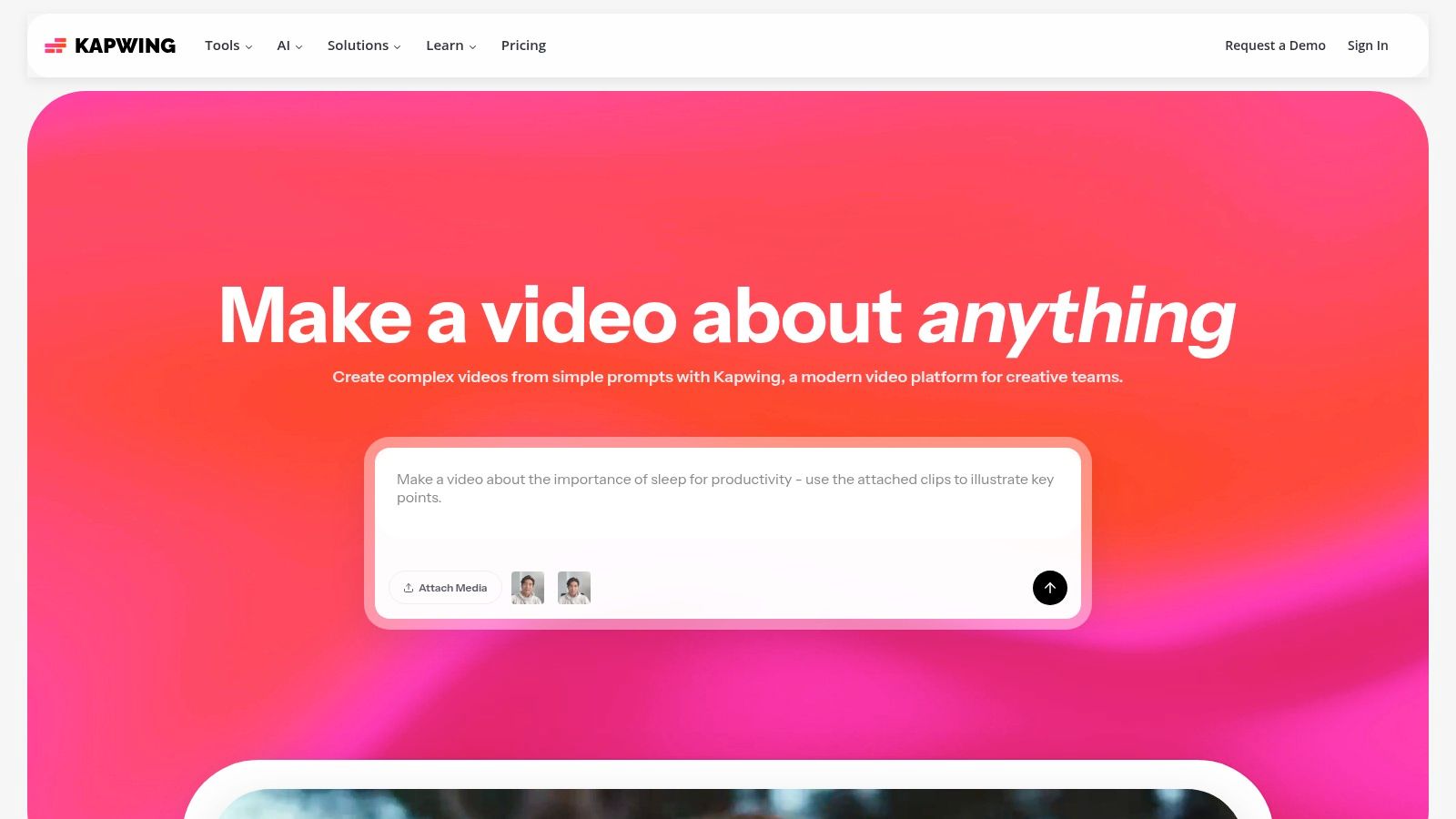
What makes Kapwing stand out is its seamless fusion of traditional editing with on-demand AI features. A user can be trimming a clip on the timeline and, in the same workflow, use the AI assistant "Kai" to generate a new B-roll asset, create subtitles, or even dub the audio into another language. This tight integration removes the friction of switching between multiple applications, streamlining the content creation pipeline from start to finish.
Key Features & Pricing
Kapwing uses a straightforward subscription model with credit-based usage for its AI tools. The plans are clearly defined, making it easy for teams to choose a tier based on their anticipated export needs and AI generation frequency.
| Feature | Details |
|---|---|
| Integrated AI Suite | Includes an AI video generator, text-to-video, auto-subtitling, AI dubbing, and text-to-speech, all accessible within the main editor. |
| Collaboration Tools | Features team workspaces, shared brand kits, and collaborative editing, making it ideal for agencies and social media teams managing multiple projects. |
| High-Quality Exports | Paid plans support up to 4K video exports, ensuring final content is suitable for high-resolution platforms. |
| Pricing | Free Tier: Limited exports and features. Pro ($16/user/mo): 300 AI credits/mo. Business ($50/user/mo): 650 AI credits/mo and advanced team features. |
Pros:
- Unified Platform: Combines a comprehensive video editor and a broad set of AI tools in a single, browser-based package.
- Team-Focused: Built from the ground up for collaboration with shared assets and workspaces.
- Transparent Plans: The pricing tiers clearly state export limits and credit allowances, simplifying budgeting.
Cons:
- Credit Consumption: Heavy use of AI generation features can deplete monthly credits quickly, potentially requiring a plan upgrade.
- Browser-Based Limitations: Performance can be dependent on internet connection and computer hardware for very complex projects.
Website: https://www.kapwing.com
10. VEED
VEED positions itself as an online video editing suite supercharged with AI, rather than a standalone generator. It integrates an "AI Playground" that aggregates multiple leading video models, allowing users to experiment with different engines from a single interface. This makes it one of the best AI video creation tools for teams who need a complete production workflow, from initial generation and AI avatars to final editing, subtitling, and polishing.

What makes VEED unique is its model-hub approach combined with a robust editing toolkit. A user can generate a clip, then immediately use VEED's other features like auto-subtitles, noise removal, or eye-contact correction to finish the video. This integrated environment is ideal for creating social media content, corporate training videos, and marketing materials without needing to switch between multiple applications.
Key Features & Pricing
VEED’s pricing and credit system can be dynamic, so it's always best to verify the current terms directly on their site. The platform bundles its extensive editing features with its AI generation capabilities, offering a comprehensive solution for video creators.
| Feature | Details |
|---|---|
| Multi-Model Access | An "AI Playground" that provides access to various third-party AI video models, allowing for direct comparison of outputs. |
| AI Avatars & Voices | Create videos using realistic AI avatars with text-to-speech voiceovers and dubbing capabilities for localization. |
| Editing Suite | A full suite of tools including auto-subtitles, translation, noise removal, eye-contact correction, and background removal. |
| Pricing | Free Tier: Limited features. Basic ($12/user/mo): For individuals starting out. Pro ($24/user/mo): Advanced features. Business ($59/user/mo): Team collaboration. |
Pros:
- Model-Hub Approach: Lets users compare outputs from different AI engines without leaving the platform.
- Broad Editing Toolkit: Extensive features for captioning, cleaning audio, and finishing generated footage.
- All-in-One Workflow: Combines generation, avatars, and post-production in a single, user-friendly tool.
Cons:
- Dynamic Pricing: The credit system and pricing details have changed over time and can be complex to navigate.
- Credit Structure: The public pricing and credit allocation can be unclear; users may need to check specifics at checkout.
Website: https://www.veed.io
11. Adobe (Premiere Pro / Creative Cloud Pro / Adobe Express with Firefly)
Adobe integrates its powerful Firefly generative AI across a spectrum of video tools, offering solutions for every level of creator. From the industry-standard Premiere Pro for deep post-production to the beginner-friendly Adobe Express, the ecosystem is built for seamless interoperability. This makes Adobe one of the best AI video creation tools for professional editors, large creative teams, and businesses that need compliance-sensitive, enterprise-ready workflows.
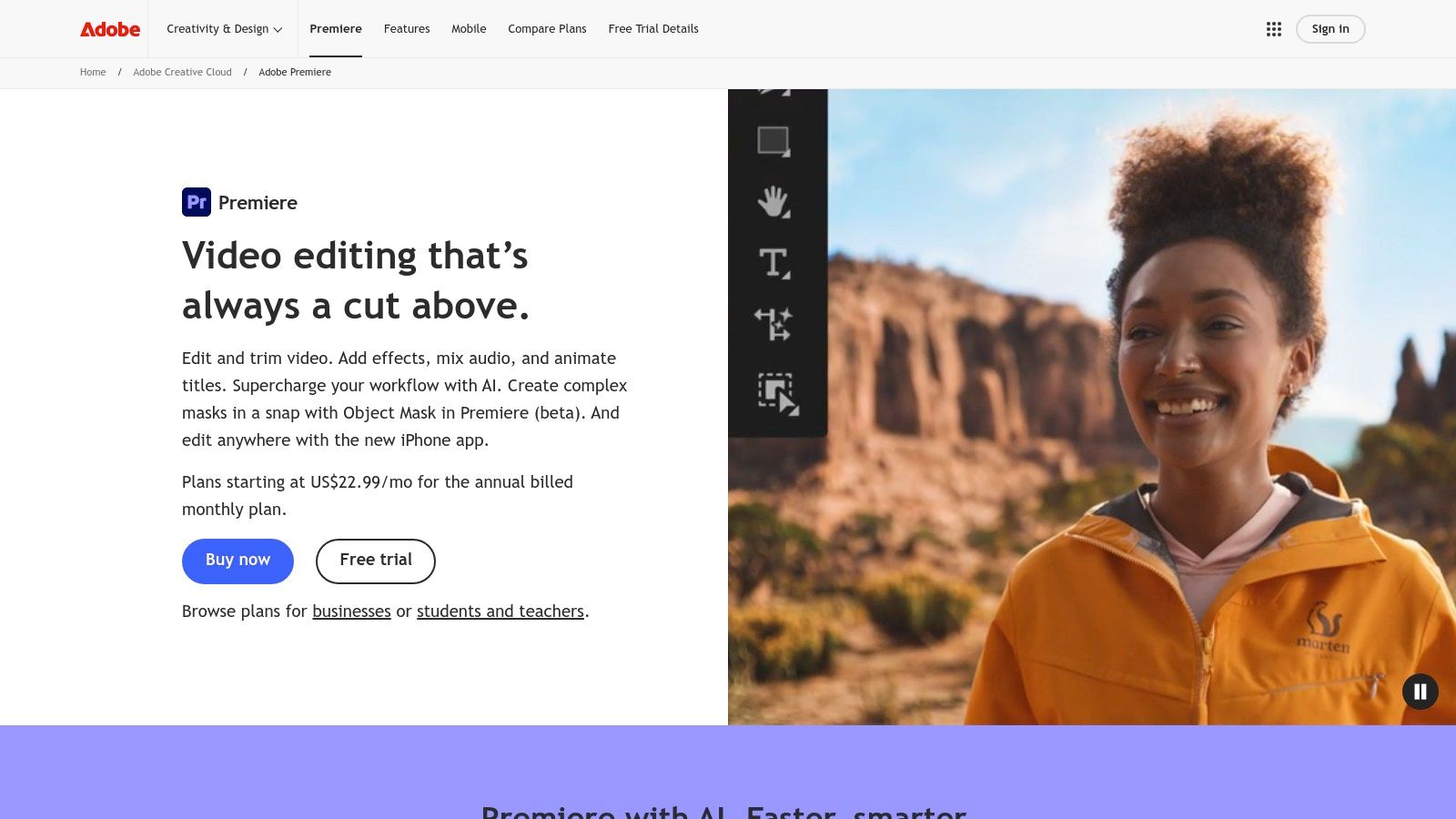
The key advantage is the integration within a familiar ecosystem. A user can generate a quick social media clip in Adobe Express using text-to-video, send it to Premiere Pro for advanced color grading, and add complex motion graphics from After Effects. This streamlined pipeline is invaluable for teams managing complex projects, ensuring brand consistency and high production quality from start to finish.
Key Features & Pricing
Adobe’s offerings are tiered, allowing users to choose the tools that best fit their needs, from a single app to the entire Creative Cloud suite. Generative credits are included with paid plans to power Firefly features.
| Feature | Details |
|---|---|
| Premiere Pro AI | Includes AI-powered features like Generative Extend to add frames, Enhance Speech for audio cleanup, and Text-Based Editing. |
| Adobe Express | A user-friendly, template-based tool with text-to-video generation powered by Firefly, ideal for social media and marketing content. |
| Creative Cloud | The all-in-one suite includes Premiere Pro, After Effects, Photoshop, and 20+ other apps, with shared libraries and collaboration tools. |
| Pricing | Express Premium ($9.99/mo): Includes premium templates & 100 credits. Premiere Pro ($22.99/mo): 100 credits. Creative Cloud All Apps ($59.99/mo): 1000 credits. |
Pros:
- Industry-Standard Pipeline: Unmatched interoperability between Premiere, After Effects, and other Adobe apps.
- Enterprise-Ready: Built for professional teams with robust collaboration, security, and asset management features.
- Scalable Tools: Solutions for all skill levels, from beginners in Express to seasoned professionals in Premiere Pro.
Cons:
- Cost: Can become expensive, especially for the full Creative Cloud suite, as more AI features are integrated.
- Overkill for Simple Tasks: The professional tools may be more complex than necessary for users who only need basic text-to-video generation.
Website: https://www.adobe.com/products/premiere.html
12. Wondershare Filmora (AI Video)
Wondershare Filmora integrates AI capabilities directly into its well-established, user-friendly video editor. Instead of being a pure generator, it uses AI as a powerful assistant, offering workflows like AI Script-to-Video and AI Idea-to-Video. This approach makes it one of the best AI video creation tools for users who want a guided process to quickly produce social media ads, tutorials, or explainer videos without starting from a blank timeline.

What sets Filmora apart is its accessibility for non-experts. The platform guides you through the creation process, turning a simple script or idea into a structured video with stock footage, voiceovers, and music. Users can then immediately refine the output within Filmora’s familiar editing environment. This combination of guided AI creation and hands-on editing control provides a practical bridge for creators new to generative video.
Key Features & Pricing
Filmora’s AI features operate on a credit system, which can be purchased in packs. These credits are versatile and can be used across various AI functions, including text-to-video generation, AI music, translation, and text-to-speech services.
| Feature | Details |
|---|---|
| Guided AI Flows | Multiple modes including Idea-to-Video and Script-to-Video that automate the creation of a rough cut using stock media, text, and voiceovers. |
| AI Credit System | A unified credit system is used for various AI tasks like text-to-video clips, music generation, translation, and TTS, with purchasable packs for heavy users. |
| Desktop & Mobile | Offers a cohesive experience across both desktop and mobile platforms, allowing for flexible workflows and editing on the go. |
| Pricing | Subscription plans for the editor start at $29.99/quarter. AI Credit Packs are sold separately, starting from $9.99 for 200 credits to $239.99 for 10,000 credits. |
Pros:
- Accessible for Beginners: The guided AI workflows make it easy for those without extensive editing experience to create videos quickly.
- Integrated Editing: Generated content can be immediately edited within a powerful and familiar editor.
- Flexible AI Credits: Purchasable credit packs allow users to scale their usage of AI features based on project needs.
Cons:
- Inconsistent Results: Community feedback suggests that the quality of AI-generated content can be inconsistent.
- Billing Confusion: Some users have reported confusion regarding subscription plans versus the separate AI credit system; it's wise to test before committing.
Website: https://filmora.wondershare.com
Top 12 AI Video Creation Tools — Features & Pricing
| Platform | Core features | Quality (★) | Value & Pricing (💰) | Target & USP (👥 ✨) |
|---|---|---|---|---|
| 🏆 PhotoMaxi | Single-image private AI model; image→video; upscaling, relighting, prompt control; Shopify/product workflows; batch on‑brand set creation | ★★★★★ dependable likeness & consistency | 💰 Starter $9/mo → Pro $29 / Premium $49 / Ultra $99; credit‑based; commercial on higher tiers | 👥 Creators, e‑commerce, agencies, filmmakers; ✨ studio‑quality from one photo, consistent face likeness, fast production |
| Runway | Text‑to‑video & image‑to‑video; performance capture; integrated editing/upscaling | ★★★★☆ powerful edit + gen pipeline | 💰 Credit‑based; per‑second costs published for some models | 👥 Social creators, VFX, previsualization; ✨ broad generative + non‑linear editing tools |
| Pika | Fast text/image→video with multiple models; Turbo mode for quick iterations | ★★★★☆ rapid ideation | 💰 Tiered/credit model (evolving) — check plans | 👥 Short‑form creators, ideators; ✨ super fast iterations & creative styles |
| Luma AI – Dream Machine | Ray models for text/image→video up to 4K; up‑res/HDR; web & iOS access | ★★★★☆ natural motion & physics | 💰 Credit tables per model/duration; Plus+ relaxed mode | 👥 Concept artists, product teasers; ✨ believable motion for short cinematic clips |
| Synthesia | 125–180+ stock avatars; 140+ languages/voices; API & enterprise exports | ★★★★☆ avatar fidelity & localization | 💰 Subscription + credits; enterprise pricing | 👥 Corporate training, marketing, localization; ✨ market‑leading avatars & dubbing workflows |
| HeyGen | Large avatar library (500–700+); 175+ languages; team & brand kit; API | ★★★★☆ generous output policy | 💰 Creator/Team plans with "unlimited" videos (export caps); API pricing | 👥 Marketers, social teams, productization; ✨ large avatar set, lip‑sync & voice cloning |
| Colossyan | Course templates, multi‑scene dialogues, enterprise admin & onboarding | ★★★☆☆ tailored for L&D | 💰 Sales‑driven enterprise pricing; limited public rates | 👥 Learning & development teams; ✨ deep scenario/template workflows for training |
| Descript | Text‑based video/audio editing, overdub voice cloning, automatic transcription | ★★★★☆ fast repurposing & editing | 💰 Subscription tiers; transcription add‑ons | 👥 Podcasters, editors, content repurposers; ✨ text‑first editing + overdub |
| Kapwing | Browser editor + AI Studio (text→video, dubbing, TTS, auto‑subs); brand kit | ★★★★☆ editor + AI combo | 💰 Free tier; paid plans with minute/credit caps | 👥 Social teams & solo creators; ✨ integrated editor with AI assist and subtitles |
| VEED | Model‑hub aggregator; avatars, dubbing, captions, finishing APIs | ★★★★☆ (varies by model) | 💰 Credits/pricing dynamic — verify on site | 👥 Creators comparing engines; ✨ compare multiple model outputs in one UI |
| Adobe (Premiere Pro / CC / Express + Firefly) | Premiere Pro editing, Firefly generative features, full CC interoperability | ★★★★★ industry standard post‑production | 💰 Subscription (app or CC suites); AI credits on premium tiers | 👥 Professionals, studios, enterprise; ✨ deep post pipelines, compliance, enterprise features |
| Wondershare Filmora (AI Video) | Idea/Script/Text→Video modes; AI music, TTS, translation; desktop & mobile | ★★★★☆ accessible editor + AI | 💰 Subscription or perpetual license + purchasable AI credit packs | 👥 Non‑experts, social creators; ✨ guided AI flows and easy editing of generated results |
Choosing Your Creative Co-Pilot: Final Thoughts on AI Video Tools
Navigating the landscape of AI video creation can feel like exploring a new creative frontier. As we've detailed, the ecosystem is no longer a monolith. Instead, it's a diverse collection of specialized instruments, each tuned for a different creative or business symphony. The journey from a simple text prompt to a compelling video sequence is now accessible to everyone, but choosing the right partner for that journey is more critical than ever.
The sheer variety is a testament to the technology's rapid maturation. We've moved beyond the initial novelty of AI-generated clips into an era of practical application. The best AI video creation tools are not just about spectacle; they are about solving real-world problems for creators, marketers, and businesses.
Synthesizing Your Options: A Needs-Based Approach
Your ideal tool is not necessarily the one with the most features, but the one whose features most directly align with your goals. A comprehensive platform like Adobe Premiere Pro with its Firefly integrations might be perfect for a professional editor looking to augment an existing workflow. In contrast, a startup might leverage HeyGen or Synthesia to produce scalable, multilingual marketing videos without the high cost of studio production.
To make the right choice, you must first define your primary use case. Ask yourself these key questions:
- What is my core objective? Am I creating artistic short films, corporate training modules, social media ads, or product tutorials?
- Who is my audience? Does my content require photorealistic human avatars, cinematic flair, or simple, clear editing?
- What is my skill level? Do I need a simple, browser-based editor like Kapwing or VEED, or am I comfortable with more complex, professional-grade software?
- What is my budget? Am I looking for a free or low-cost entry point, or can I invest in a premium subscription for advanced features and higher output quality?
Key Takeaways for Selecting Your AI Video Partner
Reflecting on the tools we've explored, from the generative power of Runway and Pika to the streamlined editing of Descript, a few core principles emerge.
First, specialization often trumps generalization. While all-in-one tools are useful, platforms that excel at a specific task deliver superior results for that purpose. For instance, if your primary need is creating consistent visual assets featuring a specific person or character, a tool built for likeness-preservation is indispensable. This is where a solution like PhotoMaxi shines, offering a focused approach to generating on-brand, character-consistent images that can then be seamlessly animated into video sequences.
Second, workflow integration is crucial. The best tool is one that fits into your existing creative process. Consider how a platform integrates with other software you use, like Shopify for e-commerce brands or Adobe Creative Cloud for design agencies. A tool that streamlines your process from asset creation to final export will save you invaluable time and effort.
Finally, always experiment before committing. The AI video space is evolving at an incredible pace. Nearly every platform on this list offers a free trial or a freemium tier. Use these opportunities to test the user interface, evaluate the output quality, and see how well the tool's capabilities match your creative vision. What looks impressive in a demo video might feel clunky or restrictive in practice. Hands-on experience is the only true way to find your perfect creative co-pilot.
The era of AI video creation is not a future promise; it is a present-day reality, rich with opportunity. The tools are here, they are powerful, and they are ready to help you tell your story in ways that were previously unimaginable. By carefully assessing your needs and aligning them with the right platform, you can unlock a new level of creative efficiency and impact, transforming your ideas into motion with unprecedented speed and scale.
Ready to build a consistent visual identity for your brand's videos? PhotoMaxi specializes in creating likeness-consistent AI portraits and on-brand image sets that are perfect for animating into stunning video content. Explore PhotoMaxi to see how you can generate high-quality, brand-aligned visual assets at scale.
Related Articles


Ready to Create Amazing AI Photos?
Join thousands of creators using PhotoMaxi to generate stunning AI-powered images and videos.
Get Started Free