
Discover ai generated video from image: create stunning clips in minutes
An AI-generated video from an image is exactly what it sounds like: a short, animated clip created by an artificial intelligence model from a single, static picture. The AI essentially "reads" your photo and intelligently adds motion, transforming it into a dynamic scene without needing any traditional video footage or complex software.
The New Era of Image-to-Video AI
Ever wished you could make a photograph move? Not just a simple zoom or pan, but a truly cinematic clip? That's the reality of modern image-to-video AI. This isn't just a fun gimmick anymore; it’s a serious tool that’s completely changing the game for marketers, artists, and anyone creating content online.
This technology has become incredibly accessible, thanks to platforms like PhotoMaxi. You can now generate professional-looking, engaging videos that you can actually monetize, all starting with just one image. This is a massive leap forward, saving creators an incredible amount of time and money. Think about it: an entire social media campaign can now be built around a single product photo, cutting out the need for expensive photoshoots and video crews.
Unlocking Efficiency and Scale
It's no surprise that the demand for these tools is skyrocketing. The global AI video generator market was valued at USD 554.9 million and is expected to grow at a compound annual rate of 19.9% through 2030. Businesses are already seeing the benefits, with AI tools saving them an average of 62% of their production time. That's a huge saving, especially when you consider that for training videos alone, that adds up to eight full workdays.
This isn't some far-off future concept. It's happening right now, setting a new standard for creating personalized content at scale.
By automating the most tedious parts of video creation, AI frees you up to focus on the important stuff—strategy and storytelling—instead of getting bogged down in technical details. The barrier to entry for producing high-quality video has never been lower.
From Static to Story
The real magic here is in the ability to breathe life into still images. An online store can show a dress flowing in a gentle breeze. A food blogger can make steam realistically rise from a photo of a fresh cup of coffee.
These small, animated details are what capture and hold a viewer's attention, making your content far more effective than a simple static post. If you're looking to enhance your brand's visual storytelling, exploring the best AI tools for content creation is a great next step to discover even more ways to stand out.
Getting Your Image Ready for Its AI Debut
The final video you get from an AI is only ever as good as the photo you start with. It's a classic case of "garbage in, garbage out." If you give the AI a blurry, low-quality image, you're going to get a blurry, messy animation. Think of your source image as the blueprint; the more detail and clarity it has, the better the final construction will be.
First things first, resolution is king. A high-resolution photo is absolutely essential. We're talking at least 1024x1024 pixels, though honestly, the bigger, the better. You want to capture all those tiny details—the texture of a jacket, the strands of hair, the reflection in an eye. Clean, even lighting and good contrast are just as important. These help the AI understand the difference between your subject and the background, which is crucial for creating believable motion.
Making Your Subject the Star of the Show
Your main subject, whether it's a person or a product, needs to be the clear focus. A chaotic, cluttered background is one of the fastest ways to confuse an AI. It might start animating random objects in the background or lose track of what's supposed to be the center of attention. The easiest fix? Use an image with a simple background or a nice, shallow depth of field that makes your subject pop.
Before you upload anything, take a minute to clean up the image. A little prep work here goes a long way.
- Ditch the distractions: Jump into a simple editor and clone out any weird background elements or photo-bombers.
- Prioritize clarity: Make sure your subject's face and key features aren't hidden by shadows or stray hairs.
- Add a touch of sharpness: A subtle sharpening filter can really help define the edges and textures the AI will be working with.
This whole process is about turning a single, static moment into something dynamic and alive.
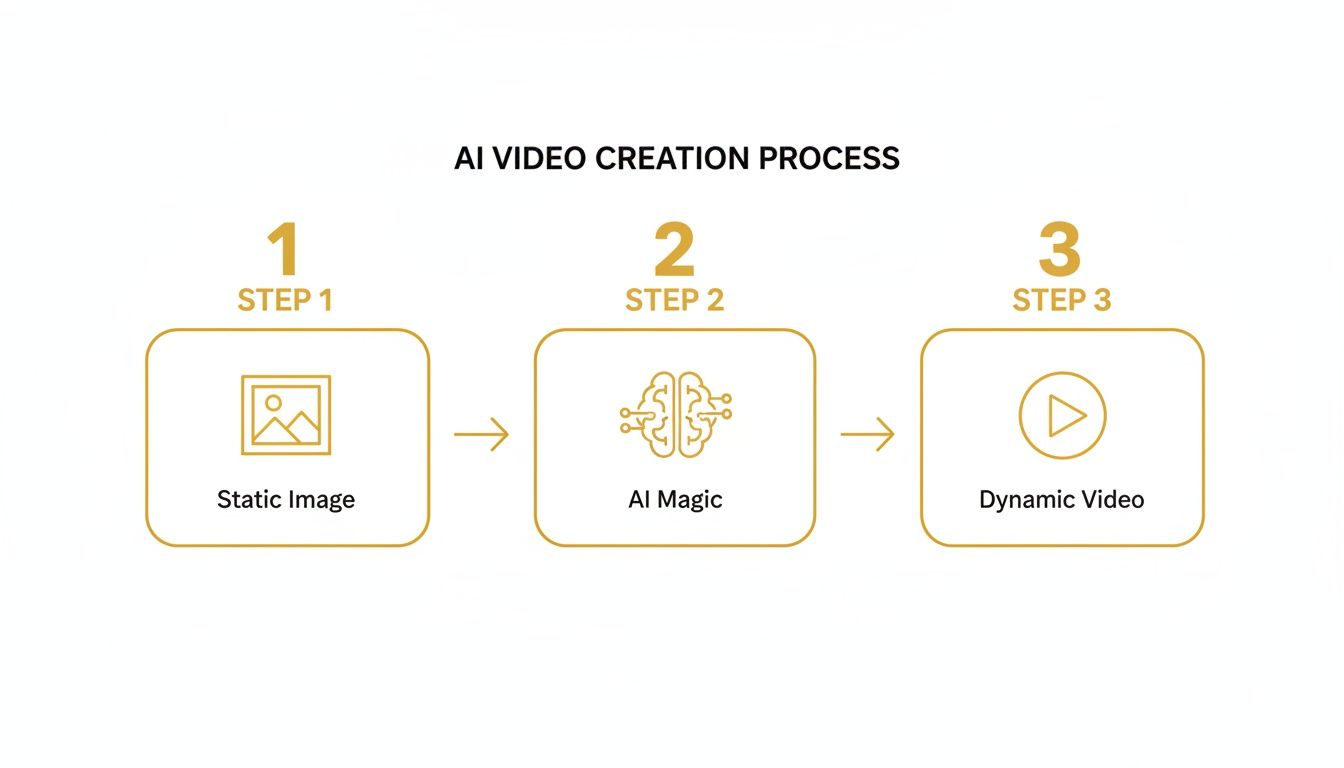
As you can see, that initial image is the foundation for everything that follows. It sets the ceiling for the quality you can achieve.
Nailing the Likeness and Fidelity
One of the biggest challenges in AI video is keeping the subject looking consistent and realistic from frame to frame. This is often called likeness fidelity, and it's where many tools fall flat. While platforms like PhotoMaxi are built to handle this well, you can give the AI a serious head start.
For portraits, a clean, forward-facing shot with neutral, even lighting is the gold standard. It gives the AI the most accurate data possible to learn your subject’s unique features.
A well-prepared image isn't just a starting point—it's your instruction manual for the AI. By feeding it a clean, high-res photo with an obvious subject, you're basically telling it exactly what you want the final video to look like.
If you're a real perfectionist, you can take it one step further. You can actually generate AI images from a photo first to create the perfect base image. This gives you complete control, ensuring your AI character looks consistently on-model through every second of the animation.
Directing Your AI With Effective Prompts
Okay, you've got your image prepped and ready to go. Now comes the fun part: playing director. This is where you take your creative vision and translate it into clear instructions for the AI. An ai generated video from image is only as good as the prompts you feed it, so being specific isn't just a suggestion—it's essential.
Simply telling the AI to "make the person walk" is a bit like telling an actor to "act." It leaves way too much room for interpretation. Where are they walking? How fast? What’s the mood? Good prompt engineering is all about layering these details to build a complete scene, leaving nothing to chance. You're not just making a request; you're writing a script.
Let's look at a real-world example. The difference between a lazy prompt and a great one is night and day.
- Vague Prompt: "A woman walking."
- Detailed Prompt: "A woman in a red coat is walking quickly through a bustling, rain-slicked city at night. The camera follows her from a low angle, capturing the reflection of neon signs in the puddles."
See the difference? The second prompt paints a picture. It gives the AI everything it needs: the character's action, the atmosphere of the setting, and the camera's perspective. The result is a far more compelling, cinematic moment.
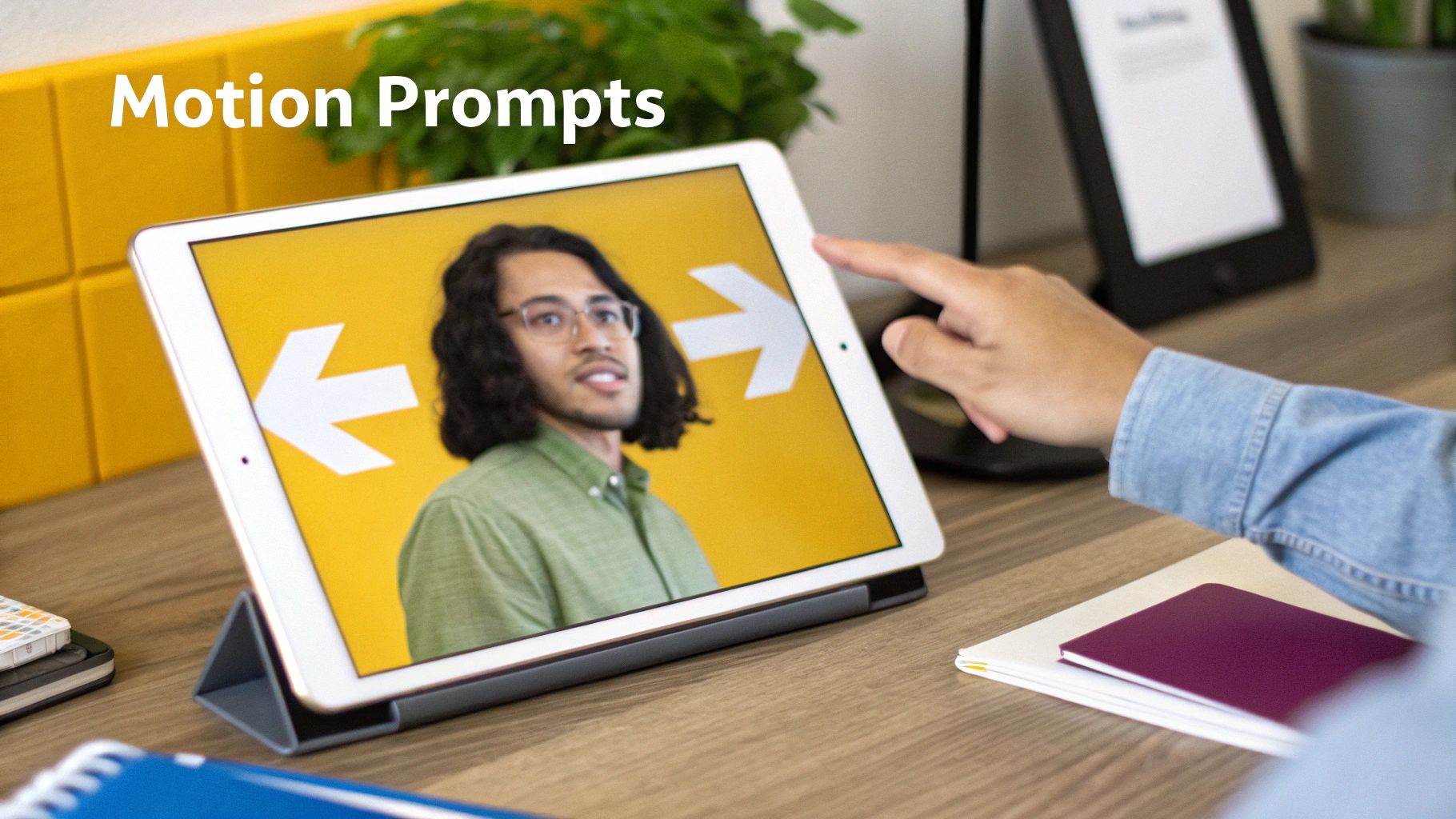
Mastering Cinematic Language
To really take control, you need to start thinking like a filmmaker. Sprinkling cinematic terms into your prompts gives you an incredible amount of precision over the final shot. Tools like PhotoMaxi are built to understand this language, letting you create truly professional-looking videos.
Get familiar with these core camera movements:
- Pan Left/Right: Sweeps the camera horizontally, like turning your head.
- Tilt Up/Down: Moves the camera vertically, like nodding.
- Zoom In/Out: Brings the subject closer or pushes it further away by adjusting the lens.
- Dolly In/Out: Physically moves the entire camera toward or away from the subject. This creates a much more immersive effect than a simple zoom.
- Crane Shot: Lifts the camera high into the air, giving a bird's-eye view of the scene.
When you start combining these camera directions with character actions, your videos come alive. A prompt like, "close-up shot of a man smiling, slow dolly out to reveal he is standing on a mountain peak at sunrise," tells a complete story in a single shot.
Your prompt is the script, the storyboard, and the director's notes all rolled into one. The more visual detail you provide, the less the AI has to guess, and the closer the final video will be to what you imagined.
This table breaks down how to combine different prompt elements to achieve specific cinematic effects.
Effective Prompting Techniques for Camera and Subject Motion
| Desired Effect | Subject Action Prompt Example | Camera Motion Prompt Example | Resulting Scene |
|---|---|---|---|
| Dramatic Reveal | "a lone astronaut plants a flag on a desolate Martian landscape" | "slow crane shot, pulling up and away to reveal the vast, red cratered surface" | An intimate moment of triumph expands into a breathtaking view of an alien world. |
| Sense of Speed | "a vintage sports car races down a winding coastal highway" | "low-angle tracking shot, panning right to keep the car centered in the frame" | The viewer feels the velocity and excitement of the drive, right alongside the car. |
| Intimate Emotion | "a tear rolls down an elderly woman's cheek as she looks at an old photograph" | "very slow dolly in, tightening the focus on her eye and the single tear" | A subtle, powerful shot that draws the audience into the character's emotional state. |
| Building Suspense | "a figure stands silhouetted at the end of a long, dark hallway" | "slow, steady zoom in on the mysterious figure, keeping them in shadow" | The gradual magnification builds tension and makes the viewer wonder who or what is waiting. |
Using this framework helps you think through the layers of your scene, ensuring both the subject and the camera are working together to tell your story.
Fine-Tuning Motion and Intensity
Beyond the big camera moves, you also have control over the feel of the motion. PhotoMaxi's controls let you specify the intensity of the action, from gentle, ambient movement to high-energy, dramatic sequences.
For instance, you might just want to bring a portrait to life. A prompt like, "a woman with long hair, gentle breeze blowing her hair, subtle smile" creates a "living photo" with just enough realistic movement to be captivating.
On the other hand, for an action shot, you could write, "a soccer player kicking a ball with force, the camera tracks the ball as it flies toward the goal." This tells the AI you want fast, powerful motion.
This level of control ensures your ai generated video from image matches the exact tone you're going for. The key is to experiment. Mix and match action verbs, adverbs, and cinematic terms to see what you can create. That's how you'll unlock the true power of this technology.
Getting Consistent Visuals and Smooth Motion
Nothing screams "low-quality AI video" louder than inconsistency. We've all seen it—that weird digital "shimmer" where a character's face subtly warps, their hair color flickers for a split second, or a detail on their clothing just vanishes between frames. It's a common hurdle, but one you can absolutely clear.
The heart of the problem is something called temporal coherence, which is really just a fancy way of saying the video stays stable and believable from one moment to the next. When an AI loses that coherence, the illusion is broken. This is exactly why a tool like PhotoMaxi is built to prioritize likeness fidelity, making sure your AI avatar or character looks the same from every angle. If you're building a brand or a recognizable character, this isn't just nice to have; it's essential.
Nailing Likeness Fidelity
Keeping a consistent appearance, especially for faces, is completely non-negotiable for professional-grade results. Think about it: if you're creating an AI influencer or a virtual spokesperson, you can't have their face changing slightly in every clip. Your audience will spot it immediately, and the character will lose all credibility.
PhotoMaxi tackles this by using models trained specifically to lock onto a subject's unique features—the structure of a face, the shape of the eyes, and other key details that make them recognizable.
You can also give the AI a helping hand by using a consistent seed value when generating related clips. The seed is basically the starting point for the AI's creative process. Reusing the same seed encourages the AI to produce visually similar outputs, which is a huge advantage for consistency.
Creating Fluid, Believable Motion
Beyond just looking the same frame to frame, the movement itself has to feel natural. Choppy, robotic motion is another dead giveaway that you're watching a machine's work. This is where frame interpolation becomes your best friend.
Frame interpolation is the process of intelligently generating new frames between the existing ones to create smoother, more fluid action. The difference between a clunky 10 frames-per-second clip and a smooth 30 frames-per-second video is night and day.
It's no surprise that businesses are flocking to tools that can do this well, with many citing huge reductions in time (78.8%) and cost (44.1%) as major benefits. Some platforms can now take a still image and turn it into a fluid 30 FPS video at resolutions like 1216x704 in real-time. This is how you get those crisp textures and believable movements that feel professionally shot. If you want to dive deeper, you can discover more insights about AI video statistics and see the full picture.
Your goal should be to make a video where the AI's hand is completely invisible. Smooth motion and consistent character appearance are the two pillars that hold up that illusion. Get them right, and your audience will forget they're watching an animation and just connect with your story.
To catch subtle mistakes in your own work, keep an eye out for these telltale signs:
- Warping Backgrounds: Look closely at straight lines and patterns in the background. Do they bend or distort as your subject moves?
- Unnatural Physics: How does hair or clothing react to movement? If it floats weirdly or clips through the character's body, your coherence is off.
- Flickering Details: Tiny elements like jewelry, logos on a shirt, or even facial moles can appear and disappear between frames. Pause and scrub through your video slowly to catch them.
By focusing on these details and starting with a tool built for consistency, you can elevate your work from a fun AI experiment to truly polished, professional content.
Refining Your AI Video in Post Production
The AI has done its part, handing you the raw footage created from your image. But this is where the real magic happens. The post-production phase is where you take a cool AI experiment and turn it into a professional-looking video, and you'll find many of the tools you need right inside platforms like PhotoMaxi.
Your first move should almost always be AI upscaling. This process boosts your video's resolution, sharpening the details for crisp playback on any screen. It's the difference between a video that looks "good enough" and one that looks truly high-quality. Don't overlook this—sharpness is one of the first things viewers notice.
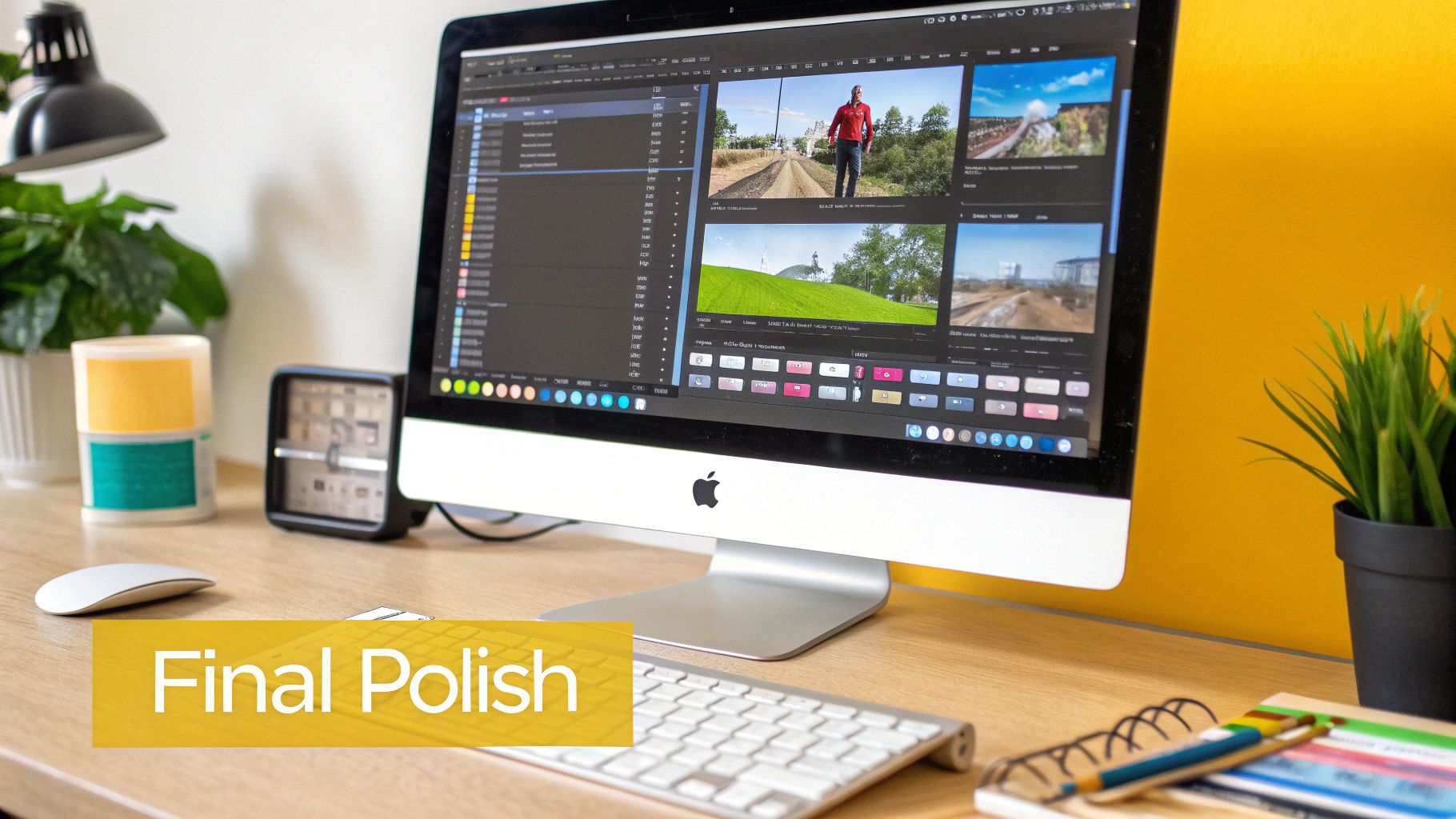
Next up, let's talk about mood. With relighting, you can completely alter the atmosphere of your generated scene. A bright, sunny day can become a dramatic golden hour or even a moody twilight scene in just a few clicks. This is a powerful way to inject emotion into your video and make it connect with your audience on a deeper level.
Assembling Your Narrative
It's rare for a single AI clip to tell the entire story. That's where multi-model composition comes into play—which is really just a fancy way of saying you're editing several AI clips together. Think like a director: combine an establishing shot, a close-up, and an action sequence to build a story that flows.
This is also where basic video editing principles are your best friend:
- Trim the fat: Snip out any awkward pauses or moments where the AI motion feels a bit off. Keep only the absolute best parts of each clip.
- Smooth transitions: Simple cuts and fades are often all you need to connect your shots seamlessly and guide the viewer's attention.
- Bring in sound: A great soundtrack or a few subtle sound effects can instantly elevate the final video, making it feel polished and professional.
Post-production is your final quality control gate. It’s your chance to clean up minor AI quirks, sharpen the visuals, and weave individual clips into a cohesive story that’s ready for Instagram, TikTok, or your e-commerce store.
The technology behind image-to-video AI has come a long way, with new models that can handle realistic physics and complex movements from a single still frame. This is the kind of advanced tech powering platforms like PhotoMaxi, allowing you to generate studio-quality videos of your AI self in all sorts of scenarios.
Taking these post-production steps ensures your ai generated video from image doesn't just look cool, but feels intentional and well-crafted. If you want to get a head start on quality, check out our guide on creating realistic AI photos—a better source image always leads to a better final video.
Got Questions? We've Got Answers
Jumping into AI video generation from a single image can feel like a whole new world, and it's natural to have questions. Whether you're a pro looking to speed up your workflow or just getting started, a little clarity goes a long way. Here are some of the most common things people ask.
How Long Does This Actually Take?
Honestly, it varies. The time it takes to generate a video isn't set in stone. It really depends on what you're asking the AI to do. A simple, short clip using a tool like PhotoMaxi might be done in a couple of minutes.
But if you're creating a longer, more detailed scene with complex camera moves and high-resolution output, you’ll need to give it a bit more time. Think of it like rendering any other video. Your plan level can also make a big difference; higher tiers on PhotoMaxi usually give you priority access and let you run multiple renders at once, which is a lifesaver when you're working on a big project or a marketing campaign.
Can I Actually Use These Videos for My Business?
Yes, you absolutely can—but you have to check the fine print. This is probably the single most important detail to confirm before you build a business strategy around AI-generated content. The rights depend entirely on the terms of service of the tool you're using.
With PhotoMaxi, we built our higher-tier plans with professionals in mind. They come with full commercial usage rights, so marketers, agencies, and brands can create content for ads, social media, or product demos without worrying about licensing issues.
No matter what tool you use, always take a minute to read the licensing agreement. It'll save you a major headache down the road.
How Can I Get the AI Character to Look Like My Photo?
Keeping the character's face consistent is a huge challenge in AI video, and it’s something we’ve spent a ton of time perfecting at PhotoMaxi. Our models are specifically trained for high likeness fidelity, meaning they're designed to keep the person in the video looking like your source image, even as they move or the lighting changes.
To get the best results, you need to give the AI a good starting point. Use a high-quality photo where the person is facing forward in good, clear lighting. Make sure their face isn't covered by shadows, hair, or anything else. This clean data helps the AI lock onto their features, preventing the weird face-warping you see with a lot of other tools.
What are the Common Pitfalls to Sidestep?
A few common mistakes can trip people up and really hurt the final quality of their video. If you can steer clear of these three, you'll be way ahead of the game.
- Starting with a bad photo. This is mistake number one, and it's a big one. A blurry, low-resolution, or poorly lit image will only ever produce a blurry, inconsistent video. Garbage in, garbage out.
- Writing lazy prompts. Don't be vague. If you want a specific outcome, you need to tell the AI exactly what to do. Describe the action, the camera angle, the mood—the more detail, the better. Guide the AI toward your vision.
- Skipping post-production. The raw clip the AI gives you is a great start, but it's rarely the finished product. A little bit of work in post—like upscaling, color correcting, or adding sound and music—can turn a good clip into something truly professional. Those extra few minutes make a world of difference.
Ready to stop imagining and start creating? With PhotoMaxi, you can transform a single image into a stunning, monetizable video in minutes. Start your journey with PhotoMaxi today!
Related Articles


Ready to Create Amazing AI Photos?
Join thousands of creators using PhotoMaxi to generate stunning AI-powered images and videos.
Get Started Free