
The 12 Best AI Portrait Generators for Photorealistic Results in 2026
The demand for high-quality, diverse, and on-brand visual content has never been higher. Traditional photoshoots, however, are expensive, time-consuming, and logistically complex. This is where AI portrait generators step in, offering a powerful alternative that can produce stunning, photorealistic images in minutes, not weeks. These tools solve a critical problem for creators and businesses: the need for a scalable, cost-effective way to generate professional-grade portraits for everything from social media profiles to extensive marketing campaigns.
But with a crowded market, how do you choose the right tool? Navigating the options to find the best AI portrait generators can be challenging, as each platform offers a unique blend of features, output quality, and pricing. This guide cuts through the noise. We've rigorously tested and analyzed the top platforms, including specialized tools like PhotoMaxi and major players like Midjourney and DALL·E, to bring you a definitive, in-depth comparison.
We'll dive deep into their core strengths, hidden limitations, and ideal use cases. You will find out which tools excel at creating professional headshots, which are best for generating monetizable digital avatars, and which can power an entire social media content strategy. For each entry, we provide a detailed analysis with screenshots and direct links to help you find the perfect fit for your specific creative or business needs. This resource is designed to help you make an informed decision and select the ideal platform to elevate your visual content.
1. PhotoMaxi
PhotoMaxi distinguishes itself as one of the best AI portrait generators by functioning as a comprehensive, all-in-one production studio rather than just an image creation tool. Its standout capability is training a private, reusable AI model from a single uploaded photo. This model then becomes the foundation for generating unlimited studio-quality portraits and even cinematic video sequences with remarkable consistency.
This platform directly addresses a major pain point in AI generation: maintaining a high-fidelity likeness. Where other tools often struggle with distorted faces or inconsistent character features across different images, PhotoMaxi excels. This makes it a reliable choice for creators and businesses needing a dependable digital twin for social media content, product shots, or virtual try-ons. The platform integrates a full suite of production tools, including batch creation, upscaling, relighting, and robust prompt controls.
Key Features & Use Cases
- Single-Image Model Training: Train a reusable AI model from one photo for consistent, high-fidelity likenesses.
- End-to-End Production Tools: Go beyond generation with built-in editing, upscaling, relighting, and batch creation for social media workflows.
- Image-to-Video Capability: Transform static AI portraits into dynamic, cinematic video clips starring your AI model.
- Commercial & E-commerce Focus: Features like virtual try-ons and Shopify integration make it ideal for brands, while commercial usage rights on higher tiers support professional creators.
Pricing Structure
PhotoMaxi offers a tiered subscription model to suit different needs:
- Starter: For personal use with limited features and slower processing.
- Pro: Ideal for creators, adding commercial rights and faster, parallel renders.
- Premium: Unlocks higher likeness fidelity, advanced editing, and video generation.
- Ultra: An enterprise-grade plan with maximum throughput, priority speed, and storage.
Pros & Cons
| Pros | Cons |
|---|---|
| Excellent Likeness & Consistency: Solves the common AI problem of distorted or inconsistent faces. | Feature Gating: Key features like commercial rights, high fidelity, and video are locked behind more expensive Pro/Premium tiers. |
| All-in-One Workflow: Integrates generation, editing, upscaling, and video, reducing the need for multiple tools. | No Third-Party Awards: Lacks official certifications, though user testimonials provide strong social proof. |
| Single Photo Training: Drastically simplifies the model creation process compared to tools requiring dozens of images. | Starter Plan is Limited: The entry-level tier is primarily for testing and personal use, with lower quality and slower speeds. |
| Scalable for Business: Clear tiers and commercial features make it a viable solution for professionals and e-commerce brands. | Monetization Requires Due Diligence: Users should carefully review licensing terms for large-scale commercial use. |
Best For: Content creators, marketing teams, and e-commerce businesses that require consistent, high-quality AI-generated portraits and videos for commercial use. For those interested in the technical aspects, you can find a guide to creating realistic AI photos on PhotoMaxi.com.
Website: https://photomaxi.com
2. OpenAI Images (DALL·E / GPT Image 1)
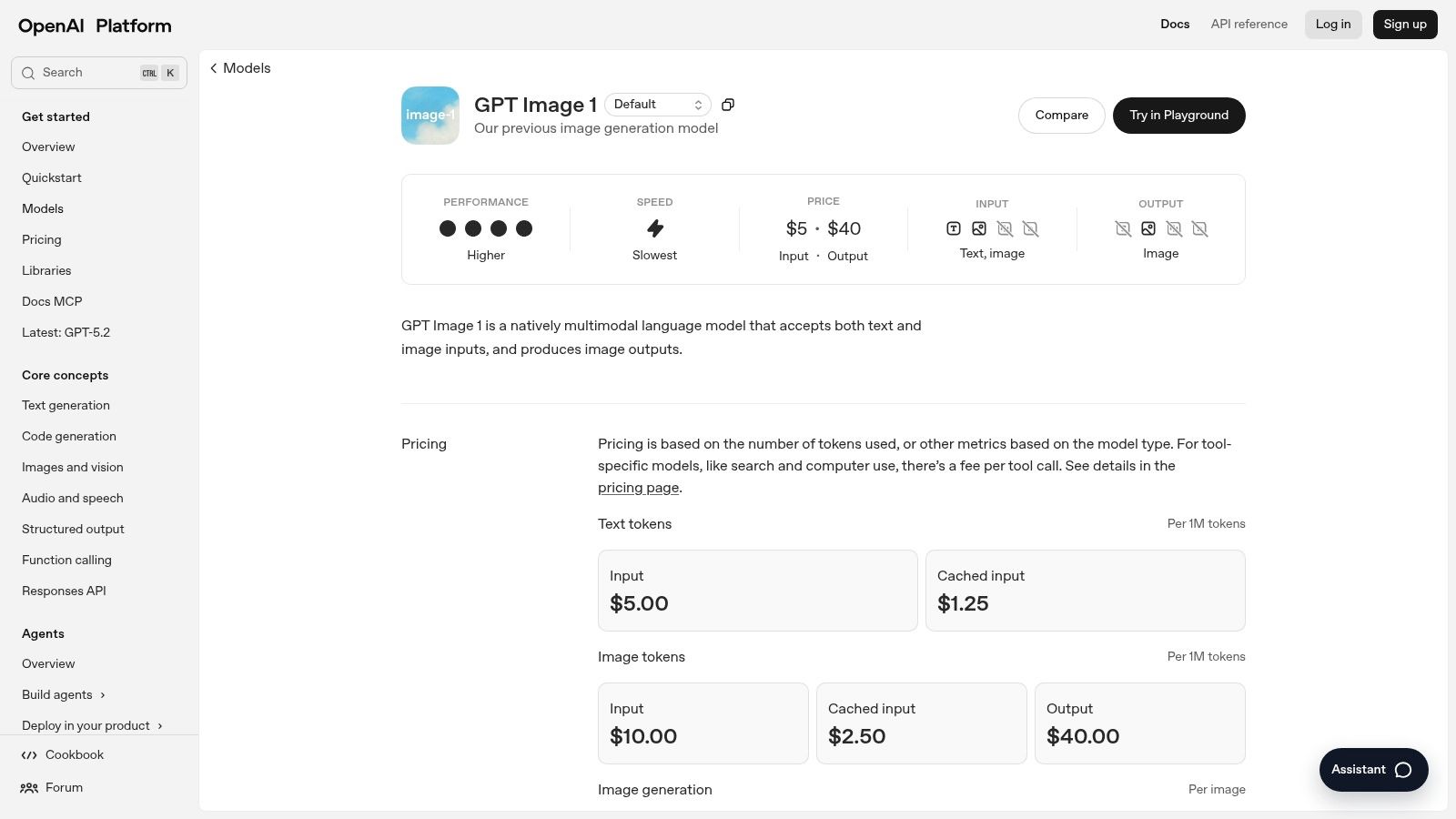
OpenAI's suite of image generation models, including the DALL·E and GPT Image 1 families, represents a powerful and versatile option among the best AI portrait generators. Accessed through the user-friendly ChatGPT interface or a robust API for developers, this platform excels at creating everything from photorealistic headshots to highly stylized character portraits. Its deep integration with the GPT language model allows for exceptionally nuanced and conversational prompt control, setting it apart from many competitors.
Key Features and User Experience
For casual users, generating portraits within ChatGPT is as simple as typing a description. For developers and businesses, the Images API offers programmatic access, enabling automation and integration into custom applications. Key features include multiple quality tiers, in-painting for edits, and enterprise-level safety controls.
- Access: Available to ChatGPT Plus subscribers and via the OpenAI API for developers.
- Pricing: Included with a ChatGPT Plus subscription (with usage limits) or pay-as-you-go per image via the API. API pricing is tiered by quality and resolution, starting from $0.015 per image.
- Pros: Fine-grained control over cost and quality via API; continuously updated models; intuitive conversational interface in ChatGPT.
- Cons: API pricing can be complex for beginners; free tiers in ChatGPT may face limits during peak demand.
Best for: Developers needing a scalable API and individuals seeking an intuitive, chat-based portrait generation experience.
Visit OpenAI Images (DALL·E / GPT Image 1)
3. Midjourney
Midjourney has established itself as a premier platform among the best AI portrait generators, renowned for its distinct artistic flair and ability to produce highly stylized, fashion-forward, and often strikingly beautiful images. Operating primarily through a Discord server, it fosters a vibrant community where users generate and share their creations. While it requires a bit of a learning curve, its powerful model excels at interpreting creative prompts to deliver compelling and aesthetically strong portraits that stand out from the competition.
Key Features and User Experience
Interaction with Midjourney happens via text commands within its Discord server, though a web interface for gallery management is also available. The platform's strength lies in its opinionated aesthetic, which is ideal for editorial looks and artistic concepts. This approach is a key part of the broader conversation about the role of AI for photography. Subscription plans offer different tiers of "Fast" generation hours, with higher-cost plans including privacy modes and unlimited "Relax Mode" generation.
- Access: Available through a paid subscription, with all image generation managed via the Midjourney Discord server.
- Pricing: Subscription-based, with four main tiers (Basic, Standard, Pro, Mega) starting at around $10/month. Plans vary based on GPU time and access to features like Stealth Mode.
- Pros: Produces exceptionally high-quality, artistic portraits; large and active community for inspiration; unlimited generation options on higher-tier plans.
- Cons: The Discord-based interface is less intuitive for beginners; user reports mention slow or limited customer support for some billing issues.
Best for: Artists, designers, and creators looking for a distinctive, highly stylized aesthetic for their portraits and character concepts.
4. Adobe Firefly
Adobe's generative AI model, Firefly, is an excellent choice for creators already invested in the Adobe ecosystem. It is designed from the ground up to be commercially safe, trained on Adobe Stock images and public domain content. This focus on brand-safe generation, combined with its deep integration into Photoshop and Adobe Express, makes it a powerhouse for professional workflows, moving beyond simple generation to a complete editing pipeline.
Key Features and User Experience
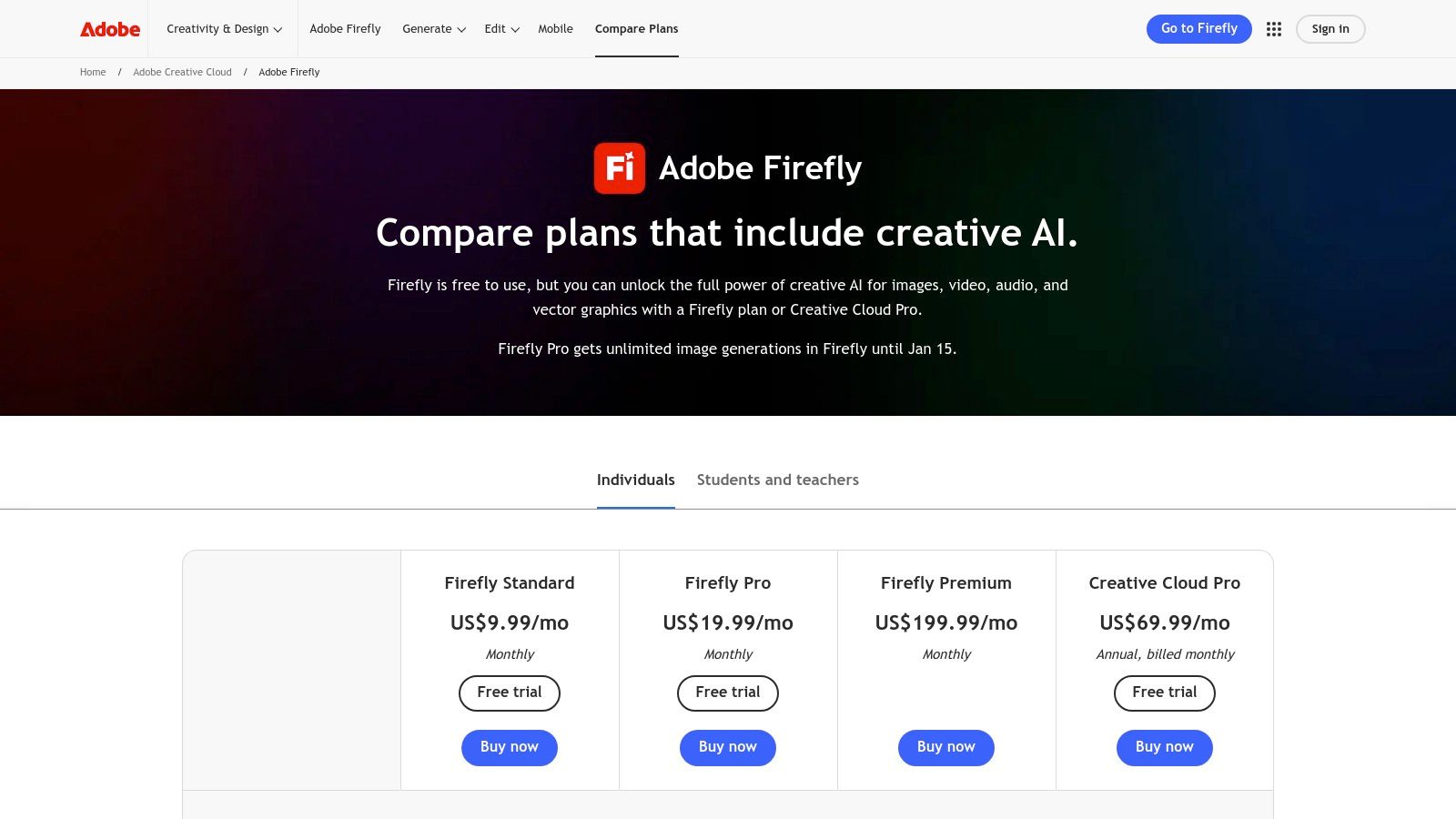
Firefly's strength lies in its integration. Features like Generative Fill and Generative Expand inside Photoshop allow users to seamlessly add, remove, or extend parts of a portrait with AI. The user experience is cohesive across Adobe's web and mobile apps, offering a familiar interface for designers and marketers. It operates on a credit-based system, with various plans available.
- Access: Available through a free plan, individual Adobe Firefly plans, or included with most Adobe Creative Cloud subscriptions.
- Pricing: A free tier offers 25 generative credits per month. Paid plans start at $4.99/month for 100 credits and no watermarks. Creative Cloud plans include a larger allocation of credits.
- Pros: Deep integration into existing professional workflows (Photoshop, Express); trained on a commercially safe dataset; strong editing and post-processing capabilities.
- Cons: The credit system can be confusing across different plans; recent changes to pricing and plan structures have caused some user confusion.
Best for: Creative professionals, marketers, and businesses that need a commercially safe portrait generator integrated directly into their design and editing software.
5. Stability AI – DreamStudio
DreamStudio is Stability AI's official web interface for its powerful Stable Diffusion models, including the latest SDXL series. It serves as a versatile and accessible platform for creating high-quality AI portraits, bridging the gap between simple consumer apps and complex developer tools. The platform is known for providing fine-grained control over the generation process, including prompt engineering, seed control, and image-to-image transformations, making it a favorite among users who want to iterate and refine their creations.
Key Features and User Experience
DreamStudio's user experience is centered around a flexible credit system that allows for pay-as-you-go usage. This system is interoperable with the Stability API, making it seamless for users to transition between the web UI for experimentation and the API for scaled production. Key features include advanced settings for steps and CFG scale, multiple aspect ratios, and integrated upscaling to enhance portrait detail.
- Access: Web-based platform with a free trial credit allotment upon sign-up.
- Pricing: Pay-as-you-go credit system. Credits can be purchased in packs, starting from $10 for 1,000 credits. The cost per image varies based on generation parameters like resolution and step count.
- Pros: Low entry cost with a flexible pay-as-you-go model; credits are usable across both DreamStudio and the API; access to the latest open-source models from Stability AI.
- Cons: Credit usage can be complex as it varies with settings, making per-image cost less predictable; advanced users seeking maximum control might prefer self-hosting the models.
Best for: Developers and enthusiasts who want API access and a powerful web UI with a flexible, pay-as-you-go pricing model.
Visit Stability AI – DreamStudio
6. Lensa (Prisma Labs) – Magic Avatars
Lensa, by Prisma Labs, carved out a significant niche among the best AI portrait generators with its viral "Magic Avatars" feature. This mobile-first application specializes in transforming a user's uploaded selfies (typically 10-20 photos) into a diverse pack of stylized, artistic portraits. It’s designed for simplicity and speed, making it an incredibly popular choice for social media users looking to quickly generate shareable, high-quality avatars without the complexity of prompt engineering.
Key Features and User Experience
The user experience is centered around a streamlined mobile app available on both iOS and Android. After a quick onboarding process where users upload their photos, the app handles the rest, delivering a set of themed avatars. The platform also includes a suite of more traditional photo editing and retouching tools. To explore the process of turning your photos into digital alter egos, you can learn more about how to create an AI avatar from a photo.
- Access: Available as a mobile app on iOS and Android with in-app purchases and subscriptions.
- Pricing: Users can buy avatar packs individually or subscribe for a yearly plan that often includes a set number of avatars per month and access to all editing features. Pricing can vary by region and app store.
- Pros: Extremely simple user experience ideal for beginners; produces viral-quality, stylized avatars; subscriptions offer recurring avatar quotas for frequent users.
- Cons: Less control over the final output compared to prompt-based generators; past reports noted potential for biased or over-sexualized results.
Best for: Social media users and individuals wanting a fast, easy way to generate a wide variety of stylized avatars for their profiles.
Visit Lensa (Prisma Labs) – Magic Avatars
7. Remini (Bending Spoons)
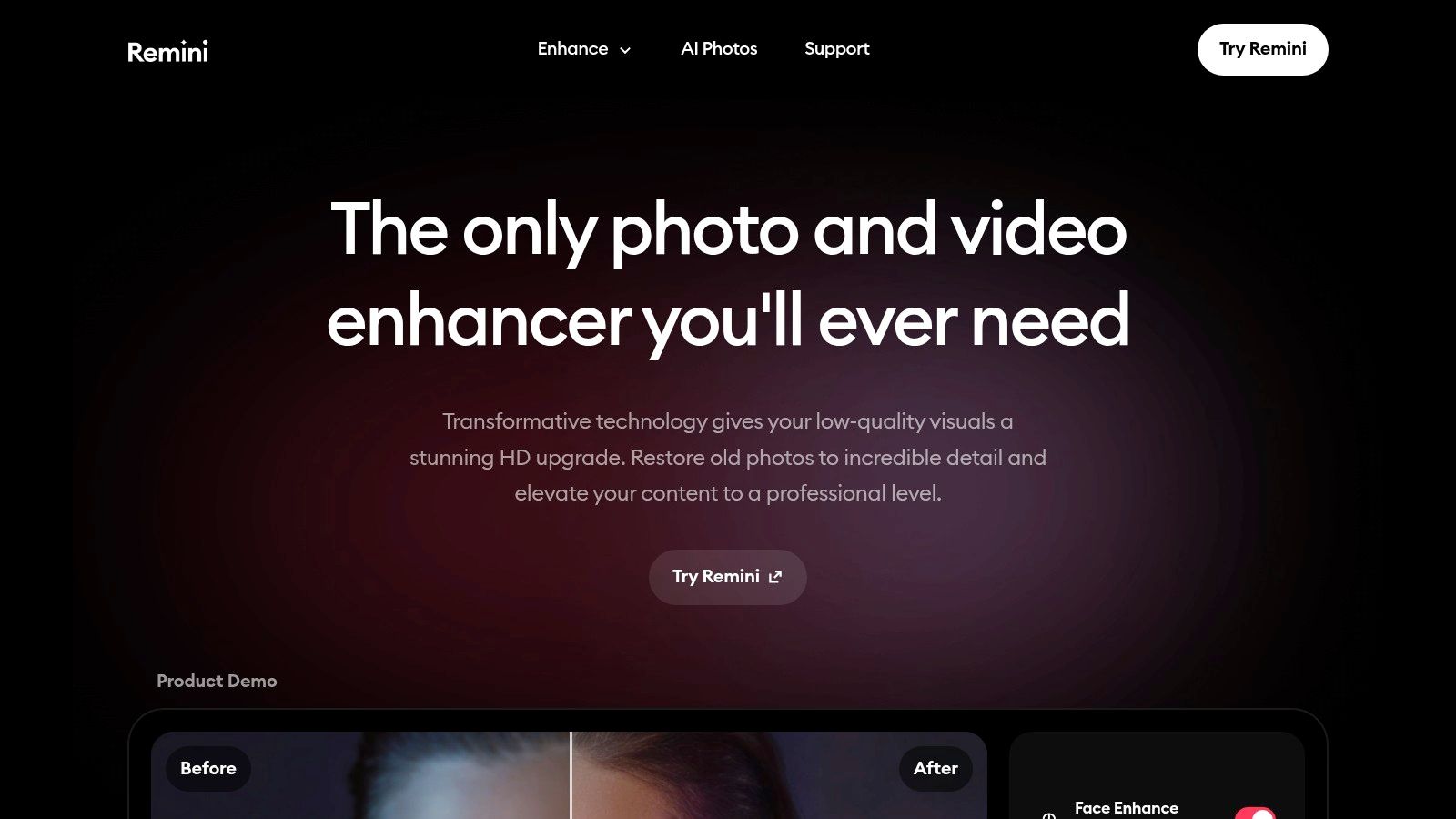
Remini has established itself as a go-to mobile-first app for AI-powered photo enhancement and portrait generation. While it started as a tool for sharpening and upscaling blurry images, it has evolved into a robust platform offering a suite of AI portrait and headshot features. Its primary strength lies in its ability to transform existing low-quality selfies into crisp, professional-looking photos, making it a popular choice for social media users and individuals seeking quick profile picture upgrades without a steep learning curve.
Key Features and User Experience
The user experience is centered around a streamlined mobile workflow, where users upload existing photos and select from various enhancement or generative AI styles. The platform provides numerous templates for creating professional headshots, stylized avatars, and creative portraits. Its batch generation capability is a notable feature, allowing users to create dozens of avatar variations from a single set of uploaded images, which is perfect for finding the ideal look.
- Access: Primarily available through mobile apps on iOS and Android, with some features on its website.
- Pricing: Operates on a freemium model with in-app purchases and subscriptions. Weekly or annual plans unlock unlimited use, batch processing, and remove watermarks. Pricing varies by region and operating system.
- Pros: Excellent at improving and upscaling existing selfies with high-quality results; the mobile interface is extremely intuitive and easy to use.
- Cons: Subscription costs can be significant depending on the plan and region; fewer fine-tuning controls compared to desktop-based generators.
Best for: Individuals and social media influencers seeking a fast, mobile-friendly way to enhance selfies and generate stylish AI avatars and headshots.
8. Fotor – AI Avatar/Headshot
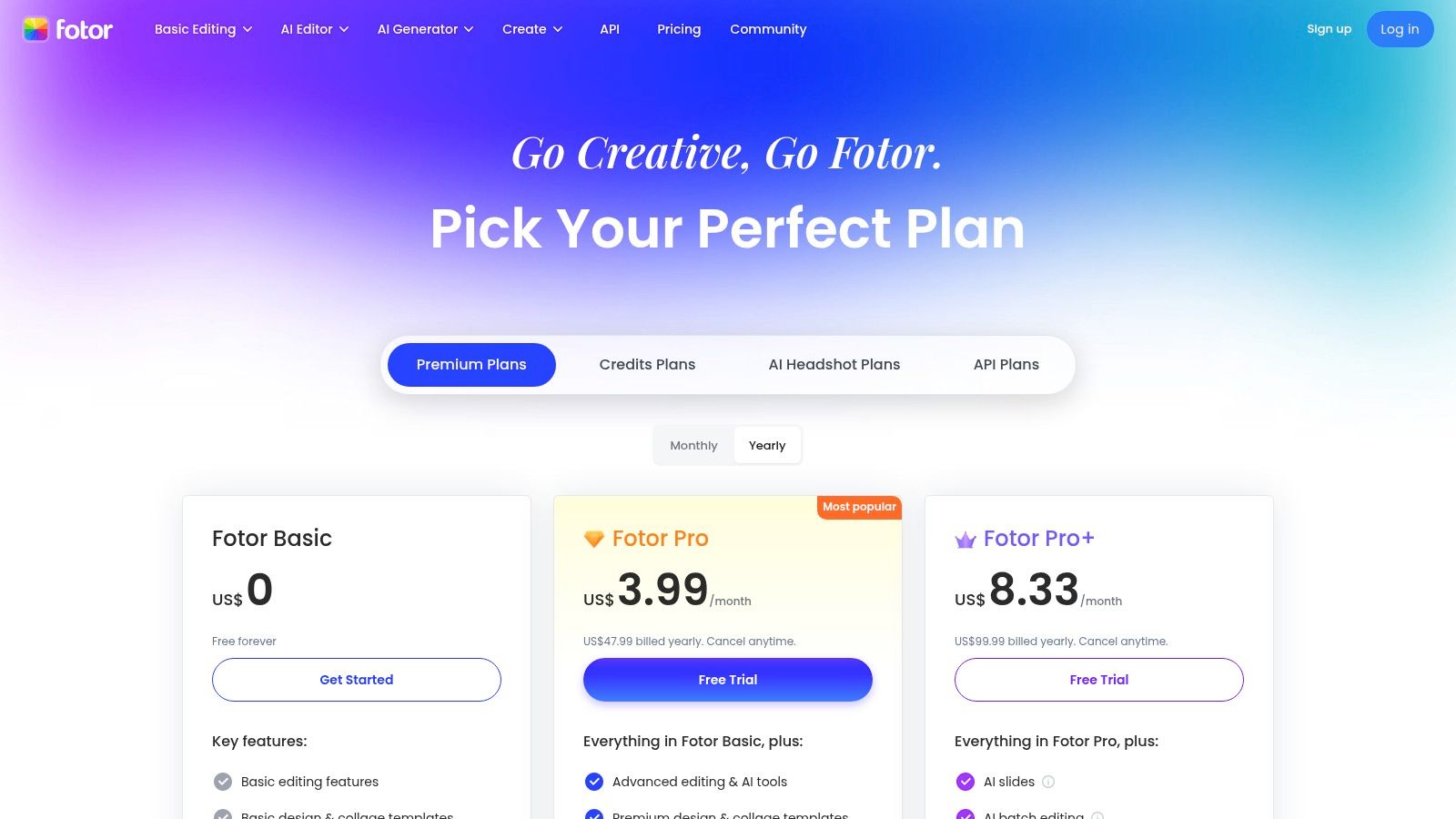
Fotor stands out as a comprehensive, all-in-one photo editing suite that integrates powerful AI portrait generation capabilities. Unlike standalone generators, Fotor combines its AI Avatar and Headshot tools with a full editor, allowing users to create, refine, and perfect their images within a single platform. This integrated approach is ideal for users who need more than just portrait creation, offering tools like background removal, upscaling, and batch processing to streamline their entire creative workflow.
Key Features and User Experience
Fotor offers two primary ways to access its AI features: one-time purchases for specific AI Avatar packs or a subscription model. The platform is designed to be user-friendly, catering to both casual users wanting a new profile picture and professionals needing a suite of editing tools. Features like private mode for AI generation add a layer of security for users handling sensitive imagery.
- Access: Web-based platform and mobile app with both free and paid tiers.
- Pricing: One-time AI Avatar bundles are available, with costs varying by image count and style. Fotor Pro/Pro+ subscriptions offer monthly generative credits and provide significant discounts on avatar pack pricing.
- Pros: An all-in-one photo editor and AI toolkit; dedicated avatar packs offer a focused experience; Pro subscribers receive discounted pricing.
- Cons: Avatar pack prices can fluctuate and may not always be displayed in USD on all pages, which can be confusing for international users.
Best for: Social media users and professionals looking for an integrated solution that combines AI portrait generation with a robust photo editing suite.
Visit Fotor – AI Avatar/Headshot
9. Artbreeder
Artbreeder offers a unique approach to AI portrait generation, focusing on remixing, cross-breeding, and fine-tuning images through an intuitive slider-based system. Instead of relying solely on text prompts, it allows users to blend existing portraits or "breed" new ones by adjusting "genes" that control attributes like age, gender, and artistic style. This collaborative and experimental workflow makes it a favorite among character designers and artists looking for creative inspiration and nuanced control over stylized portraits.

Key Features and User Experience
The platform is built around its core "Composer" and "Splicer" tools, which enable the creative morphing of images. The community aspect is also central, as users can build upon and remix the creations of others. While it incorporates standard text-to-image generation with SDXL, its main strength lies in the interactive, gene-editing interface that gives artists a different kind of creative control.
- Access: Web-based platform with a free tier and multiple paid subscription levels.
- Pricing: Operates on a credit-based system. Paid plans (Starter, Advanced, Champion) are available with monthly or discounted annual pricing, offering more credits, higher-resolution downloads, and features like Google Drive sync.
- Pros: Unique "breed/morph" workflow is excellent for stylized character design; active community provides endless inspiration; affordable annual plans.
- Cons: Less suited for generating photorealistic corporate headshots; the best features and highest quality outputs are locked behind paid tiers.
Best for: Character artists, game developers, and creative individuals who prefer an experimental, iterative approach to creating stylized portraits.
10. HeadshotPro
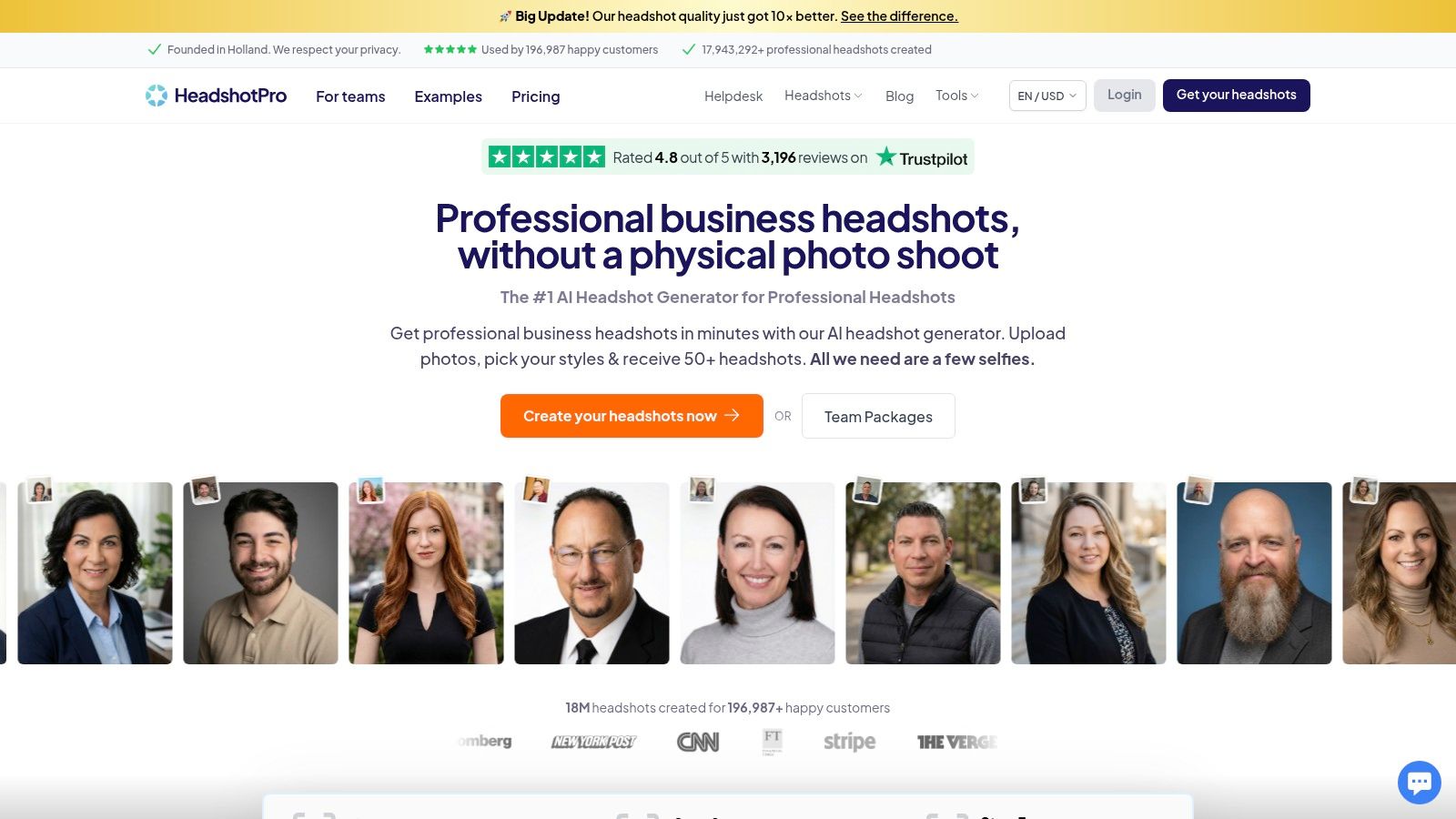
HeadshotPro distinguishes itself among the best AI portrait generators by focusing exclusively on creating realistic, business-ready portraits for individuals and corporate teams. This specialized service is engineered to produce high-quality, professional headshots suitable for LinkedIn, company websites, and marketing materials. It prioritizes creating usable, consistent images that reflect a user's likeness accurately, complete with options for professional attire and backdrops, making it a go-to for corporate applications.
Key Features and User Experience
The platform guides users through uploading a set of photos and selecting preferred styles, backdrops, and clothing options. Unlike instant avatar generators, HeadshotPro emphasizes quality, which can result in a slightly longer turnaround time. Its clear policies on data privacy, including defined deletion timelines for user inputs and generated outputs, build trust with users concerned about data handling. Users also retain full ownership and commercial rights to the final images.
- Access: Web-based platform with packages for individuals and remote teams.
- Pricing: One-time package fees for a set number of headshots; pricing and current offers should be checked on the site. A refund policy is offered if no usable headshots are produced.
- Pros: Reputation for high-quality, business-ready outputs; clear privacy, data deletion, and refund policies; full ownership and commercial rights.
- Cons: Turnaround can be slower than instant generators as quality is prioritized; more expensive than general-purpose AI image tools.
Best for: Individuals, entrepreneurs, and corporate teams needing professional-grade AI headshots with clear commercial usage rights.
11. Secta AI
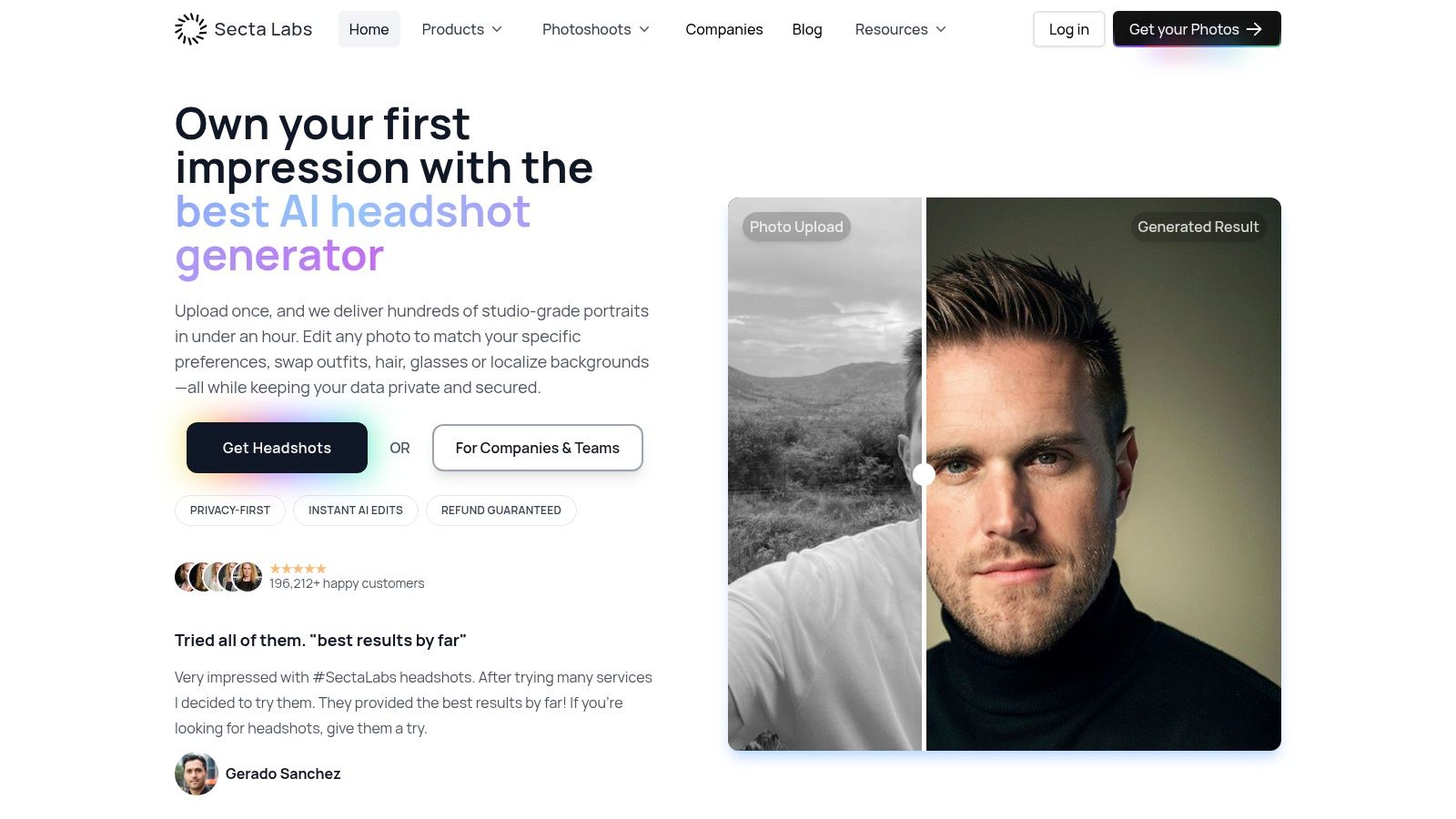
Secta AI has carved out a niche as one of the best AI portrait generators specifically for high-volume, professional headshots. It is designed for businesses and teams that require consistent, on-brand staff portraits at scale. The platform streamlines the creation process with features like team dashboards and brand kits, making it an excellent choice for updating company websites, LinkedIn profiles, or internal directories without the logistical challenges of a traditional photoshoot.
Key Features and User Experience
The user experience is tailored for organizational efficiency. Admins can invite team members, manage credits from a central dashboard, and enforce brand consistency across all generated headshots. Its standout feature is its speed, with many orders completed in under an hour, alongside robust editing tools for fine-tuning results.
- Access: Web-based platform with one-time personal plans and subscription-based team plans.
- Pricing: Personal plans start at a one-time fee. Team pricing is per-seat, with volume discounts available for larger organizations. Pricing pages can sometimes vary.
- Pros: Extremely fast turnaround for bulk orders; centralized team management and brand enforcement tools; unlimited "Remix" editing to refine portraits.
- Cons: Pricing information can be inconsistent across different landing pages; primarily focused on corporate headshots, with less stylistic variety than some competitors.
Best for: Companies and marketing teams needing to produce consistent, high-quality staff headshots quickly and at scale.
12. ProfilePicture.ai
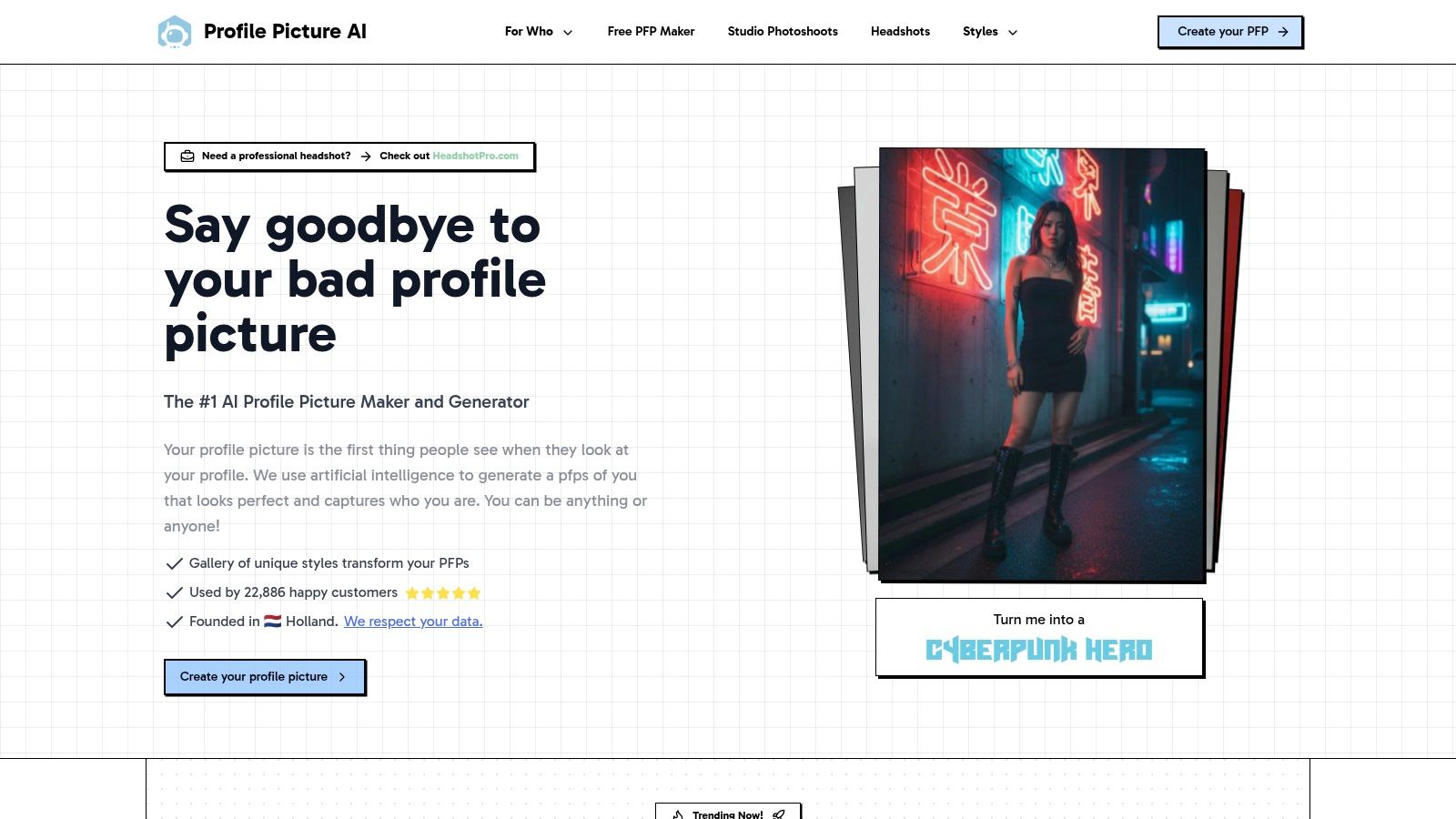
ProfilePicture.ai carves out a niche in the AI portrait space by focusing on a straightforward, package-based service for creating stylized avatars and profile pictures. Instead of complex subscriptions or credit systems, it offers clear one-time payment bundles that deliver a large set of themed images. This transparent approach is ideal for users who want predictable results and costs without committing to an ongoing plan, making it a reliable choice among the best AI portrait generators for specific, one-off projects.
Key Features and User Experience
The platform is built for simplicity. Users upload their photos, select a package with a predefined number of styles and images, and receive their generated portraits after the model is trained on their likeness. Key features include high-resolution outputs up to 4K, a clear data deletion policy, and the ability to get a refund before the training process begins. This consumer-friendly model removes much of the friction associated with more complex AI tools.
- Access: Web-based platform accessible to anyone with a one-time purchase.
- Pricing: One-time packages with clear deliverables, such as the Small, XL, or All packs. Payments are processed via Stripe with invoicing available.
- Pros: Transparent bundles with high-resolution outputs; simple, non-subscription purchasing experience; refunds are available before training starts.
- Cons: No free plan available; generated styles lean more toward artistic avatars and may be less suitable for formal corporate headshots.
Best for: Individuals and creators needing a large batch of stylized profile pictures for social media or personal branding without a recurring subscription.
Top 12 AI Portrait Generators — Comparison
| Product | Core features | Quality (★) | Price / Value (💰) | Target (👥) | Unique strengths (✨) |
|---|---|---|---|---|---|
| PhotoMaxi 🏆 | Single‑image model training; image→video; batch studio shots; editing/upscaling/relighting; Shopify try‑ons | ★★★★★ Dependable likeness & consistency | 💰 Starter → Ultra (credits, parallel renders; commercial on Pro+) | 👥 Creators, e‑commerce, agencies, enterprises | ✨ High‑fidelity likeness, end‑to‑end production toolkit, monetizable AI models |
| OpenAI Images (DALL·E / GPT Image 1) | ChatGPT UI + Images API; in‑paint/out‑paint; multiple sizes/tiers | ★★★★☆ Continually updated; strong safety | 💰 Per‑image / credit pricing; transparent API rates | 👥 Developers, product teams, ChatGPT users | ✨ Robust API, enterprise controls, editing endpoints |
| Midjourney | Discord/web generator; stylized portraits; subscription tiers & modes | ★★★★☆ Excellent aesthetic output; large community | 💰 Subscriptions (Basic→Mega); Relax mode for heavy users | 👥 Artists, designers, creatives | ✨ Distinctive artistic style and community presets |
| Adobe Firefly | Integrates with Photoshop/Express; generative fill; credit system | ★★★★☆ Brand‑safe & strong editing pipeline | 💰 Credits or Creative Cloud plans; commercial use clarity | 👥 Designers, brands, agencies | ✨ Adobe integration + documented IP/commercial safeguards |
| Stability AI – DreamStudio | Stable Diffusion UI; image‑to‑image, upscaling, prompt/seed control | ★★★★ Flexible quality/speed tradeoffs | 💰 Pay‑as‑you‑go credits; interoperable with Stability API | 👥 Developers, hobbyists, researchers | ✨ Open‑source model access and fine prompt/seed control |
| Lensa (Magic Avatars) | Mobile app; Magic Avatar packs from selfies; style packs | ★★★☆☆ Viral, fast results | 💰 In‑app purchases & subscriptions (varies by region) | 👥 Consumers, social users | ✨ Simple mobile UX and viral avatar styles |
| Remini | Face enhancer/upscaler; AI headshot templates; batch generation | ★★★☆☆ Strong upscaling for low‑res selfies | 💰 Subscription / in‑app purchases; regional pricing | 👥 Casual users needing enhancements | ✨ Fast face restoration & batch upscales |
| Fotor – AI Avatar/Headshot | Full editor + avatar packs; background remover; batch tools | ★★★☆☆ All‑in‑one toolkit | 💰 One‑time avatar bundles or Pro subscriptions | 👥 Small businesses & creators | ✨ Editor + avatar bundles with private mode |
| Artbreeder | "Genes" sliders to mix faces/styles; community remixing | ★★★★ Artistic control; nuanced morphing | 💰 Starter → Champion (credit/annual plans) | 👥 Character artists, stylized creators | ✨ Breed/morph workflow for detailed face editing |
| HeadshotPro | Headshot packages; commercial rights; privacy & refund policies | ★★★★ Produces business‑ready portraits | 💰 Package pricing; refunds if no usable shot | 👥 Professionals, teams, HR | ✨ Focus on polished corporate headshots and guarantees |
| Secta AI | High‑volume headshots; brand kits; team dashboard; Remix edits | ★★★★ Fast, consistent at scale | 💰 Volume/team pricing; custom quotes | 👥 Enterprises, HR, large orgs | ✨ Batch brand enforcement + quick turnaround |
| ProfilePicture.ai | One‑time packs with clear counts; up to 4K output | ★★★★ Predictable, high‑res deliverables | 💰 One‑time transparent bundles; no subscription | 👥 Individuals wanting fixed deliverables | ✨ Clear bundles, refunds before training starts |
Choosing Your AI Co-Creator: Final Thoughts on the Top Portrait Tools
The journey through the world of AI portrait generation reveals a vibrant and rapidly evolving landscape. We've explored a dozen powerful tools, each with its unique strengths, from the accessible mobile magic of Lensa and Remini to the professional-grade consistency of specialized services like HeadshotPro and Secta AI. The common thread is clear: generative AI is no longer a novelty but a powerful co-creator, fundamentally reshaping how we approach visual content creation.
Your choice of the "best" AI portrait generator is not about finding a single definitive winner but identifying the platform that aligns perfectly with your specific creative or business objectives. A casual user seeking a fun new profile picture has vastly different needs than a marketing team tasked with generating an entire campaign's worth of on-brand visual assets. The key is to look beyond the initial "wow" factor and critically assess each tool's long-term utility for your workflow.
From Single Images to Scalable Pipelines
The most significant distinction among the tools we've reviewed is their operational scope. Some platforms are excellent for one-off tasks but falter when asked to do more.
- For quick, stylized avatars and social media fun: Apps like Lensa, Remini, and Fotor are fantastic entry points. They are user-friendly, fast, and deliver impressive, shareable results with minimal effort. Their primary limitation is a lack of deep control and consistency, making them less suitable for professional or commercial projects where brand identity is paramount.
- For specialized professional headshots: Tools like HeadshotPro and Secta AI have carved out a crucial niche. They excel at producing high-quality, uniform headshots for corporate teams, solving a real-world business problem efficiently. Their focus, however, is intentionally narrow, and they aren't designed for broader creative exploration or diverse content generation.
- For unbound creative exploration: Platforms like Midjourney and Stability AI's DreamStudio offer unparalleled artistic freedom. They are the digital canvases for artists and experimenters who want to push the boundaries of imagination. The trade-off is often a steep learning curve and a significant challenge in maintaining character consistency and likeness fidelity, which is a critical requirement for many commercial applications.
The Value of an End-to-End Solution
This brings us to the core challenge that serious creators and businesses face: consistency and workflow integration. Generating a single, beautiful portrait is one thing; building a scalable, efficient content production pipeline around AI is another entirely. This requires a tool that doesn't just generate an image but acts as a comprehensive production hub.
This is where a solution like PhotoMaxi truly distinguishes itself among the best AI portrait generators. It was designed to address the specific pain points of content creators, marketers, and ecommerce brands who need more than just a single headshot. By focusing on high-fidelity likeness from a single reference photo, it solves the critical problem of character consistency that plagues more generalized models.
Furthermore, its integrated toolset, which includes batch creation, background replacement, and innovative image-to-video capabilities, moves it beyond a simple "generator" into the realm of a personal AI production studio. It allows users to create a consistent digital twin and then place that twin into countless scenes, styles, and even video clips, all within a single, cohesive workflow. This end-to-end capability is what provides the highest long-term value, transforming an interesting tool into an indispensable asset for modern content creation.
Ultimately, the right AI portrait generator will empower your creativity and streamline your work. As you make your choice, consider not only what you need to create today, but also the creative ambitions you have for tomorrow. The digital studio is here, and the right partner will help you build the future of your brand's visual identity.
Ready to move beyond simple headshots and build a complete AI-powered content pipeline? Experience the difference a true production platform can make. Discover how PhotoMaxi's high-fidelity likeness and integrated toolset can revolutionize your workflow by visiting PhotoMaxi today.
Related Articles


Ready to Create Amazing AI Photos?
Join thousands of creators using PhotoMaxi to generate stunning AI-powered images and videos.
Get Started Free