
Create AI Avatar From Photo: A Quick Guide to create ai avatar from photo
Welcome to a new way of thinking about content creation, where a single photograph can become the key to a universe of visual possibilities. In this guide, I'll walk you through how to create an AI avatar from a photo. We're not talking about simple filters here; this is about creating a true digital double that you can place in any scene you can imagine.
Think about it: studio-quality images in any style, setting, or outfit, all without the time, cost, and logistics of a traditional photoshoot.
The Future of Digital Identity Is Here
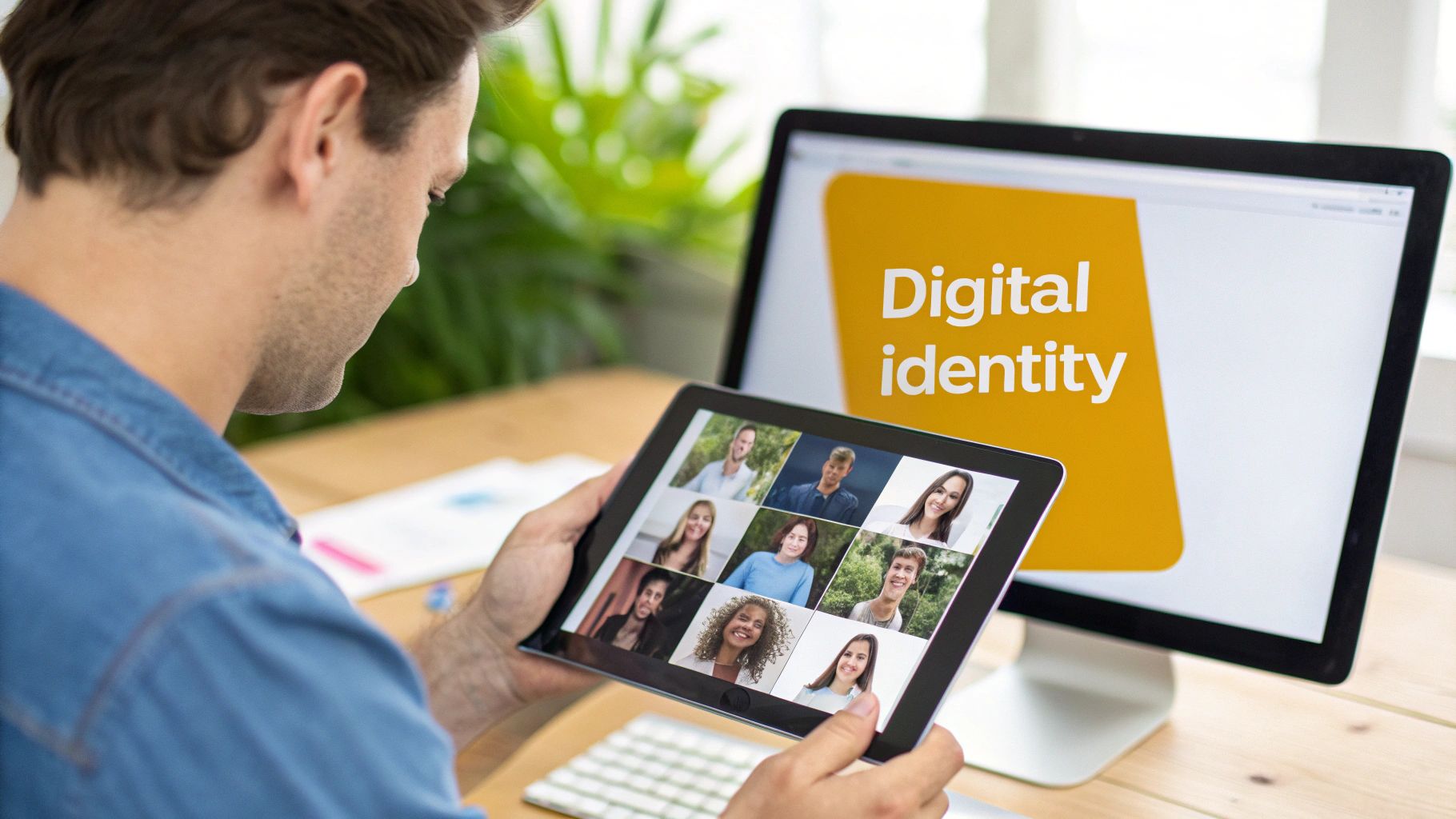
The idea of a "digital twin" used to be something you'd only see in sci-fi films. Now, it’s a seriously practical tool that's changing the game for content producers. For solo creators, influencers, and e-commerce brands, this is a massive leap forward. It finally solves one of the most frustrating bottlenecks in marketing today: the relentless need for fresh, high-quality visuals.
This shift means anyone can maintain flawless brand consistency across platforms like Instagram, TikTok, and LinkedIn. Suddenly, professional-grade visuals are within reach for everyone, not just big teams with big budgets.
Say Goodbye to High Costs and Long Production Times
Let's look at the old way of doing things. A single photoshoot means juggling schedules, scouting locations, renting equipment, and then spending hours on post-production. It's a process that can easily take weeks and cost thousands of dollars.
AI avatar generation shrinks that entire workflow down to a few hours, and usually for a tiny fraction of the cost. You can jump on a new trend immediately, creating relevant content without getting bogged down by logistics.
This efficiency is why the technology is exploding. The AI avatar market is expected to jump from USD 7.41 billion in 2024 to an incredible USD 118.55 billion by 2034. It’s clear that creators are moving away from traditional methods in favor of instant, AI-generated models that perfectly capture their likeness. For a deeper dive into these numbers, the full AI avatar market research report is worth a read.
To really see the difference, let’s compare them side-by-side.
Traditional Photoshoot vs AI Avatar Generation
| Factor | Traditional Photoshoot | AI Avatar Generation |
|---|---|---|
| Cost | $500 - $10,000+ per session. | $10 - $50 for hundreds of images. |
| Time | Weeks (planning, shooting, editing). | Hours (upload, generate, download). |
| Flexibility | Limited to the day's shoot. | Unlimited; change anything anytime. |
| Variety | Restricted by outfits and locations. | Infinite; any style, pose, or background. |
| Revisions | Expensive and time-consuming reshoots. | Instant and cheap; just write a new prompt. |
The takeaway here is that AI gives you more than just cost savings; it gives you incredible creative freedom and speed.
The real power isn't just in saving money—it's in gaining creative agility. You can test new ideas, styles, and campaigns without the risk and expense of a full-scale production. That’s a huge competitive advantage.
Unlock Complete Creative Freedom
Imagine placing your digital self into any scenario you can think of. A cinematic shot on a street in Paris. A polished corporate headshot for your LinkedIn. A fantasy-themed portrait for a personal project. With an AI avatar, the only real limit is your own imagination.
This opens up some powerful advantages:
- Total Control: Tweak the lighting, pose, background, and even what your avatar is wearing using simple text prompts.
- Brand Consistency: Make sure every single image aligns perfectly with your brand’s look and feel.
- Endless Variety: Generate hundreds of unique visuals from that one source photo, giving you plenty of content for different campaigns.
By turning one static image into a dynamic, flexible asset, you can build a far more engaging and visually rich online presence.
If you’re ready to dive in, a great next step is figuring out which tool is right for you. Our guide on choosing the best AI profile picture generator will help you find the perfect fit for your needs.
Getting Your Source Photo Right: The First and Most Important Step
When you set out to create an AI avatar, the single photo you start with is everything. It's a classic case of "garbage in, garbage out." The quality of your final digital twin is a direct result of the quality of that first image.
Imagine asking a master painter to create a photorealistic portrait from a blurry, dark, low-resolution selfie. Even with all their skill, the final painting will have guesswork baked into it. The AI works the same way; it needs clear, high-quality information to learn your face. This isn't about finding your most glamorous shot, but the most technically perfect one.
The "Must-Haves" for Your Base Image
Let’s get into what makes a photo work. These aren't just helpful tips; they're the absolute foundation for getting a good result. Almost every time I've seen someone struggle with inconsistent or weird-looking avatars, it's because they skipped one of these fundamentals.
- High Resolution is Key: Your photo has to be sharp. Zoom in on your own image—if your eyes are crisp and in focus, you’re probably in good shape. Any motion blur or soft focus will just confuse the AI about the true shape of your features.
- Look Straight Ahead: The AI needs a clear, front-facing view of your face. No artistic three-quarter angles or profile shots. Make sure nothing is blocking your features, like hair in your eyes, a hand on your chin, or sunglasses.
- Clean, Even Lighting: This one is a game-changer. Harsh shadows from direct sunlight or dramatic side-lighting can trick the AI into thinking those shadows are part of your face. The best setup is soft, even light from the front, like you'd get facing a window on an overcast day.
A lot of people are tempted to use a favorite photo from a vacation or a party. While those pictures hold great memories, they usually have terrible lighting and odd angles for this specific task. Your best bet is to take a new photo just for this purpose.
What to Avoid at All Costs
Knowing what not to do is just as important. The AI is incredibly powerful, but it can’t read your mind. Give it a confusing photo, and it will give you a confusing result.
For example, using a picture taken in a busy cafe forces the AI to guess which face in the crowd is yours. A baseball cap casting a deep shadow on your forehead can lead to some really strange results on your avatar's hairline.
A simple headshot against a plain wall will give you a better AI avatar than a complex, professionally shot photo with artistic lighting. The goal is clean data, not a photo contest entry.
To make it easy, here’s a quick list of things that will almost certainly ruin your results:
- Group Shots: Never, ever use a photo with another person in it.
- Extreme Facial Expressions: Stick with a neutral look or a very light, natural smile. A huge, toothy grin can get "baked in" to every avatar you generate.
- Heavy Makeup or Face Paint: This hides your real features and gives the AI a distorted reference.
- Grainy, Low-Light Photos: The digital "noise" in these images is like static to the AI, polluting the learning process.
- Instagram Filters & Heavy Retouching: Filters fundamentally change the pixel data of your face. The AI needs the raw, unaltered truth.
Taking a few minutes to nail this first step will save you hours of frustration and failed attempts later. Getting the source image right is the single most effective thing you can do to create an AI avatar from a photo that looks consistently and convincingly like you.
Once you’ve got that perfect headshot ready, you can explore all the incredible possibilities. To see what's next, check out our guide on how to generate AI images from your photo in countless creative scenarios.
Generating Your Lifelike AI Avatar
Alright, you've got the perfect source photo. Now for the fun part: actually bringing your digital twin to life. This is where you step into the driver's seat, guiding the AI to interpret your face and place it into entirely new worlds. It’s a fascinating mix of simple tweaks and pure creative direction.
The first, and arguably most important, setting you'll encounter is usually a slider labeled 'Likeness' or 'Fidelity.' This little dial tells the AI just how closely it needs to stick to your original photo. If you crank it up too high, the result can sometimes look a bit stiff, like a cutout pasted onto a new background. But if you set it too low, you might get something artistic that doesn't quite look like you anymore.
My go-to starting point? I usually set it somewhere between 75-85%. This seems to be the sweet spot for creating an avatar that is clearly you, but still blends naturally into whatever scene you dream up.
Fine-Tuning Your Avatar's Likeness
After uploading your photo, most tools will give you an initial preview. This is your first chance to see how the AI is reading your features and make some early adjustments before you start generating images in bulk.
Think of the Likeness setting as a creative leash. A tight leash (a higher percentage) forces the AI to stay incredibly true to your photo, which is exactly what you want for professional headshots where consistency is everything. A looser leash (a lower percentage) gives the AI more room to play, adapting your features into something more stylized, like a watercolor painting or a sci-fi character.
Mastering the Art of the Text Prompt
Once the likeness is dialed in, your main tool becomes the text prompt. This is where you tell the AI, in plain English, exactly what you want your avatar to be doing, what they should wear, and where they should be. Learning to write a good prompt is the single most important skill for getting an AI avatar that matches your vision.
A great prompt is more than just a few keywords; it's a detailed recipe. The more specific you are, the better the AI can work its magic. Instead of "my avatar in a city," try something like: "cinematic shot of [my avatar] walking through a neon-lit Tokyo street at night, wearing a black leather jacket, shallow depth of field." See the difference?
This ability to create personalized digital selves is exploding in popularity. The AI Avatar App market, valued at USD 1.5 billion in 2024, is expected to skyrocket to USD 10.2 billion by 2033. This growth is heavily driven by creators and businesses wanting to generate unique, monetizable content for platforms like TikTok and Instagram.
The Anatomy of a Powerful Prompt
To get predictable, high-quality images every time, it helps to structure your prompts logically. Think of it as giving the AI a clear, step-by-step blueprint.
Here's a simple formula that I've found works wonders:[Shot Type] of [My Avatar] [Action/Pose], wearing [Clothing], in [Location/Background], [Lighting Style], [Camera/Lens Details]
Let's break that down with a couple of real-world examples:
- For a professional headshot: "Medium close-up shot of [my avatar] smiling confidently, wearing a navy blue blazer, in a modern sunlit office with blurred background, soft natural lighting, shot on a 50mm lens."
- For a creative portrait: "Full-body candid shot of [my avatar] sitting on a vintage motorcycle, wearing a denim jacket and sunglasses, on a desert highway at sunset, warm golden hour light, cinematic style."
The trick is to be descriptive without giving the AI conflicting information. Layering details about the subject, their action, the environment, and the overall style gives the AI a rich, coherent scene to build from, which dramatically boosts the quality of the final image.
Before you get lost in crafting the perfect scene, don't forget that it all starts with a solid foundation. This infographic is a great reminder of the three rules for a source photo that sets you up for success.

As you can see, everything hinges on good lighting, sharp focus, and a direct angle. Get these right, and you're well on your way to a consistent and believable AI avatar.
Leveraging Batch Generation for Efficiency
One of the most useful features you'll find is batch generation. This lets you create dozens, sometimes hundreds, of images from a single prompt, each with subtle variations. It’s an absolute game-changer for building out a content calendar or generating a full set of e-commerce photos in one go.
Imagine a fitness influencer. They could use one prompt for a gym scene and generate 50 different images, each with a slightly different pose or facial expression. In just a few minutes, they have a massive library of on-brand content, all with a consistent look and feel. This is also incredibly handy if you need new corporate headshots; for more on that, take a look at our guide on finding the best AI headshot generator.
By combining a stellar source photo with smart likeness settings and detailed, structured prompts, you take complete control. This methodical approach is what separates basic AI novelties from professional, usable content you can create at scale.
Advanced Techniques for Polishing Your AI Images
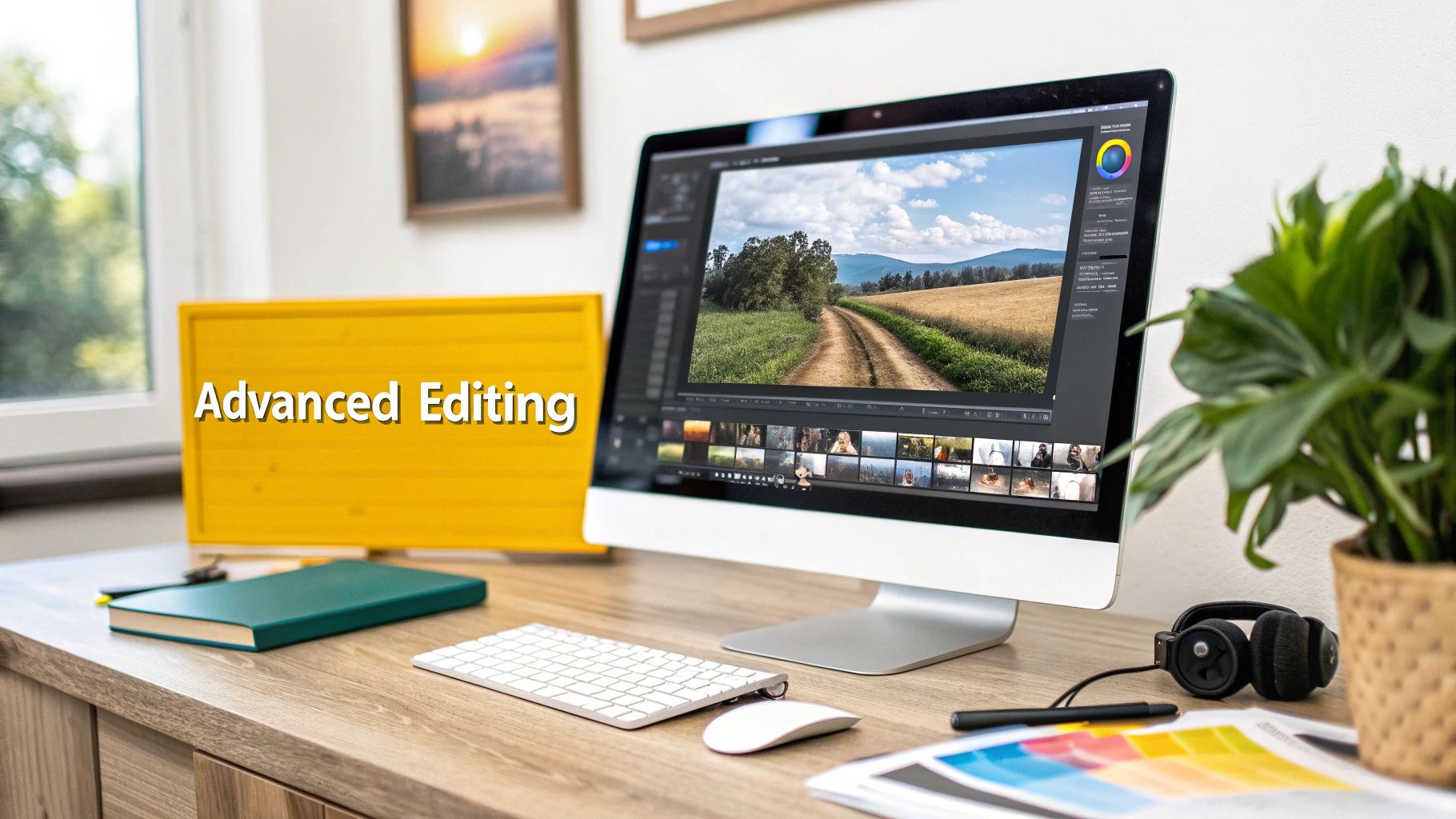
Getting a great batch of images is a fantastic starting point when you first create an AI avatar from a photo. But honestly, that’s where the real artistry kicks in. Think of those initial renders as your raw material—the good stuff you’ll refine into something truly exceptional. A few key post-processing steps can elevate them from interesting AI experiments to polished, professional assets you can use anywhere.
This is what separates the generic results from the standout visuals. These advanced techniques hand you the final layer of control, letting you nail the details, fix any minor flaws, and get your images ready for specific platforms and projects.
Upscaling From Standard to Stunning
Most AI tools will give you images at a standard web resolution, which is usually fine for a quick social media post. But what if you need that image for a high-quality print, a full-screen website banner, or a massive digital billboard? That’s when you’ll need more pixels, and AI-powered upscaling is the answer.
An AI upscaler is much smarter than just stretching an image and making it blurry. It uses a separate AI model to intelligently add new detail, sharpening lines and refining textures as it increases the resolution. The result is often even clearer than the original. Many platforms, including PhotoMaxi, have this functionality built right in.
- When should you use it? I always upscale if an image is destined for print, video, or any large, high-resolution screen. It's a non-negotiable step for professional quality.
- How does it work? You just pick your best render and select an upscale factor, usually 2x or 4x. The AI gets to work, analyzing and rebuilding the image at a much larger size.
- What's the impact? A standard 1024x1024 pixel image can become a gorgeous 4096x4096 masterpiece, revealing details you couldn't even see in the original.
This one step can make a massive difference in how professional your AI-generated content looks and feels.
The Art of Relighting Your Scene
Have you ever generated a nearly perfect shot where the lighting just felt... off? Maybe it's a little flat, or it's too bright and cheery when you were going for something more cinematic. This is where the magic of AI relighting can completely change your workflow.
Relighting is an incredible feature that lets you change the lighting of a scene after it’s been generated. You can add new light sources, tweak their color and intensity, and shift the shadows around to completely transform the mood.
Relighting is the closest thing we have to an "undo" button for a real-world photoshoot's lighting setup. It gives you the power to direct a scene's mood with a few clicks, long after the initial 'shot' is complete.
This is a game-changer compared to traditional photography, where your lighting is locked in the second you press the shutter. For example, you could take a daytime portrait and morph it into a dramatic nighttime scene, lit only by the warm glow of a streetlamp. That kind of flexibility is priceless when you're trying to build a consistent visual theme for a campaign.
Mastering Composition and Aspect Ratios
The composition of your initial renders is often good, but it's rarely perfect for every single use case. An image that looks great as a square on an Instagram feed probably won't work as a vertical 16:9 Story or a horizontal 16:9 YouTube thumbnail. This is where post-processing tools save the day.
Many AI platforms and photo editors now offer "outpainting" or generative fill features. These tools let you expand the canvas of your image, and the AI intelligently fills in the new space, seamlessly extending the background.
I find myself using this for a few key things:
- Adjusting Framing: If your avatar feels too tightly cropped, you can extend the canvas to give them some breathing room. Creating that negative space can make the whole composition feel more balanced.
- Changing Aspect Ratios: You can take a square image and turn it into a vertical or horizontal one just by extending the top and bottom or the sides.
- Adding Space for Text: By extending part of the background, like a clear sky or a simple wall, you can create the perfect clean slate to overlay text for an ad, social media graphic, or thumbnail.
These finishing touches are what bridge the gap between AI generation and true professional content creation. When you get comfortable with upscaling, relighting, and tweaking your composition, you take back full artistic control. You can ensure every image isn't just generated, but intentionally crafted to perfection.
Can I Actually Use This For My Business? A Quick Guide to Commercial Rights
So, you’ve got a set of incredible AI-generated visuals. They look amazing, but before you start slapping them on your website or in your next ad campaign, we need to talk about the legal stuff. The big question is: can you legally use your AI avatar for business?
This isn't just a minor detail; it's a huge deal. When you create an AI avatar from a photo, figuring out ownership and commercial rights is your first line of defense against legal headaches down the road. You’ve got to read the fine print.
Most AI tools use a subscription model, and the biggest difference between the free and paid plans is almost always the usage rights. If you’re on a free or basic plan, you’re almost certainly limited to personal, non-commercial use only. Go ahead and post it on your personal Instagram, but don't even think about using it to make money.
What Counts as Commercial Use?
The line between personal fun and a business asset can get a little fuzzy. Let’s clear it up. If you're doing any of the following, you've crossed into commercial territory and absolutely need a commercial license:
- Ads: Running paid social media ads, website banners, or promo videos with the avatar.
- Products: Putting the avatar on t-shirts, mugs, or any product packaging you sell.
- Online Stores: Using it as a virtual model for your Shopify store or on product listings.
- Branded Content: Making it the face of your monetized YouTube channel, paid newsletter, or company blog.
Here's a simple rule of thumb: if the image is being used in any way that helps you earn money, directly or indirectly, it's commercial.
Your legal contract with the AI platform is their terms of service. Don't just assume you have commercial rights. That's how you end up with copyright claims, forced takedowns, and even financial penalties.
Getting the Right License for Your Brand
To use your AI avatar for your business, you need to be on a subscription plan that explicitly gives you a commercial license. This is your golden ticket, the document that proves the platform gives you permission to use their generated images for profit.
Platforms like PhotoMaxi, for instance, have specific plans built for creators and businesses that bundle in these crucial commercial rights.
This is more important than ever. I’ve seen online communities and forums start mass-deleting posts that use AI images without clear commercial permissions. People are starting to crack down on this.
Taking a moment to pick the right platform and plan with a clear commercial license gives you the peace of mind to use your new avatar everywhere. It’s about building your brand on a solid legal foundation, so you don't have to worry about takedown notices popping up later. It's the final, and most critical, step in turning a cool creative project into a real business asset.
Got Questions About AI Avatars? You're Not Alone.
When you first dive into creating an AI avatar from a photo, a few questions always seem to come up. Sorting these out early on can save you a ton of headaches and help you sidestep some of the most common frustrations. Let's get into the nitty-gritty of what people usually ask.
From getting the face to look right every time to understanding what you're legally allowed to do with your creations, a little insider knowledge makes all the difference.
"Why Does My AI Avatar Look So Inconsistent?"
This is, without a doubt, the most common roadblock people hit. One minute your avatar looks perfect, the next it’s a funhouse-mirror version of you. But don't worry, this is almost always fixable.
The problem usually starts with your source photo. Think of it as the blueprint for your avatar—if the blueprint is blurry, poorly lit, or has parts of your face covered, the AI is just guessing. It's working with bad data, and you'll get distorted or weird-looking results.
Another culprit is a messy prompt. If you ask for something like, "profile view with a wide smile looking at the camera," you're giving the AI contradictory instructions. A profile view can't be looking at the camera, and that confusion can really mess up the face.
The best way to keep things consistent is to start with a stellar, front-facing source photo. From there, build your prompts one step at a time. Change just one or two things—like the lighting or the background—to see how it affects the result. It's all about control.
"Can I Actually Use This AI Avatar For My Business?"
Yes, you absolutely can, but this is where you need to read the fine print. Whether or not you can use your avatar commercially comes down to the terms of service of the AI tool you're using.
Most platforms have different tiers, and each comes with its own set of rules. A free or basic plan usually gives you a license for personal, non-commercial use only. That means you can use it for your social media profile, but not to sell anything.
If you want to use your avatar to make money, you'll need a subscription that explicitly includes a commercial license. This would cover things like:
- Social media ads for your brand.
- Putting the avatar on merchandise or product packaging.
- Using it as a virtual model on your e-commerce site.
- Making it the face of your monetized YouTube channel or blog.
Before you roll out your avatar as part of your business, double-check that your plan gives you the green light. It’s a simple step that can protect you from serious copyright trouble down the road.
"How Many Photos Do I Really Need to Upload?"
This is where the new generation of AI tools really shines. You might have heard that you need to upload 10, maybe even 20, different photos for the AI to learn your face. While that used to be true, many of the best platforms now work incredibly well with just a single, high-quality photo.
The technology has gotten so much better at extracting all the necessary facial data from one good image. The game has shifted from quantity to quality.
Honestly, one clear, front-facing headshot with even lighting will give you a much more consistent and accurate avatar than 20 random, blurry photos from different angles. It's far better to spend your time finding that one perfect shot. That’s what makes this whole process so much faster and more effective than it used to be.
Ready to create a consistent, high-quality digital twin without all the guesswork? PhotoMaxi is designed to solve these exact challenges, offering superior facial likeness from just one photo and clear commercial licensing for your brand. Start creating your professional AI avatar today!
Related Articles


Ready to Create Amazing AI Photos?
Join thousands of creators using PhotoMaxi to generate stunning AI-powered images and videos.
Get Started Free