
The 12 Best AI Photo Editing Software Platforms for 2025

The creative landscape has fundamentally shifted. Gone are the days of tedious manual edits, hours spent masking complex objects, and budget-breaking photoshoots. Today, the best AI photo editing software acts as a powerful creative co-pilot, automating complex tasks, generating new realities from simple text prompts, and even creating entire photoshoots from a single product image. This technology isn't just about saving time; it's about unlocking new creative possibilities that were previously out of reach for most.
But with a market crowded with powerful options, choosing the right tool can feel overwhelming. How do you find the platform that aligns perfectly with your specific needs and workflow? Whether you're a content creator building a brand, an e-commerce store needing professional product shots for Shopify, a marketing agency managing multiple campaigns, or a professional photographer seeking a faster, smarter workflow, making the right choice is critical.
This guide is designed to cut through the noise. We move beyond marketing hype to provide a comprehensive breakdown of the top 12 AI-powered platforms available. We'll analyze core features, from one-click edits and advanced upscaling to generative AI and model consistency. You'll find practical use cases, clear pricing information, and an honest assessment of each tool's pros and cons. We provide direct links and screenshots for every tool listed, so you can see the interfaces for yourself. Our goal is simple: to give you the clarity needed to select the software that will truly accelerate your vision and elevate your final output.
1. PhotoMaxi
Best AI Photo Production Suite for Creators and E-commerce
PhotoMaxi positions itself not just as an editor but as an AI “personal photographer,” a claim it backs with a powerful, integrated production suite. It’s a standout choice for users who need consistent, high-volume visual content, from social media creators to e-commerce brands. This platform excels at turning a single uploaded photo into an entire library of studio-quality images and even cinematic videos.
Its core strength lies in solving one of AI generation's biggest challenges: dependable character consistency and face likeness. While other tools struggle to maintain a subject's appearance across different scenes, PhotoMaxi's private AI model training ensures your digital self or product model looks recognizably the same in every shot. This makes it one of the best AI photo editing software options for building a cohesive brand presence on Instagram, TikTok, or a Shopify store.
Key Features and Use Cases
The platform is engineered for efficiency. Users can batch-create entire content sets by defining a pose, location, style, or lighting condition. This workflow replaces what would traditionally take weeks of planning and photoshoots with a few hours of generation, a benefit highlighted by user testimonials.
- Single-Image Training: Upload one high-quality photo to train a private AI model of yourself, a team member, or a product model.
- Monetizable Synthetic Models: Beyond personal use, you can create and own 100% synthetic models, providing a unique asset for commercial projects without model releases.
- Integrated Toolkit: The platform includes built-in editing, upscaling, and relighting tools to fine-tune outputs without leaving the ecosystem.
- Image-to-Video: A powerful feature that animates your AI-generated stills into dynamic, cinematic sequences, perfect for short-form video content.
- E-commerce Workflows: Direct Shopify integration supports creating professional product shots and virtual try-on experiences, a significant value for online retailers.
Pricing and Access
PhotoMaxi uses a credit-based system across four main tiers. The Starter plan ($9/mo, billed annually) offers a low-cost entry point for personal projects but is limited in features and commercial rights.
For professional use, the Pro ($29/mo) and Premium ($49/mo) plans are essential. They unlock commercial licensing, significantly more credits, higher likeness fidelity, and the full suite of tools, including video and Shopify support. The Ultra tier ($99/mo) is designed for agencies and power users needing maximum credits, priority processing, and unlimited storage. This tiered structure ensures PhotoMaxi is accessible to individuals while scaling effectively for demanding business needs.
Website: https://photomaxi.com
2. Adobe Photoshop
Adobe Photoshop remains the undisputed heavyweight champion of professional image manipulation, and its recent integration of powerful AI features solidifies its position as a top-tier choice for AI-enhanced workflows. Instead of being a standalone AI tool, Photoshop weaves artificial intelligence directly into its core toolkit, dramatically accelerating complex tasks that once required hours of meticulous manual work. The standout feature is its Generative AI engine, powered by Adobe Firefly, which enables users to add, expand, and remove content from images seamlessly using simple text prompts.
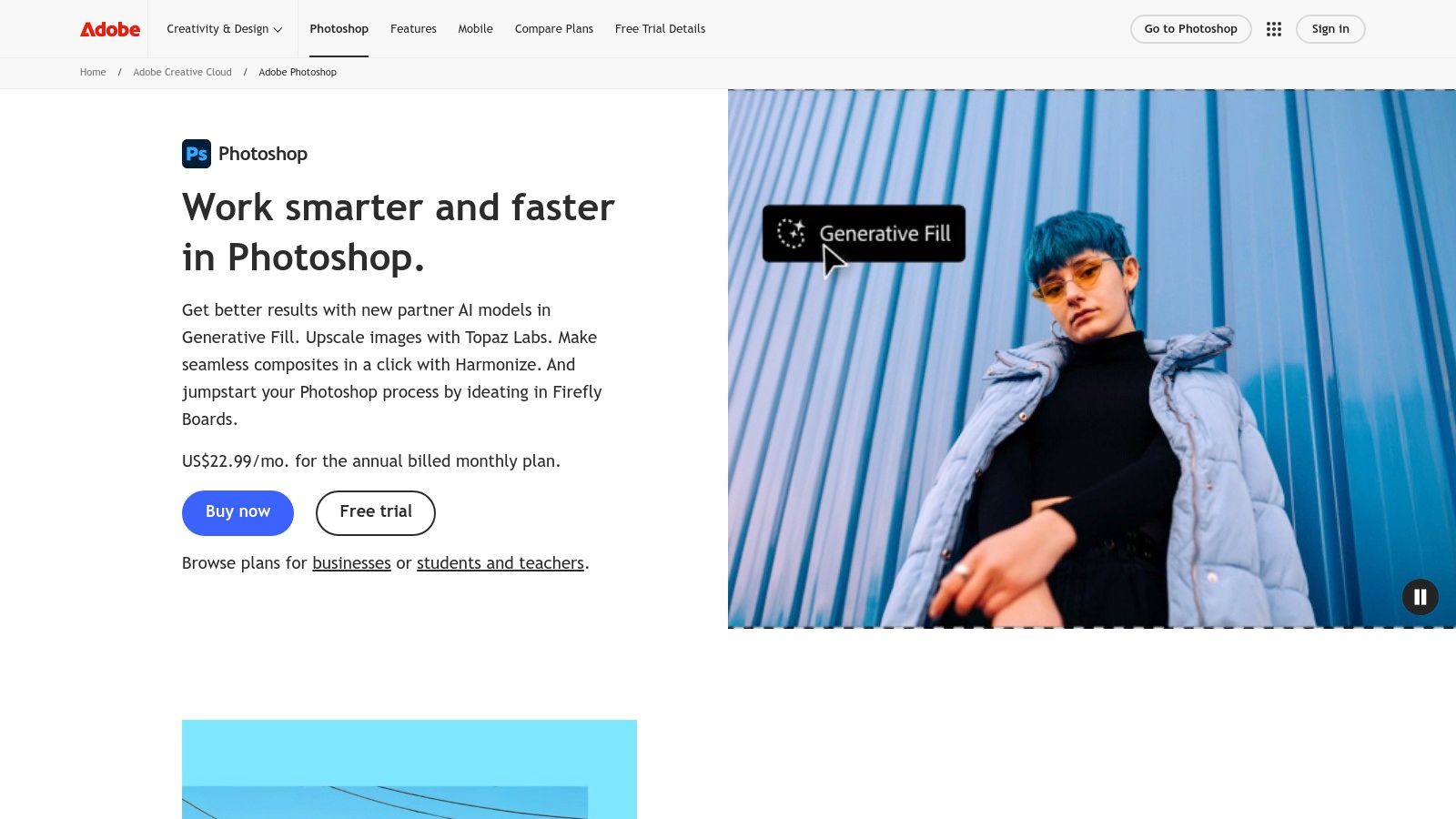
Beyond generative tools, its AI-powered selection features, like "Select Subject" and "Sky Replacement," are incredibly accurate and save immense time. Neural Filters offer one-click solutions for complex adjustments such as skin smoothing, colorizing black-and-white photos, or changing a subject's expression. This deep integration makes Photoshop one of the best AI photo editing software options for professionals who need both granular control and AI-driven efficiency within a single, robust environment.
Key Features & Use Cases
| Feature | Best For | Implementation Tip |
|---|---|---|
| Generative Fill/Expand | Agencies creating campaign mockups, eCommerce brands extending backgrounds for different ad formats. | Use the Lasso tool to make a rough selection of the area you want to fill, then type your prompt. Be descriptive for better results. |
| Neural Filters | Portrait photographers for advanced retouching, content creators for stylistic effects. | Apply Neural Filters on a duplicated layer to maintain a non-destructive workflow and easily adjust opacity. |
| AI Selections | Shopify merchants removing backgrounds for product listings, filmmakers creating complex composites. | Use "Select and Mask" after an initial AI selection to refine edges, especially around hair or fur. |
| Cloud Integration | Teams collaborating across devices, creators moving between Lightroom for color and Photoshop for edits. | Save your work as a Cloud Document to access it on Photoshop for iPad or Adobe Express for quick social media posts. |
- Pros: Industry-standard tool with unmatched power and a vast ecosystem of tutorials and plugins. Its AI features are deeply integrated for a seamless professional workflow.
- Cons: Access is via a subscription-only model which can be costly. Some generative features operate on a credit system, which may limit high-volume users.
- Pricing: Photoshop is available through various Adobe Creative Cloud plans, starting at $22.99/month for the single app.
3. Adobe Lightroom
Where Photoshop is for deep, pixel-level manipulation, Adobe Lightroom is the photographer's workhorse for managing, cataloging, and enhancing entire photoshoots with powerful AI assistance. It excels as a cloud-centric platform that syncs edits across desktop, web, and mobile, making it ideal for photographers on the go. Lightroom’s AI is less about generative creation and more about intelligent, time-saving enhancements. Its AI-powered masking tools can instantly select a subject, sky, or background with a single click, allowing for precise, targeted adjustments that used to be incredibly tedious.
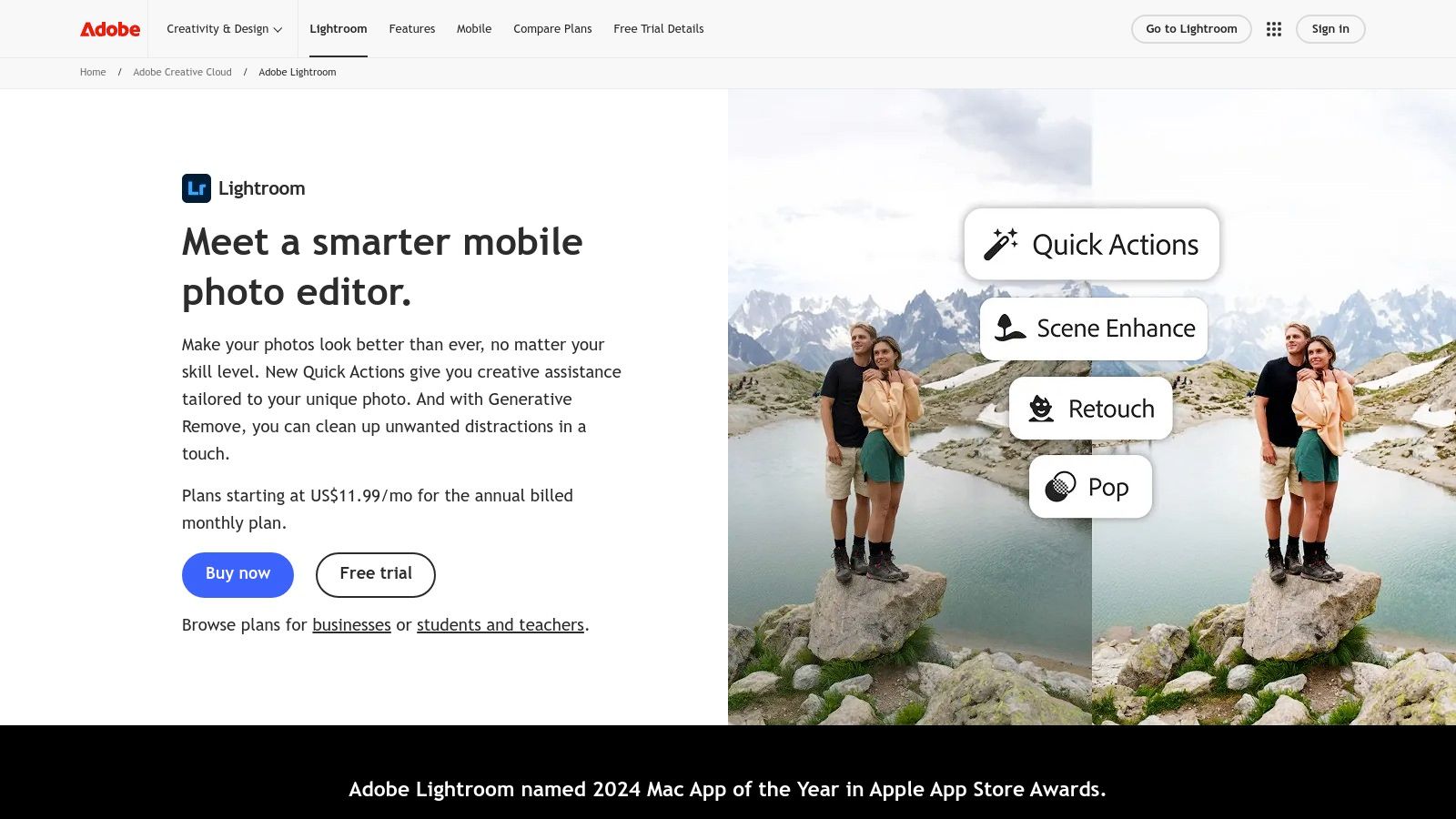
Features like the AI Denoise are game-changers for low-light photography, cleaning up noise while preserving sharp details. The platform's strength lies in its ability to apply these smart adjustments consistently across hundreds of photos, creating a cohesive look for an event or project. For professionals who value an end-to-end workflow from import and culling to final export, Lightroom's combination of robust cataloging and AI-driven editing makes it one of the best AI photo editing software choices available. Many professionals utilize both Photoshop and Lightroom, and you can learn more about how AI is reshaping photography workflows in our guide to AI for photography.
Key Features & Use Cases
| Feature | Best For | Implementation Tip |
|---|---|---|
| AI Masking | Wedding photographers adjusting exposure on a subject, landscape photographers enhancing a sky without affecting the foreground. | After creating an AI mask, use the "Intersect with" function and a Radial Gradient to apply an adjustment to a specific part of your subject, like only brightening their face. |
| AI Denoise | Concert or event photographers shooting in low light, astrophotographers capturing night skies. | Apply Denoise early in your editing process before making significant local adjustments, as it works best on the raw data. |
| Cloud Sync & Ecosystem | Content creators editing on an iPad and finishing on a desktop, teams needing access to a central photo library. | Use "Smart Previews" in Lightroom Classic to edit large catalogs on a laptop without the original high-res files, then sync the changes back to your main library. |
| Preset Recommendations | Influencers and bloggers trying to find a consistent style, beginners needing a starting point for their edits. | Hover over the recommended presets to see a live preview on your image before applying, and then fine-tune the settings in the Develop panel. |
- Pros: An all-in-one solution for cataloging, editing, and sharing. Powerful, non-destructive AI tools that dramatically speed up workflows, especially for batch processing.
- Cons: The cloud-based catalog system might not appeal to users who prefer a simple file/folder workflow. It is also a subscription-only service.
- Pricing: Lightroom is available through Adobe's Photography Plan, starting at $9.99/month, which includes Photoshop and cloud storage.
4. Skylum Luminar Neo
Skylum Luminar Neo positions itself as an AI-first editor designed for speed and simplicity, making it a compelling choice for photographers who want powerful results without a steep learning curve. Unlike traditional editors that bury AI features, Luminar Neo puts them front and center, offering a suite of one-click tools that dramatically accelerate editing for portraits, landscapes, and product shots. Its workflow is built around AI-powered modules that handle complex tasks like relighting scenes, replacing skies, or removing backgrounds with minimal user input.
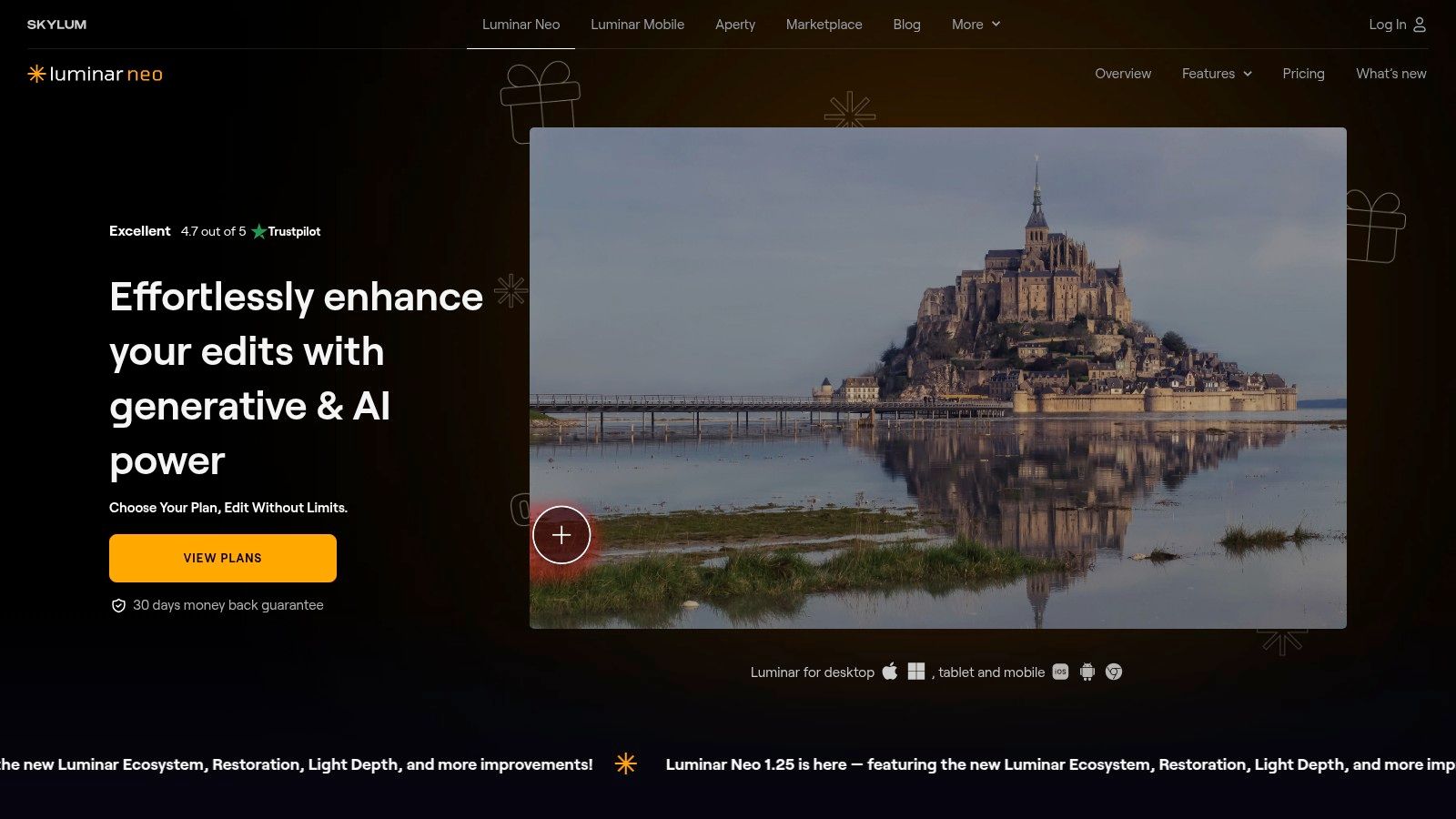
This focus on accessible AI makes it one of the best AI photo editing software options for enthusiasts and semi-professionals who need to produce high-quality images quickly. Features like Sky AI and Relight AI intelligently analyze an image's depth and lighting to produce realistic adjustments that would otherwise require complex masking and layering. Luminar Neo can function as a standalone application or as a plugin for Adobe Photoshop and Lightroom, offering flexibility for various creative workflows.
Key Features & Use Cases
| Feature | Best For | Implementation Tip |
|---|---|---|
| Sky AI & Relight AI | Real estate and landscape photographers needing to enhance flat or uninteresting skies and lighting. | After applying Sky AI, use the Relight Scene slider to ensure the new sky's lighting naturally blends with the foreground. |
| Portrait Bokeh AI | Wedding and portrait photographers wanting to create a creamy, blurred background to make subjects pop. | Adjust the "Depth Correction" brush to fine-tune the mask and ensure background elements aren't accidentally kept in focus. |
| Background Removal AI | Shopify store owners and product photographers needing clean, transparent backgrounds for listings. | For best results, shoot your product against a contrasting, solid-color background to help the AI achieve a cleaner initial cutout. |
| Plugin Integration | Photographers who use Lightroom for cataloging but want Luminar's powerful AI tools for specific edits. | Right-click an image in Lightroom and select "Edit In > Luminar Neo" to seamlessly send the photo over and save it back to your catalog. |
- Pros: Very user-friendly interface with fast, impressive one-click AI results. Offers a perpetual license option, which is a great alternative to subscription models.
- Cons: Demanding AI processes can be slow on older computers. Some of the more advanced tools and asset packs are sold as separate add-ons.
- Pricing: Luminar Neo is available via subscription (starting at $11.95/month) or a perpetual license (currently $199).
5. Topaz Photo AI
Topaz Photo AI carves out a specialized niche in the AI editing space, focusing entirely on image recovery and enhancement. Instead of offering broad creative tools, it excels at a few critical tasks: removing noise, sharpening soft images, deblurring motion, and intelligently upscaling photos while preserving detail. It functions as both a standalone application for batch processing and as a plugin for existing workflows in Photoshop or Lightroom, making it an indispensable tool for photographers looking to rescue otherwise unusable shots. The software’s strength lies in its ability to analyze and correct technical flaws with remarkable precision, particularly with its "Recover Faces" feature that reconstructs detail in low-resolution portraits.

The Autopilot feature intelligently scans each image and suggests the optimal combination of enhancements, which streamlines the process for large photo sets. While it doesn't replace a full-featured editor, Topaz Photo AI is arguably the best AI photo editing software for professionals who need best-in-class results for image restoration and technical correction. It acts as a powerful complement to a primary editing suite, ensuring every final image is as sharp and clean as possible.
Key Features & Use Cases
| Feature | Best For | Implementation Tip |
|---|---|---|
| Denoise & Sharpen AI | Wildlife and event photographers shooting in low light, content creators restoring old photos. | Use the comparison view to fine-tune the noise reduction and sharpening sliders. Autopilot provides a great starting point. |
| Upscale AI | Print designers needing to enlarge images, eCommerce stores enhancing low-quality supplier photos. | For best results, start with a high-quality source image. The AI can add detail but cannot create information that isn't there. |
| Recover Faces | Portrait photographers fixing group shots, agencies restoring archival images for campaigns. | This feature works automatically on detected faces. Toggle it off and on to see the dramatic improvement in facial clarity. |
| Plugin Workflow | Professionals wanting to integrate Topaz into their existing Lightroom or Photoshop routine. | Apply Topaz Photo AI as one of the first steps in your editing process, before making creative color or tonal adjustments. |
- Pros: Delivers industry-leading results for noise reduction, sharpening, and upscaling. The simple, focused interface is excellent for batch processing.
- Cons: Its scope is limited to technical enhancement; it's a specialized tool, not a complete editor. The one-time purchase model includes only one year of updates.
- Pricing: Topaz Photo AI is available for a one-time purchase of $199, which includes one year of software updates.
6. ON1 Photo RAW
ON1 Photo RAW carves out a unique space by blending a comprehensive RAW photo editor with a suite of powerful, targeted AI tools. It's designed for photographers who want the deep control of a traditional workflow but also desire the speed and efficiency of AI enhancements. Rather than focusing on generative content, ON1 excels at using AI to solve common but complex editing problems, such as intricate masking, noise reduction, and intelligent upscaling, making it an excellent all-in-one solution.
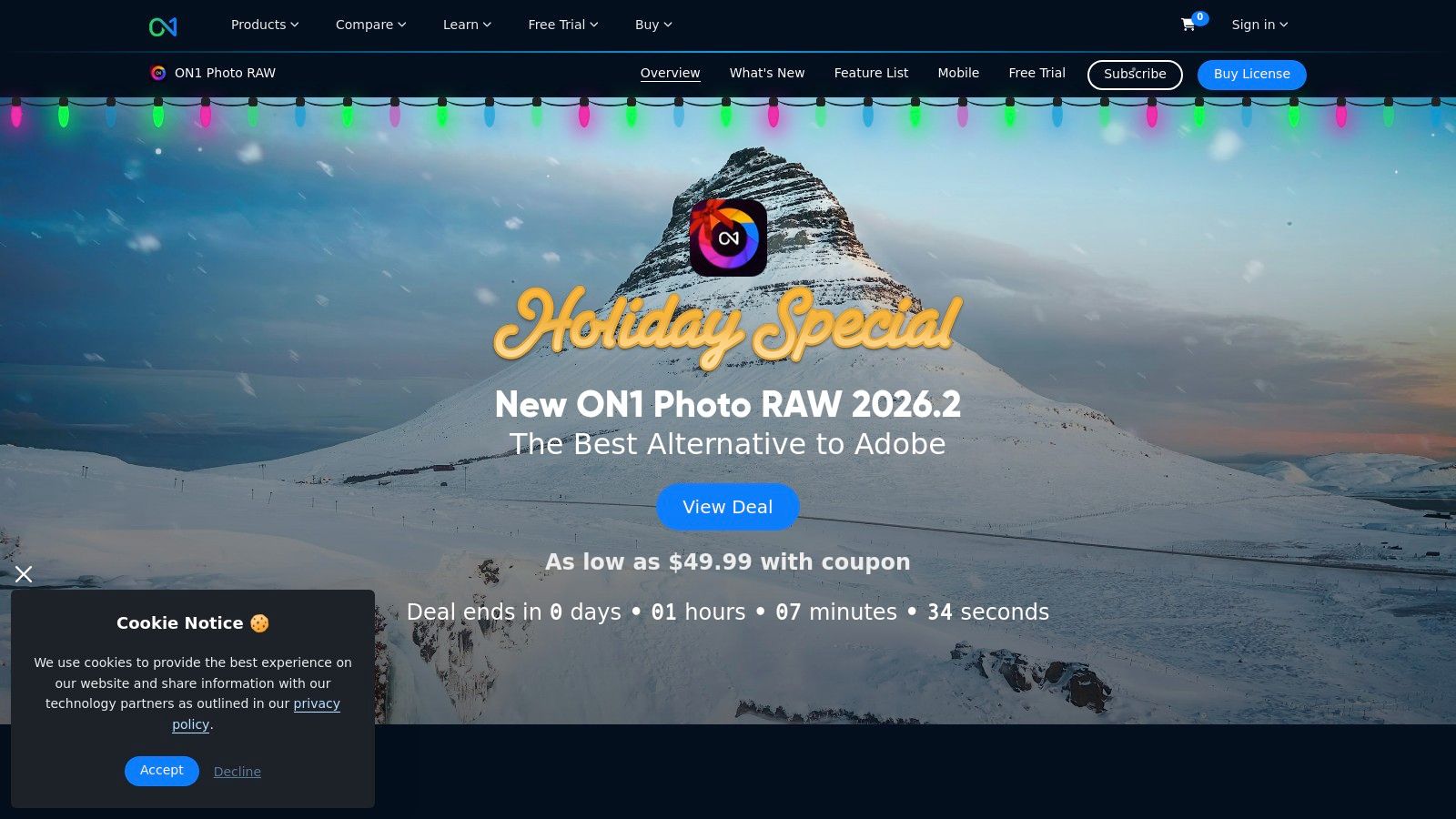
Its standout features, like NoNoise AI and Portrait AI, deliver professional-grade results with minimal user input, automatically detecting faces to smooth skin or sharpening details in a landscape without noise. This approach positions ON1 Photo RAW as one of the best AI photo editing software choices for photographers who need a robust editor without a mandatory subscription, bridging the gap between classic editing and modern AI assistance.
Key Features & Use Cases
| Feature | Best For | Implementation Tip |
|---|---|---|
| AI Masking | Landscape photographers isolating skies, product photographers editing specific object parts. | Use the AI Mask tool to create a quick base mask of regions like flora, water, or mountains, then refine it with a traditional brush. |
| NoNoise AI & Resize AI | Low-light event photographers, artists printing large-format images from smaller files. | Run NoNoise AI early in your workflow before making significant color or exposure adjustments for the cleanest results. |
| Portrait AI | Wedding and portrait photographers needing efficient retouching for large batches of photos. | Create a preset with your preferred Portrait AI settings (e.g., skin smoothing, eye whitening) and apply it to an entire shoot on import. |
| Standalone & Plugin Use | Photographers wanting a single app for everything, or those wanting to integrate ON1's tools into a Photoshop workflow. | The Photo RAW MAX edition allows you to use its powerful AI features as plugins directly inside Photoshop or Lightroom. |
- Pros: Offers both a perpetual license (buy-to-own) and subscription options, providing flexibility. Excellent integration of AI tools within a traditional RAW editing environment.
- Cons: The interface can feel dense and presents a steeper learning curve for beginners. Optimal performance for AI features requires a modern computer with a capable GPU.
- Pricing: ON1 Photo RAW 2024 is available for a one-time purchase of $99.99 or as part of a subscription starting at $7.99/month.
7. DxO PhotoLab
DxO PhotoLab carves out its niche by focusing AI on the foundational elements of image quality: noise reduction and optical perfection. Rather than generative tools, its AI excels at correcting the inherent flaws of lenses and sensors with scientific precision. The crown jewel is DeepPRIME XD (eXtreme Details), an AI-powered demosaicing and denoising technology that produces incredibly clean, detailed, and artifact-free images, especially from high-ISO RAW files. This approach makes it a powerful first step in any professional editing workflow, ensuring the cleanest possible source file before creative adjustments are made.
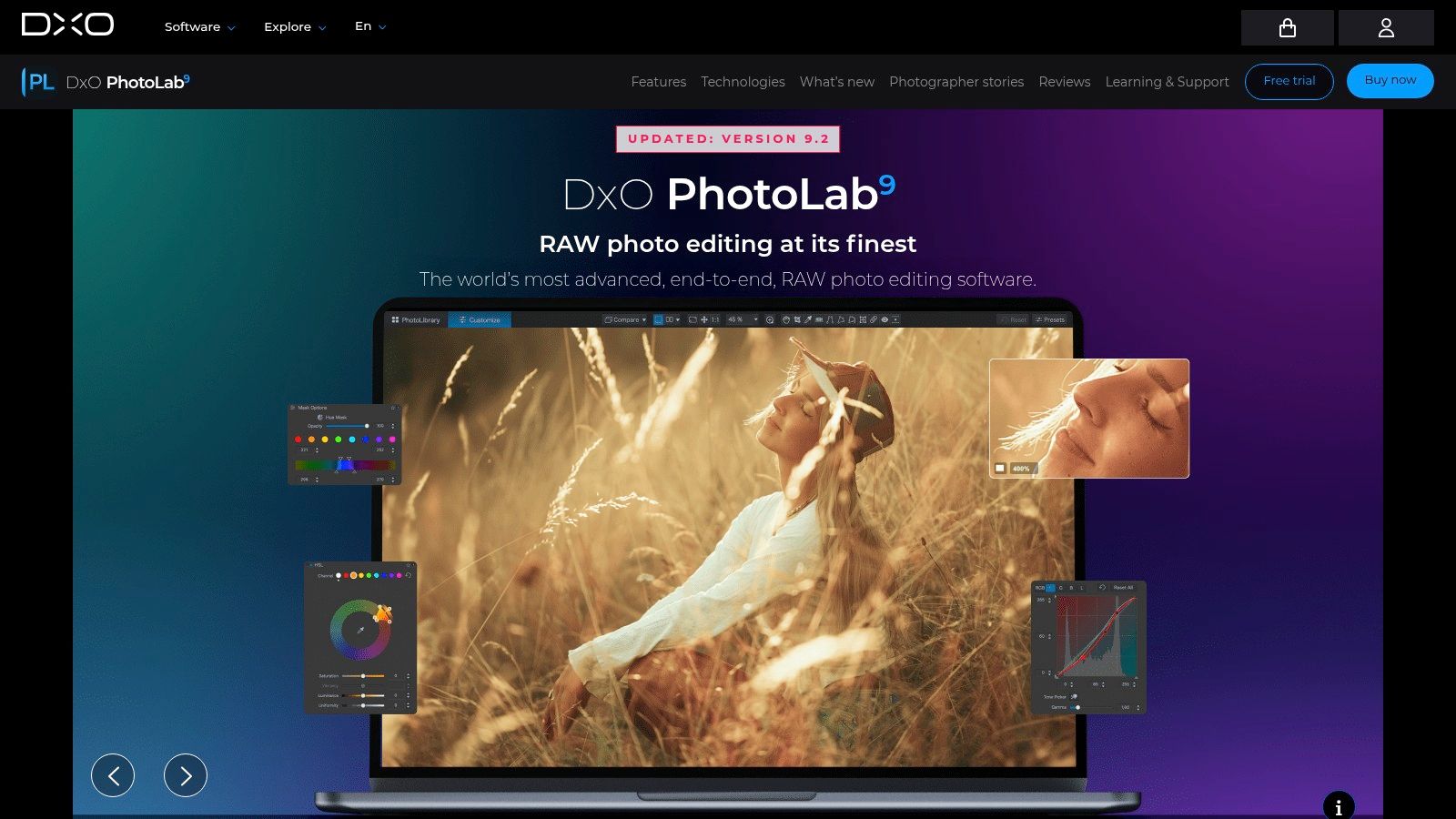
The software automatically applies corrections based on a massive database of camera and lens profiles, fixing distortion, vignetting, and chromatic aberrations with unmatched accuracy. While its asset management is less robust than competitors like Lightroom, its AI-driven technical corrections are second to none. For photographers who prioritize pristine image fidelity above all else, DxO PhotoLab stands as one of the best AI photo editing software choices for preparing RAW files for final editing.
Key Features & Use Cases
| Feature | Best For | Implementation Tip |
|---|---|---|
| DeepPRIME XD Denoising | Event and wildlife photographers shooting in low light, content creators restoring noisy images. | Apply DeepPRIME XD on export or as a first step to create a clean DNG file for further editing in other programs. |
| Optical Corrections | Architectural photographers correcting distortion, real estate agents needing perfect product shots. | Let the software automatically detect your camera/lens combo. The corrections are typically perfect out of the box. |
| U Point Technology | Landscape photographers making targeted adjustments to skies or foliage, portrait editors refining specific areas. | Use Control Points to make precise, mask-free local adjustments. Combine with Control Lines for smooth gradients. |
| PureRAW Integration | Agencies streamlining batch processing, creators wanting a simple, powerful pre-processing step. | Use the standalone DxO PureRAW app to pre-process entire folders of RAW files before importing them into your primary editor. |
- Pros: World-class AI noise reduction and optical correction fidelity. Delivers outstanding results straight from RAW files with minimal user intervention.
- Cons: Asset management and cataloging features are lighter than some competitors. Some advanced capabilities may require separate DxO products.
- Pricing: Available as a one-time purchase, with PhotoLab 7 ESSENTIAL starting at $139 and the ELITE edition at $229.
8. Capture One Pro
Capture One Pro has long been a favorite among professional studio photographers for its industry-leading color science and robust tethering capabilities. While not an AI-first platform, it has strategically integrated artificial intelligence to enhance its core strengths, focusing on speeding up high-volume workflows. Its AI features are designed for precision and efficiency, particularly in culling and masking, making it an exceptional tool for commercial and portrait photographers who demand the highest image quality and workflow optimization.
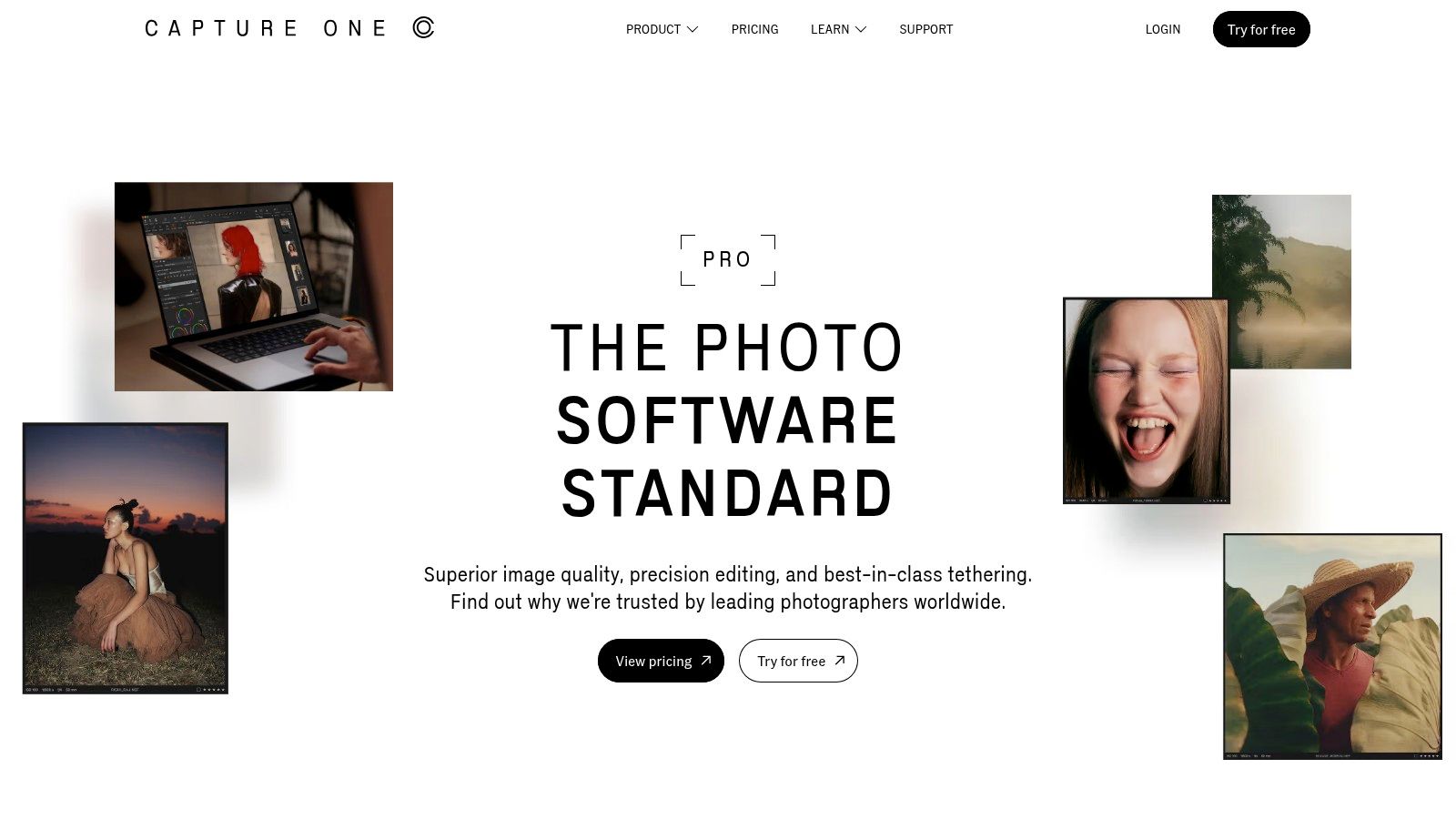
The primary AI additions, like Subject and Background Masking, allow for incredibly fast and accurate selections that serve as a starting point for detailed local adjustments. This functionality is a massive time-saver for e-commerce product shoots or complex portrait retouching where isolating the subject is a constant necessity. By embedding AI into its powerful, existing toolset rather than overhauling the experience, Capture One Pro positions itself as one of the best AI photo editing software choices for professionals who value color fidelity and efficiency above all else.
Key Features & Use Cases
| Feature | Best For | Implementation Tip |
|---|---|---|
| AI Subject/Background Masking | eCommerce brands needing clean product cutouts, portrait photographers isolating subjects for retouching. | After creating an AI mask, use the Refine Mask tool to perfect edges around challenging areas like hair or transparent objects. |
| Industry-Leading Color Editor | Product photographers matching exact brand colors, fashion photographers ensuring accurate skin tones. | Use the Advanced Color Editor to create highly specific color ranges and save them as presets for future shoots. |
| Tethered Capture | Studio photographers shooting products, fashion, or headshots directly into the software. | Enable Live View during a tethered session to compose and focus directly from your computer screen for maximum precision. |
| Sessions & Catalogs | Freelancers managing multiple client projects, agencies organizing large asset libraries. | Use Sessions for individual, self-contained projects and Catalogs for long-term, searchable archives of all your work. |
- Pros: Unmatched color rendering and skin tone accuracy. Superior tethering performance for professional studio environments.
- Cons: Has a steeper learning curve than more consumer-focused editors. The subscription and perpetual license models can be expensive.
- Pricing: Capture One Pro is available via subscription starting at $24/month or a perpetual license for $349.
9. Photomator (Pixelmator Team)
Photomator is a powerful, AI-driven photo editor designed exclusively for the Apple ecosystem, offering a streamlined and intuitive experience on Mac, iPhone, and iPad. It leverages machine learning to automate complex editing tasks, making it an excellent choice for photographers and creators who want professional-grade results without a steep learning curve. Unlike broad, multi-platform solutions, Photomator is highly optimized for Apple hardware, ensuring exceptionally fast and fluid performance, even when editing large RAW files. Its key AI functions include remarkable noise reduction and intelligent upscaling.
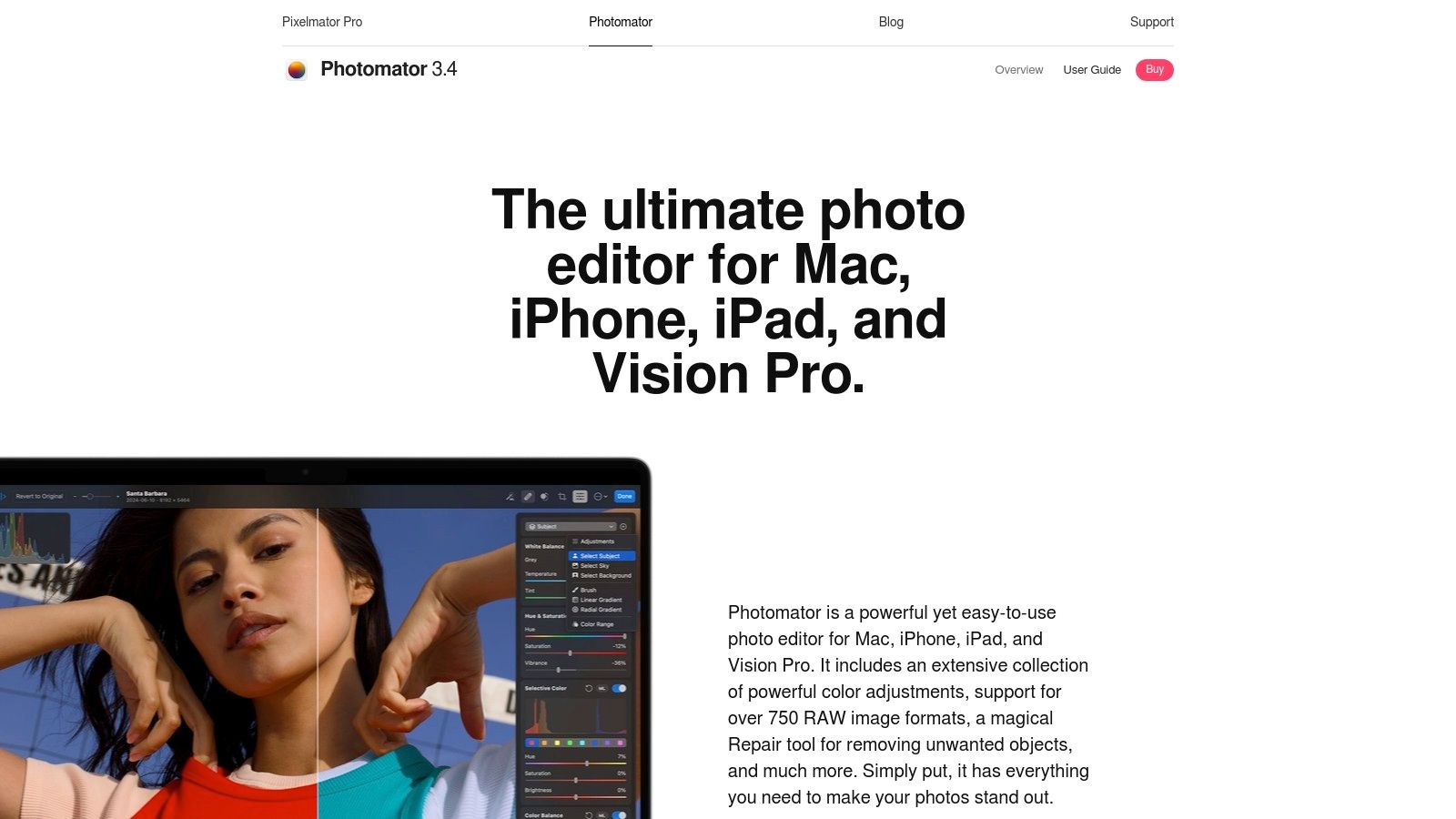
The software excels at enhancing image quality with just a few clicks. The ML Super Resolution feature allows users to increase the resolution of photos without losing clarity, while the Denoise tool intelligently removes unwanted grain from low-light shots. Photomator also offers automatic subject, sky, and background selection for precise, targeted adjustments. Its deep integration with Apple Photos and iCloud makes it one of the best AI photo editing software options for users who value a seamless, cross-device workflow within the Apple environment.
Key Features & Use Cases
| Feature | Best For | Implementation Tip |
|---|---|---|
| ML Super Resolution | Creators needing to enlarge older, low-res images for print; eCommerce brands upscaling product photos for zoom. | Apply this feature before making other edits to ensure you are working with the highest quality base image. |
| Denoise & Color Adjustments | Photographers shooting in low-light conditions, content creators wanting to perfect the color balance of their images. | Use the Denoise tool's intensity slider to find the right balance between noise reduction and preserving fine details. |
| AI Selections | Shopify merchants isolating products for clean backgrounds, artists creating composite images with complex subjects. | After an automatic selection, use the refine tools to perfect edges around challenging areas like hair or transparent objects. |
| Apple Photos Integration | iPhone photographers who want to move seamlessly from capture to advanced editing without leaving their photo library. | Enable the Photomator extension in the Photos app for Mac to access its powerful tools directly on any image in your library. |
- Pros: Fast, native performance on Apple hardware with a clean, user-friendly interface. A single license can be used across all your Apple devices, and a lifetime purchase option is available.
- Cons: Exclusive to the Apple App Store with no Windows or Android version, which limits accessibility. Professionals may still need more comprehensive software for certain advanced studio workflows.
- Pricing: Available with a monthly subscription at $9.99/month, a yearly subscription at $34.99/year, or a one-time lifetime license for $99.99.
10. Canva
Canva has evolved from a simple design tool into a powerful, all-in-one content creation platform with a suite of accessible AI photo editing features. Designed for speed and ease of use, it's the go-to solution for marketers, social media managers, and small businesses who need to produce high-quality, on-brand assets quickly. Its "Magic Studio" brings AI directly into the design workflow, allowing users to remove backgrounds, erase unwanted objects, or even expand images with context-aware AI-all within a user-friendly, template-driven environment.
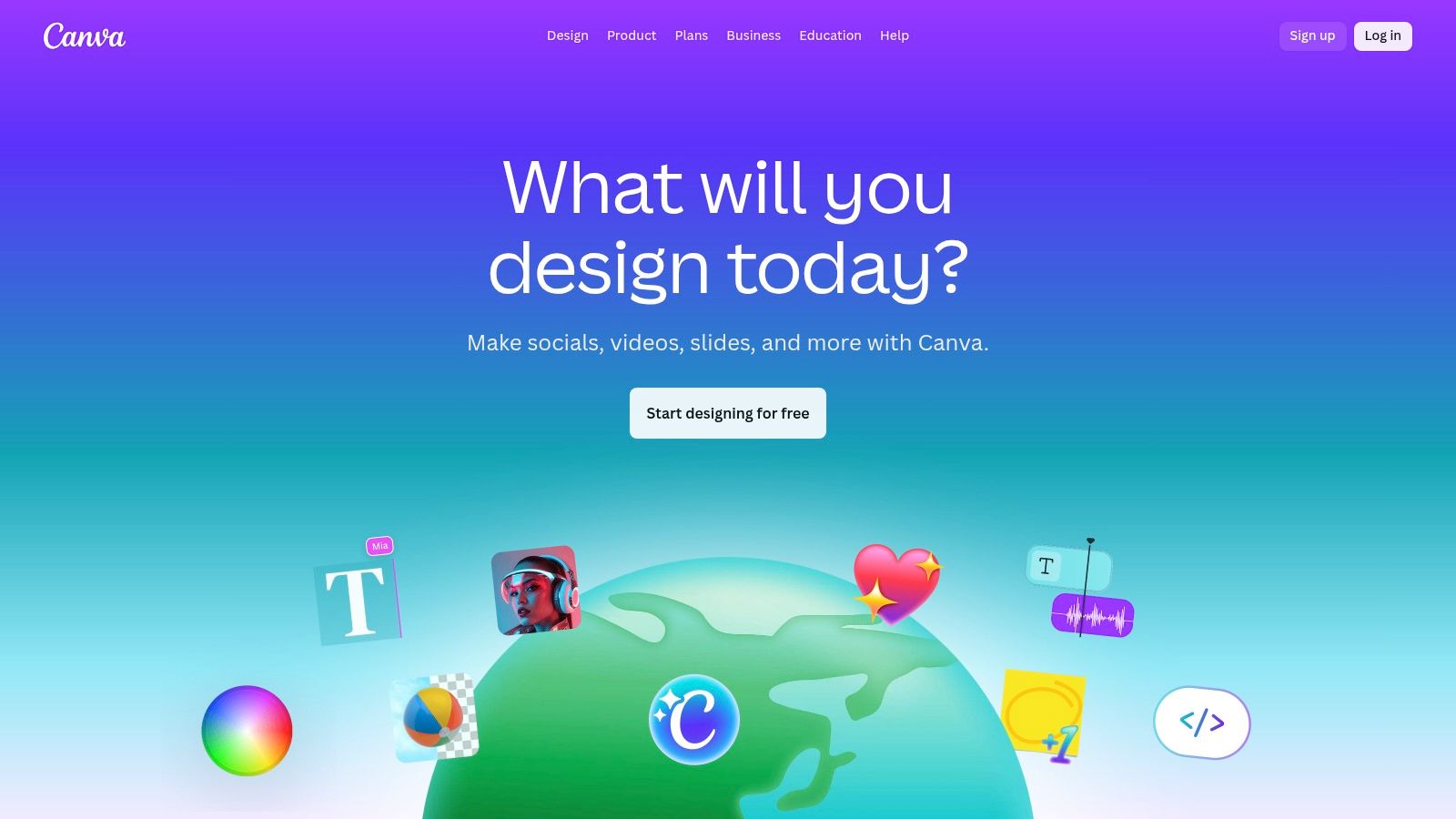
Unlike dedicated, complex photo editors, Canva’s strength lies in its integration. You can take a product photo, instantly remove the background with one click, place it into a branded social media template, and schedule it for publishing without ever leaving the platform. This makes it one of the best AI photo editing software choices for teams focused on marketing and rapid content production, where efficiency is just as important as the final creative output. The platform's collaborative features and brand kits further streamline the process for entire teams.
Key Features & Use Cases
| Feature | Best For | Implementation Tip |
|---|---|---|
| Magic Edit/Expand | Social media managers creating custom-sized assets, eCommerce stores adapting product shots for banners. | When using Magic Expand, choose from multiple generated results to find the one that best fits your design's aesthetic. |
| Background Remover | Shopify merchants creating clean product listings, creators making YouTube thumbnails. | Use the "Erase" and "Restore" brushes after the initial removal to clean up any tricky edges around the subject. |
| Design Templates | Marketing teams needing quick ad creatives, individuals creating event invitations or presentations. | Use the "Styles" tab to apply your Brand Kit colors and fonts to any template instantly for consistent branding. |
| Team Collaboration | Agencies managing multiple client assets, in-house marketing departments coordinating campaigns. | Create shared folders for specific projects or campaigns to keep all related designs, photos, and brand assets organized. |
- Pros: Extremely fast and intuitive for producing on-brand social and marketing assets. Its vast template library and strong collaboration features are ideal for teams.
- Cons: Some of the most useful AI features and premium stock assets are locked behind paid tiers. Verify current team pricing plans as they have been subject to change.
- Pricing: Canva offers a robust free plan. Paid plans with advanced AI features start at $14.99/month for one person.
11. Fotor
Fotor positions itself as an all-in-one AI photo editor designed for speed and accessibility, making it a strong contender for users who need quick, effective results without a steep learning curve. It combines a user-friendly, template-driven design platform with a suite of AI-powered editing tools. This approach is ideal for social media creators, bloggers, and small business owners who need to produce high-quality visuals quickly and efficiently. Its core AI functions focus on one-click solutions that handle common but time-consuming tasks.
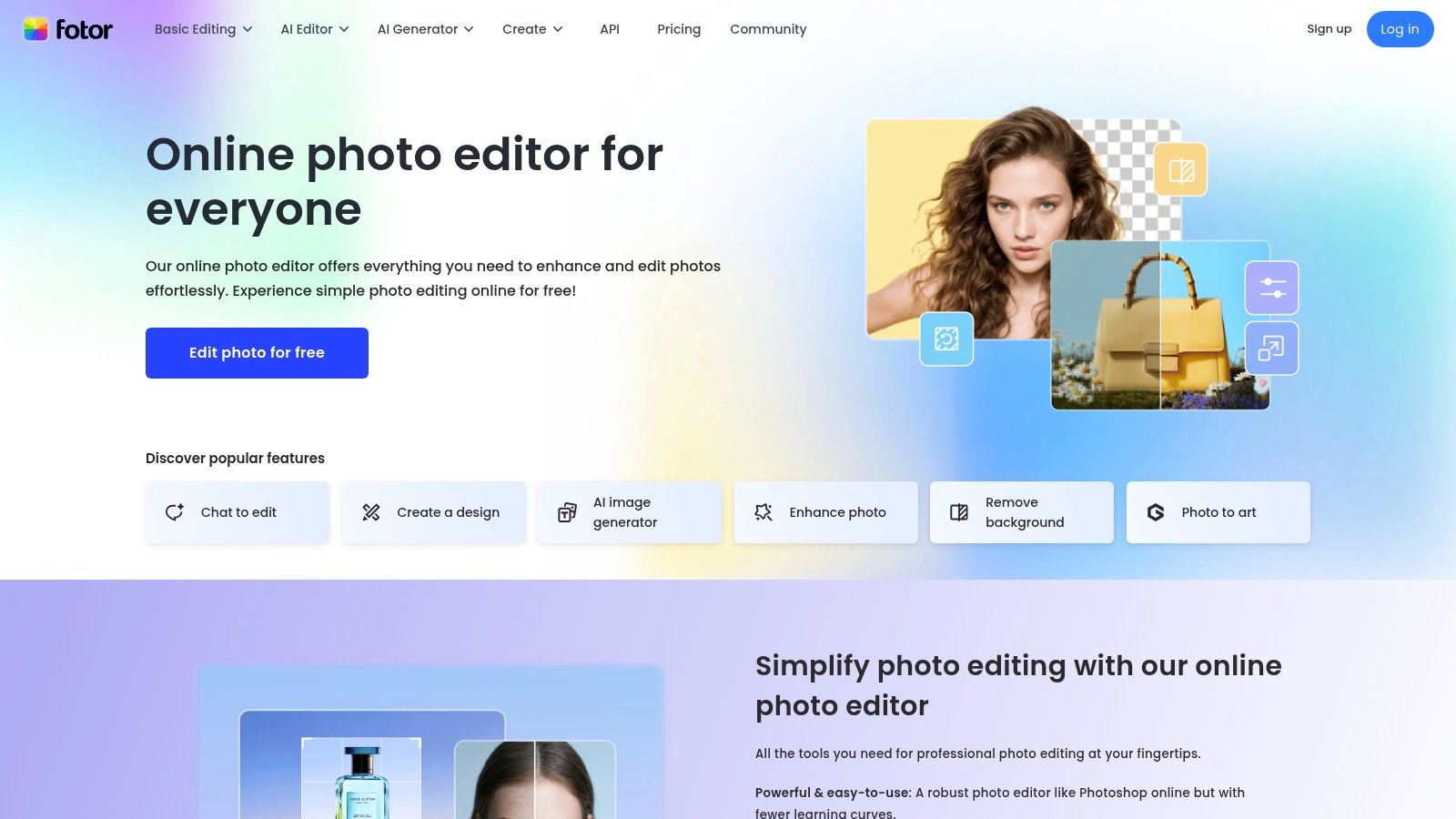
The platform excels at tasks like background removal, object erasing, and automated portrait retouching. Fotor’s AI upscaler is particularly useful for enhancing lower-resolution images for print or web use, while its batch processing capabilities save significant time for users handling large volumes of photos. By integrating these AI tools into a straightforward, web-based interface, Fotor provides one of the best AI photo editing software experiences for those prioritizing convenience and fast turnarounds over deep, manual control.
Key Features & Use Cases
| Feature | Best For | Implementation Tip |
|---|---|---|
| AI Background/Object Remover | Small eCommerce sellers creating clean product photos, social media managers isolating subjects for graphics. | After removing a background, use the "AI Replace" feature to instantly test new, contextually relevant backgrounds with a text prompt. |
| AI Enhancer & Upscaler | Bloggers improving stock photos, individuals restoring old family pictures for digital archives. | Use the upscaler before applying other edits to ensure you are working with the highest possible image quality from the start. |
| Batch Editing | Event photographers applying consistent edits to a set of photos, marketing teams resizing images for a campaign. | Create a preset with your desired enhancements (e.g., brightness, contrast, filter) and apply it to an entire folder at once. |
| AI Portrait Retouching | Influencers perfecting selfies, professionals needing a quick touch-up on a corporate headshot. | The one-click "Blemish Fix" and "Wrinkle Remover" tools are highly effective for fast, natural-looking results. |
- Pros: Very easy to use for beginners with a clean web interface. Offers a generous free plan and affordable tiered subscriptions that include generative credits.
- Cons: Heavy users of generative AI features may need to purchase additional credits. The free version often includes watermarks and can be ad-heavy.
- Pricing: Fotor offers a free plan with basic features. Paid plans start at $8.99/month ($3.33/month when billed annually) for Fotor Pro, which includes more advanced tools and credits.
12. Picsart
Picsart has carved out a niche as a mobile-first, all-in-one creative platform, blending user-friendly photo editing with a robust suite of AI tools. It is designed for social media creators and small businesses who need to produce eye-catching content quickly without a steep learning curve. The platform offers a wide range of AI-powered features, from one-tap background and object removal to sophisticated face retouching and image enhancement tools that make professional-level edits accessible to everyone.

What makes Picsart one of the best AI photo editing software options for its target audience is its seamless integration of generative AI within a template-rich environment. Users can generate images from text prompts and immediately drop them into a social media-ready template, complete with text and graphics. This streamlined workflow, combined with its mobile and web accessibility, makes it a powerful tool for on-the-go content creation and quick design tasks.
Key Features & Use Cases
| Feature | Best For | Implementation Tip |
|---|---|---|
| AI Editing Suite | Social media managers for quick post creation, influencers enhancing selfies and portraits. | Use the "AI Enhance" tool as a first step to automatically improve lighting and clarity before applying other creative filters. |
| One-Tap Background Remover | eCommerce sellers creating clean product photos for their online stores. | After removing the background, use the "AI Replace" feature to instantly place the product in a new, AI-generated scene. |
| AI Image Generator | Bloggers needing custom feature images, marketing teams creating unique ad visuals. | Start with a detailed prompt, but then use Picsart's standard editing tools to fine-tune the colors and add text overlays to the generated image. |
| Batch Editor | Small businesses applying a consistent look or watermark across a batch of product images. | Create a reusable "template" of your edits (e.g., filter, resize, watermark) to apply it to dozens of photos simultaneously. |
- Pros: Extremely intuitive interface with a massive library of templates and assets. Offers a generous free plan and competitive pricing for individuals and small teams.
- Cons: Advanced AI tools and batch editing features operate on a monthly credit system. Many of the best assets and templates are locked behind a subscription.
- Pricing: A free plan is available. Paid plans start at $5/month (billed annually) for the Plus plan, with team plans available.
Top 12 AI Photo Editors — Feature Comparison
| Product | Core features | Quality (★) | Pricing & Value (💰) | Target (👥) | Unique selling points (✨) |
|---|---|---|---|---|---|
| PhotoMaxi 🏆 | Single-image model training, image→video, batch studio shots, upscaling & relighting | ★★★★☆ | 💰 $9→$99/mo (Starter→Ultra); credits, commercial at Pro+ | 👥 Creators, e‑commerce, agencies, filmmakers | 🏆 Monetizable synthetic models; reliable likeness & character consistency; Shopify try‑ons; fast batch social sets ✨ |
| Adobe Photoshop | Generative Fill, Neural Filters, advanced composites, cloud docs | ★★★★★ | 💰 Subscription (Creative Cloud); some gen features credit‑gated | 👥 Pro retouchers, designers, studios | ✨ Industry standard for pixel‑level edits and complex composites |
| Adobe Lightroom | Cataloging, cloud sync, AI masking, denoise & mobile workflows | ★★★★☆ | 💰 Subscription (cloud tiers + storage) | 👥 Photographers, catalog managers | ✨ End‑to‑end photo pipeline with consistent AI edits |
| Skylum Luminar Neo | Relight AI, Sky/Background AI, one‑click portrait tools, plugins | ★★★★☆ | 💰 Perpetual or subscription options | 👥 Enthusiasts, portrait/landscape shooters | ✨ Fast, friendly AI tools; non‑subscription license available |
| Topaz Photo AI | Denoise, Sharpen, Deblur, face recovery, upscale (local/cloud) | ★★★★★ | 💰 Paid (licence/sub models); specialized enhancement value | 👥 Photographers needing detail recovery & batch fixes | ✨ Best‑in‑class denoise/sharpen/upscale for rescuing images |
| ON1 Photo RAW | RAW workflow, AI masking, NoNoise, Resize AI, plugin host | ★★★★☆ | 💰 Perpetual or subscription (MAX plugin options) | 👥 Hybrid users wanting full RAW toolkit | ✨ Flexible licensing + balanced AI + traditional RAW controls |
| DxO PhotoLab | DeepPRIME XD denoising, lens corrections, U‑Point local edits | ★★★★★ | 💰 Paid (standalone/upgrade/bundles) | 👥 RAW shooters seeking top noise/optical corrections | ✨ Outstanding noise reduction and optical fidelity |
| Capture One Pro | Tethering, color controls, AI culling/masking, sessions/catalogs | ★★★★★ | 💰 Subscription or perpetual; higher price | 👥 Studios, tethered shooters, pro labs | ✨ Industry‑leading color/tether performance for studio work |
| Photomator (Pixelmator) | ML upscaling, denoise, auto selections, Apple Photos integration | ★★★★☆ | 💰 App Store subscription or one‑time (Apple ecosystem) | 👥 Apple users, mobile/native workflows | ✨ Native Apple performance; cross‑device under one Apple ID |
| Canva | Background remover, Magic Edit, templates, brand kits, collab | ★★★★☆ | 💰 Freemium → Pro/Teams subscription; some assets paid | 👥 Social marketers, teams, non‑designers | ✨ Fast template-driven social asset production & collaboration |
| Fotor | Background/object removal, AI upscaler, portrait tools, batch | ★★★☆☆ | 💰 Freemium + credits for generative features | 👥 Small businesses, casual creators | ✨ Easy web-based edits and quick batch workflows |
| Picsart | Text‑to‑image, AI edits, background remover, templates, credits | ★★★★☆ | 💰 Freemium + credit system for generative tools | 👥 Social creators, influencers, mobile users | ✨ Integrated social tools, templates and stock integrations |
Choosing Your AI Partner for the Future of Content Creation
Navigating the landscape of AI-powered creative tools can feel overwhelming, but it also represents an unparalleled opportunity. We've journeyed through a comprehensive list of contenders, from established industry giants like Adobe Photoshop and Lightroom integrating sophisticated AI, to specialized RAW processors like DxO PhotoLab and Capture One Pro that harness machine learning for impeccable image quality. We've also explored accessible, all-in-one platforms like Canva and Picsart that bring AI magic to the masses.
The central takeaway is clear: the concept of the "best ai photo editing software" is not a one-size-fits-all title. Instead, it's a deeply personal choice dictated by your specific creative or business workflow, technical needs, and long-term goals. The era of manual, pixel-by-pixel adjustments is giving way to a new paradigm of intelligent, context-aware content generation and enhancement.
From Editing to Generating: A Fundamental Shift
One of the most significant shifts highlighted in our analysis is the evolution from photo editing to content production. While tools like Skylum Luminar Neo and Topaz Photo AI excel at rescuing and refining existing images, a new class of platform is emerging to solve a more fundamental business challenge: the need for a high volume of consistent, on-brand visual assets.
For e-commerce brands, marketing agencies, and professional creators, the bottleneck is often not just editing a single photo but producing an entire campaign's worth of visuals. This is where a solution like PhotoMaxi carves out its unique and powerful niche. It moves beyond simple enhancement and into the realm of virtual photography, transforming a single product or model photo into an entire library of monetizable assets, each perfectly aligned with brand aesthetics.
How to Select Your Ideal AI Tool
To make an informed decision, you must first diagnose your primary use case. Use these guiding questions to pinpoint the software that aligns with your workflow:
- Are you a professional photographer working with RAW files? Your priority is likely uncompromising image quality and precise control. Look towards Capture One Pro, DxO PhotoLab, or the AI-powered noise reduction and sharpening features in Adobe Lightroom.
- Do you need to perform complex composites, retouching, and graphic design work? The unmatched power and versatility of Adobe Photoshop's Generative Fill and advanced AI features remain the industry standard for this type of detailed work.
- Are you a social media manager or small business owner needing quick, attractive graphics? Platforms like Canva and Fotor offer a vast library of templates and user-friendly AI tools designed for speed and ease of use, making them ideal for rapid content creation.
- Is your main goal creating consistent, on-brand commercial and product imagery at scale? If you need to generate dozens of unique, high-quality photos for campaigns, product listings, or social feeds without expensive photoshoots, a generative platform like PhotoMaxi is specifically designed to solve this high-volume challenge.
Final Thoughts: Your AI Co-Pilot Awaits
The tools we've covered are more than just software; they are creative partners. They can automate tedious tasks, spark new ideas, and unlock possibilities that were once the exclusive domain of large studios with massive budgets. Embracing these technologies isn't about replacing human creativity; it's about augmenting it. The right AI partner will handle the technical heavy lifting, freeing you up to focus on the strategic and artistic vision that truly matters.
By evaluating your unique needs against the capabilities we've outlined, you can confidently choose the best AI photo editing software to not only improve your images but fundamentally revolutionize your creative process. The future of content creation is here, and it's more accessible, efficient, and imaginative than ever before.
Ready to move beyond traditional editing and start generating entire visual campaigns from a single photo? Discover how PhotoMaxi is empowering creators and e-commerce brands to produce stunning, on-brand content at scale. Visit PhotoMaxi to see how our virtual photography platform can transform your workflow.
Related Articles


Ready to Create Amazing AI Photos?
Join thousands of creators using PhotoMaxi to generate stunning AI-powered images and videos.
Get Started Free