
Discover ai headshot generator free: Create Pro Portraits in Minutes
It's true—you can absolutely find a free AI headshot generator. Most of what you'll find, however, are limited trials or freemium versions of more powerful, paid services. These tools are a fantastic, no-risk way to dip your toes into AI photography, but they usually come with some strings attached, like watermarks or lower-resolution images.
Setting Realistic Expectations for Free AI Headshots
The idea of getting a professional headshot without opening your wallet is pretty appealing. But it’s important to understand what "free" really means here. Most free generators are essentially a sneak peek, designed to show you what their full-featured, premium platforms can do.
Think of them less as a complete, final solution and more as a powerful demo. If you go in with the right expectations, you can avoid a lot of frustration and really make the most of what these tools offer. Just be prepared for a few common trade-offs.
Common Limitations of Free Generators
When you're working with a free service, you're almost guaranteed to bump into one or more of these limitations:
- Watermarked Images: Many free tools will stamp their logo or a watermark right on your final images. This is fine for a test run, but it makes them unusable for a LinkedIn profile or company website.
- Lower Resolution: To cut down on their server costs, free outputs are often smaller files. They might look okay on a small screen but will likely appear blurry or pixelated if you try to use them on a high-resolution website or in print.
- Limited Creative Styles: You'll probably get access to a handful of basic styles, while the really impressive ones—think "cinematic" or "sharp corporate"—are often locked behind a paywall.
- Fewer Image Credits: Free plans are typically quite stingy with how many images you can create. You might only get a handful of generations before the tool prompts you to upgrade.
The biggest issue I see with most free tools is the hit-or-miss quality. In my own tests, I’ve seen everything from distorted faces to bizarre lighting, which is precisely what nudges people toward a paid upgrade for something they can actually use.
The infographic below really nails the key differences between the completely free tools and what you get from a paid service.
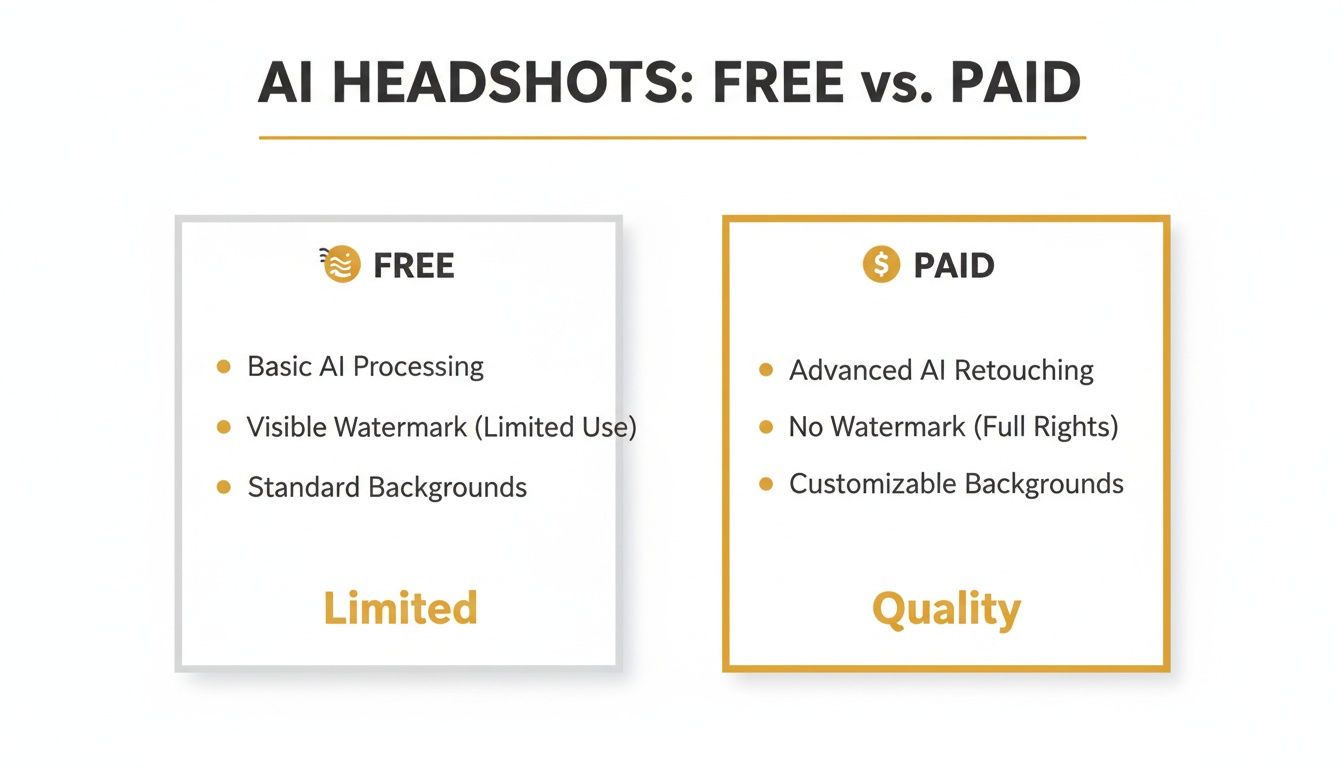
This visual shows the fundamental trade-off perfectly: free tools give you access, but paid platforms give you quality and control.
Free Tools vs Paid Platform Trials: A Quick Comparison
It's helpful to understand the key differences between completely free generators and the free trials offered by premium services. They aren't the same thing, and knowing what to expect can save you time.
| Feature | Typical Free Generator | Paid Platform Free Trial |
|---|---|---|
| Primary Goal | Ad revenue or upselling to a basic paid plan | Demonstrating premium features to convert users |
| Image Quality | Often lower resolution (e.g., 512x512 pixels) | Usually provides high-resolution, professional output |
| Watermarks | Almost always present and often prominent | May be included, but sometimes removable on upgrade |
| Style Variety | Limited to a few basic presets | Access to a wider, more professional style library |
| Commercial Use | Typically not allowed | Often included, or available upon upgrading |
| Turnaround Time | Can be slow due to high traffic/low priority | Generally fast to showcase platform performance |
Ultimately, a free trial from a paid service like HeadshotPro often gives you a much more realistic preview of what's possible with AI. While a 100% free tool can be a fun starting point for personal projects or a new avatar, professional needs almost always push you toward an upgrade.
With the market for this tech projected to hit $60.8 billion by 2030, the demand for high-quality, reliable results is what's driving development—and that’s something free tools just can't consistently deliver. If you want to go deeper, check out this great breakdown of the problems with free generators on HeadshotPro's blog to see why so many people quickly make the jump to a paid plan.
How to Prepare Your Photos for the Best AI Results
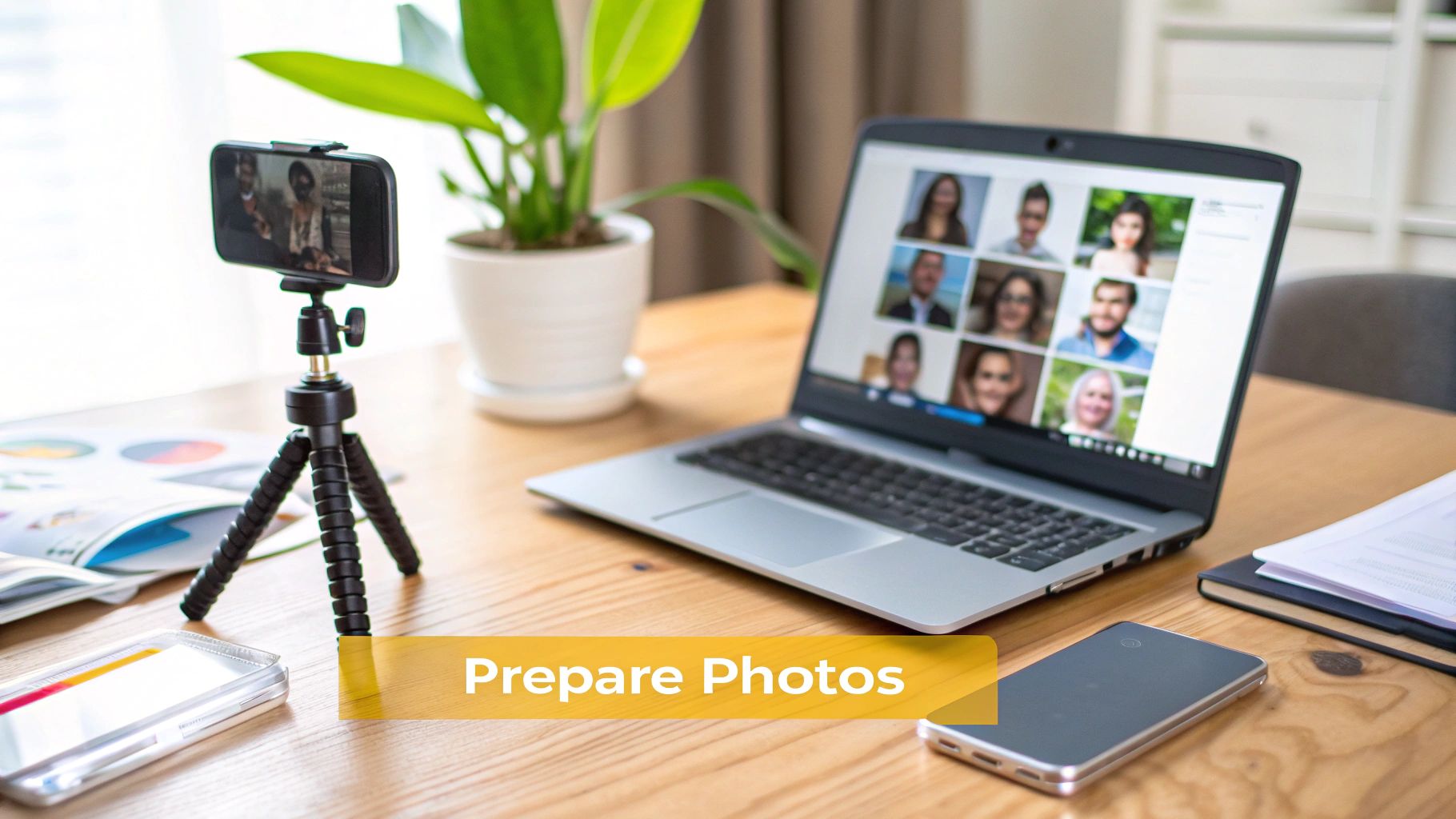
The quality of your AI headshot hinges entirely on the photos you feed it. Think of it like this: you're giving a portrait artist reference material. The better the references, the more the final painting will actually look like you. Even if you're using a top-notch ai headshot generator free of charge, this prep work is non-negotiable.
Your mission is to "train" the AI on your specific facial features, and for that, it needs a variety of examples. I've found the sweet spot is uploading between 5 to 10 clear, high-resolution photos. This variety is the secret sauce that stops the AI from spitting out generic faces that are almost you, but not quite right. A small, diverse set of images is always better than a hundred nearly identical ones.
Selecting the Right Kind of Photos
When you're digging through your camera roll, prioritize two things: clarity and variety. The AI needs clean data to work with, so anything that hides your face is just going to confuse it.
Here's what to look for when picking your source photos:
- Avoid Obstructions: Ditch the sunglasses and hats. Even hair falling across your eyes can be a problem. The AI needs a clear view of your entire facial structure, from your jawline to your forehead.
- Good, Even Lighting: Photos taken in soft, natural light work best. Harsh shadows or bright backlighting can throw the AI off, resulting in weird digital artifacts or a distorted version of your features.
- Mix Up Angles and Expressions: Don't give it ten photos of you smiling straight at the camera. Throw in some variety! Include shots from different angles—a slight profile, looking just off-camera—and with a few different expressions, like a neutral look, a soft smile, or something more serious.
The biggest mistake I see people make is uploading a bunch of selfies taken on the same day in the same spot. This starves the AI of the diverse data it needs to truly understand what you look like.
Taking a few minutes to carefully curate your photos is the most important step you can take. It's what sets the AI up for success and ensures your final headshots look professional, authentic, and like they truly belong to you.
If you want to get even more technical, our guide on how to generate AI images from a photo breaks down the process even further.
Getting the Professional Look You Want with Smarter Prompts
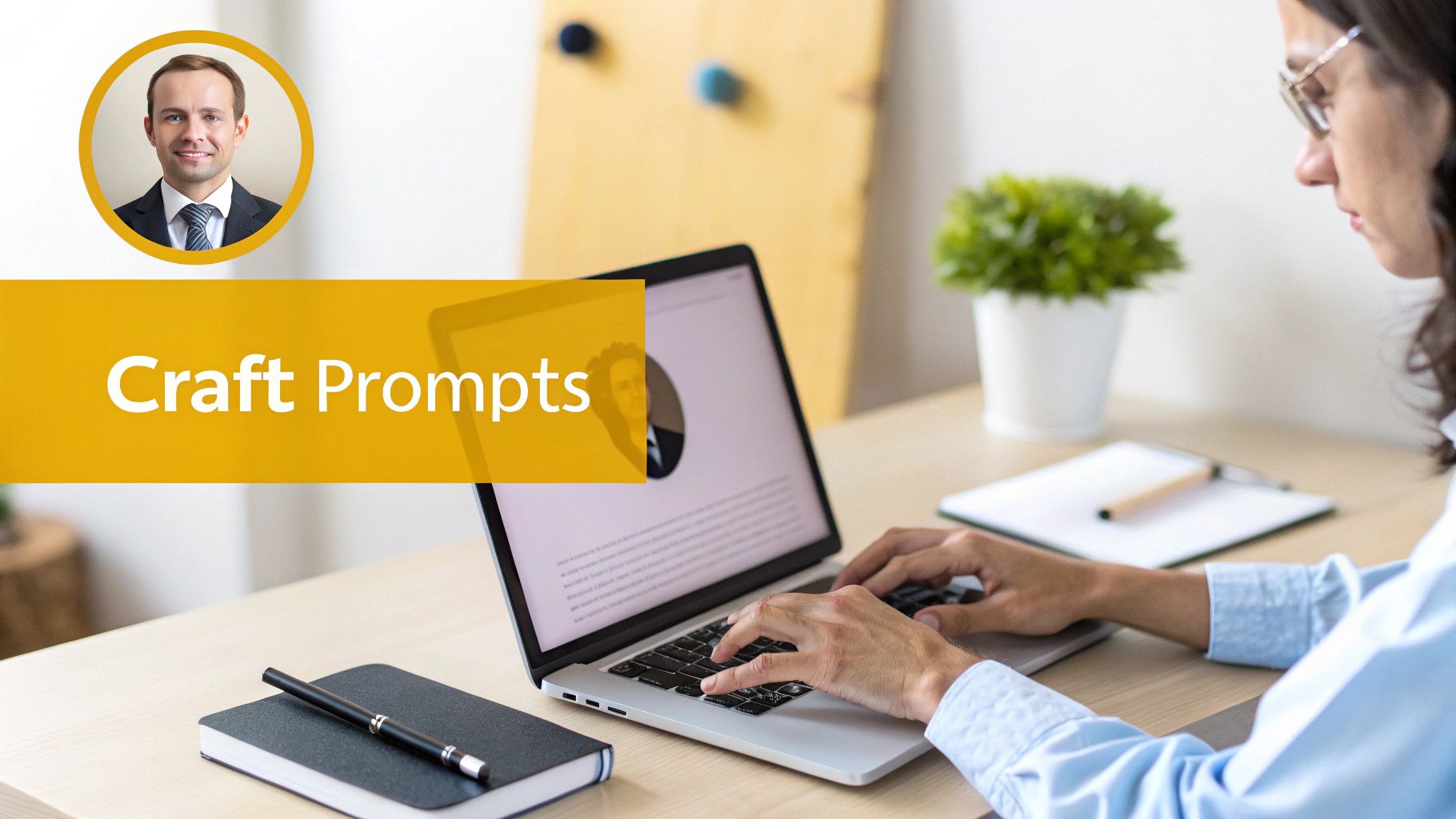
You’ve uploaded your photos, and now comes the fun part: directing the AI. This is where you really take control of the outcome. Just typing in "professional headshot" is a recipe for bland, generic results. The secret to a great AI headshot lies in the details.
Think of yourself as a photographer setting up a photoshoot. You wouldn't just tell a client to "stand there." You’d consider the lighting, the background, what they're wearing, and the exact mood you want to capture. Applying that same mindset to your prompt is what makes all the difference.
Building a Powerful Prompt
A great prompt isn't just a few words; it's a layered instruction. I always tell people to think about these four core elements:
- Setting & Background: Where are you? A "modern office with a blurred background" creates a completely different feel than a "neutral gray studio backdrop." Get specific.
- Lighting: This is crucial for mood. Try terms like "soft studio lighting," "dramatic side light," or "warm golden hour sunlight." You’ll be amazed at how much this changes the vibe.
- Attire: Don't let the AI guess your wardrobe. Clearly state what you want to wear, like "wearing a charcoal gray blazer and white shirt" or "in a navy blue turtleneck sweater."
- Mood & Style: What feeling are you going for? Use words like "confident," "approachable," "cinematic," or "corporate" to guide the AI’s creative direction.
Let's pull it all together. A prompt like, "Corporate headshot of a woman, soft studio lighting, blurred modern office background, wearing a charcoal gray blazer, confident expression," is going to give you something far more polished than just "headshot." If you want to get even more advanced, understanding how a photorealistic AI image generator interprets these commands can be a game-changer.
Your prompt is your instruction manual for the AI. A vague manual leads to a confusing result. A precise, detailed manual leads to a product you can actually use.
A lot of free tools also have built-in style options. These are fantastic shortcuts. You can click a "corporate" or "candid" style to get a solid base image, and then add your own custom text to tweak the details. It's a great way to get the best of both worlds—speed and control.
Tidying Up: How to Review and Refine Your New Headshots
Alright, the generator has done its thing. Now comes the fun part: sorting through the results. You’re going to have a wide mix—some great shots, some that are almost there, and a few that are just plain weird. The real skill is in spotting the keepers and knowing which ones to toss.
Don't get frustrated if you only find a handful of winners. That's completely normal. The reality is that by the mid-2020s, the sheer volume of AI headshots had already eclipsed traditional photoshoots. Paid platforms can spit out hundreds of images in just minutes, which is why this review process is so crucial. If you're curious about just how massive this trend has become, check out this article on the booming AI headshot market on Petapixel.
Spotting the Winners (and the Losers)
To make this easier, have a quick mental checklist ready as you scroll through the images. This keeps you objective and helps you move through the batch quickly, focusing on what makes a headshot look professional and, most importantly, real.
Here’s what I look for:
- Does it look like me? This is the first and most important question. AI can sometimes get creative with key features, so zoom in on the eyes, nose, and mouth. If the likeness isn't there, it's a no-go.
- Check the eyes and hands. Weird, glassy eyes or pupils pointing in different directions are an instant giveaway. And hands... AI is notorious for messing them up. Count the fingers if you have to!
- Hunt for subtle glitches. Scan for oddities in the background, strange, melty patterns on a shirt collar, or skin that looks a little too smooth or plasticky. These are the little artifacts that scream "AI-generated."
The goal is to find a headshot where the tech is totally invisible. The best ones don't look like they were made by an AI at all—they just look like a great, authentic photo of you.
Quick Fixes to Polish Your Top Picks
Found a few you love? Great. You don’t need to be a Photoshop pro to give them a final touch-up. There are plenty of fantastic free tools out there that can handle the simple tweaks needed to elevate a good image to a great one.
Here are a few easy, no-cost edits to consider:
- Upscale for a Sharper Look: If your favorite shot is a little on the small side, a free AI upscaler can increase the resolution and sharpness without making it blurry.
- Crop for Better Framing: Sometimes, all a photo needs is a better crop. A classic head-and-shoulders frame is perfect for professional profiles like LinkedIn and instantly makes the composition stronger.
- Tweak the Colors: A quick trip into a free photo editor to adjust the brightness, contrast, or saturation can make a world of difference, helping your final image really pop.
Understanding Usage Rights and When to Upgrade
So, you've found an ai headshot generator free of charge and created an image you're happy with. Awesome! But before you splash it across your professional profiles, there's a crucial detail that often gets overlooked: do you actually own the rights to use it?
It’s a boring but important question. Most free generators come with some pretty restrictive terms of service, usually limiting you to personal, non-commercial use only. This means using it for your personal Facebook profile is probably fine. But using it on your company's "About Us" page, in a sales proposal, or even on your business card? That could land you in hot water.
Always do a quick check for the "Terms of Use" or "Licensing" page on the site. It's a small step that can save you a big headache later.
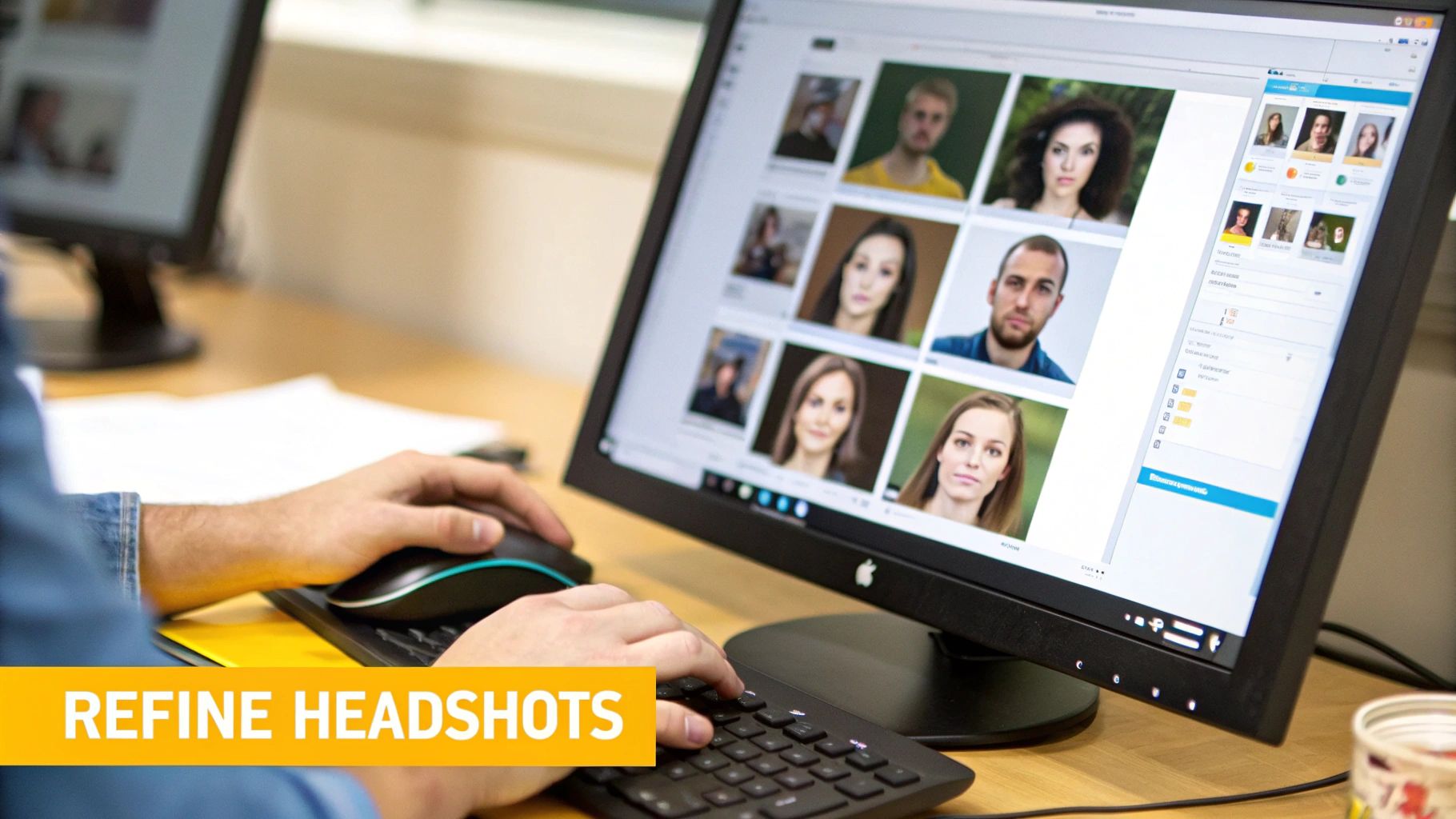
Knowing When to Make the Jump to a Paid Tool
This licensing gray area is precisely why most professionals quickly outgrow free tools. If your headshot is for anything that generates income or promotes a business, upgrading isn't just a suggestion—it’s a necessity.
The AI headshot space is booming, and for good reason. A recent study revealed that 44% of U.S. adults are open to using AI for their professional photos. When you consider that 85% of recruiters say online images impact their hiring decisions, the quality of your headshot suddenly becomes a very big deal. You can dig into more of this data in the growing AI headshot market from BetterPic's research.
Upgrading isn't just about dodging legal trouble. It's about investing in the quality, consistency, and control you have over your professional brand. A paid tool means every image is high-resolution, on-brand, and yours to use however you need to.
Paid services are built to solve the exact problems you run into with free generators. You're not just paying for a picture; you're paying for peace of mind and professional-grade features.
Here’s what you typically get when you move to a paid platform:
- Full Commercial Rights: This is the big one. You can use your headshots anywhere—from LinkedIn to conference brochures—without a second thought.
- High-Resolution, Watermark-Free Images: No more blurry downloads or distracting logos. You get crisp, clean photos that look sharp everywhere.
- Superior AI and Likeness: Paid tools use more sophisticated models. The result is a much more accurate and consistent resemblance across all your images.
If you’re serious about how you present yourself professionally, the choice is pretty clear. When you're ready to see what a difference it makes, check out our guide on the best AI portrait generators to find a reliable paid option.
Common Questions About Free AI Headshot Generators
Diving into free AI headshot tools can feel a bit like the wild west. It's easy to get started, but a few key questions pop up almost immediately. Let's clear the air so you can use these tools safely and get results you’re happy with.
The biggest question is almost always about safety. You’re uploading photos of your face, after all. Any trustworthy service will have a straightforward privacy policy. Before you upload a single picture, take a minute to see how they handle your data, how long they keep it, and whether they use it to train their models.
Why Do My AI Headshots Not Look Like Me?
This is probably the most common frustration with free generators. You go through all the steps, and the final image looks like a distant cousin, not you. It almost always boils down to one of two things: your source photos or the AI's limitations.
For the AI to have a fighting chance at capturing your likeness, you need to give it good material.
- Feed it Variety: Don't just use one selfie. Upload at least 5-10 photos showing different angles, a few different expressions, and varied lighting.
- Keep it Clear: Use high-quality photos. Your face should be front and center, not hidden behind sunglasses, hats, or deep shadows.
If you’ve done all that and the results are still wonky, you’ve likely hit the ceiling of what a free tool can do. Paid platforms have much more sophisticated AI under the hood, which is why they nail the likeness so much more consistently.
From my experience, free generators are fantastic for playing around and seeing what's possible. But when you need a headshot that genuinely looks like you, upgrading to a more powerful tool is usually the next logical step.
Can I Use a Free AI Headshot on LinkedIn?
Technically, LinkedIn is fine with AI-generated profile pictures, as long as they’re a professional and authentic representation of you. A good AI headshot can definitely fit the bill.
The real hurdle isn't LinkedIn's policy; it's the generator's. You have to read the fine print. Many free tools explicitly forbid using their images for any commercial or professional purpose—and a LinkedIn profile definitely counts as professional use. Always check the terms of service.
When you're ready for professional-grade headshots that come with full commercial rights and a likeness you can count on, you need a tool built for it. PhotoMaxi offers the control to create studio-quality images perfect for LinkedIn, your company website, or any other business need. Explore PhotoMaxi today.
Related Articles


Ready to Create Amazing AI Photos?
Join thousands of creators using PhotoMaxi to generate stunning AI-powered images and videos.
Get Started Free