
Ai Generated Profile Picture: Create an ai generated profile picture
An AI-generated profile picture is simply a headshot created by artificial intelligence instead of a traditional camera. These tools take photos you already have and spin them into brand-new, studio-quality images in almost any style you can imagine. The result is a polished, professional look without the hassle of a real photoshoot.
Why Your Next Profile Picture Should Be AI-Generated
Your digital first impression matters more than ever, and a growing number of professionals are using AI to take control of their online image. What felt like a tech fad just a short time ago has quickly become a smart tool for building a personal or corporate brand.
This isn't just about trying something new. It's about accessibility, consistency, and getting a leg up.
Platforms like PhotoMaxi have put this technology within reach for everyone, from freelancers to entire corporate teams. They completely sidestep the logistical headaches and high costs of a professional photoshoot. Forget about finding a photographer, booking a studio, or trying to align everyone's schedules. Now, you can create dozens of high-quality headshots right from your desk.
The Professional Advantage
An AI-generated profile picture gives you more than just a convenient way to get a headshot; it offers an incredible amount of control over your brand. You get to call the shots on the style, the lighting, the background—even what you're wearing—to perfectly craft the professional image you want to project.
Achieving that kind of consistency across LinkedIn, your company's website, and other social media profiles is a huge win. Here’s a perfect example of the polished, high-quality images you can get.
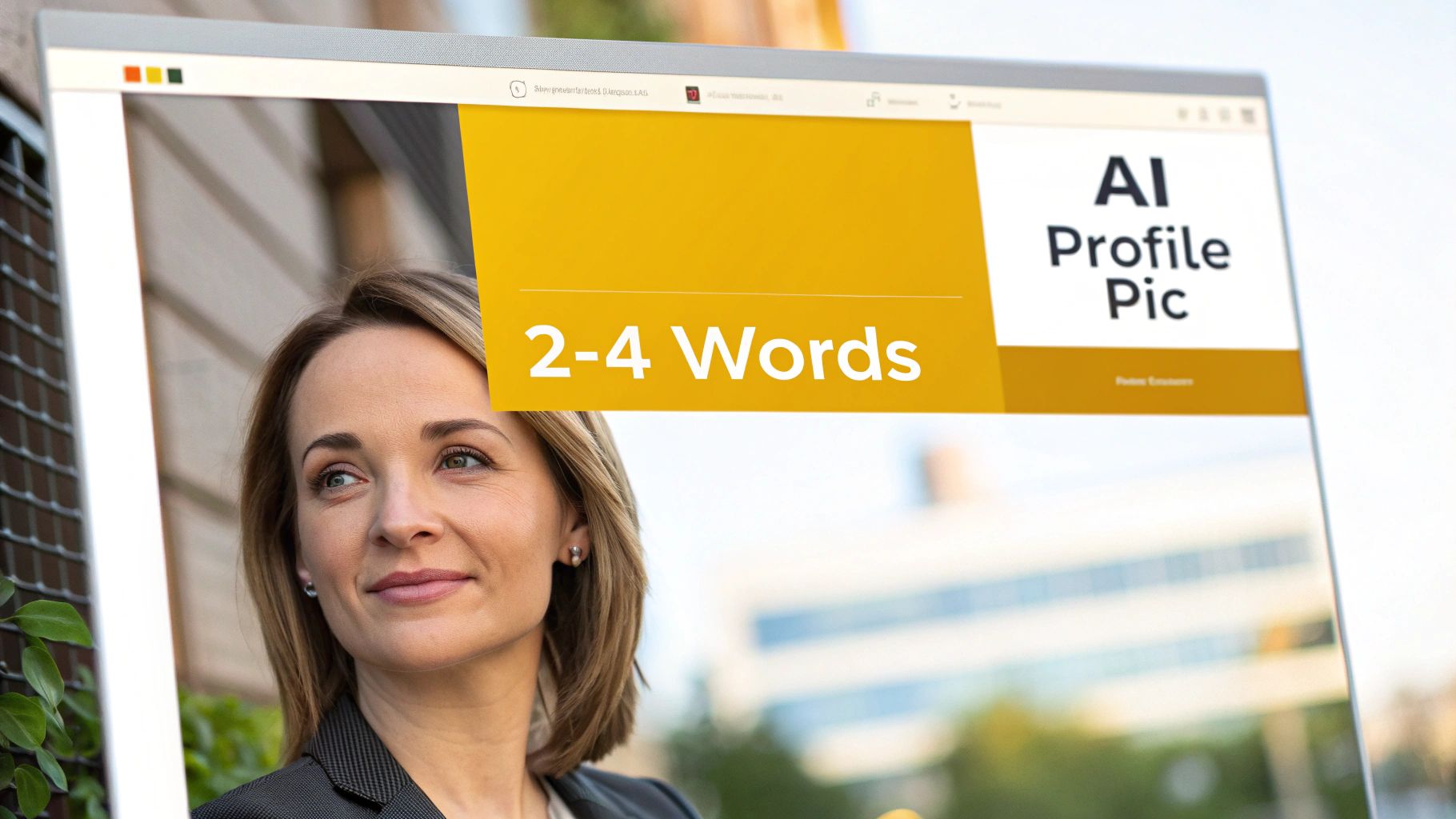
The image above shows just how clean and professional the results can be, which is a big reason why this tech is catching on so fast.
A Surprising Edge in Recruitment
The influence of a sharp AI headshot is showing up in places you might not expect. While some people debate the authenticity, new data suggests that recruiters might actually prefer the polished look that AI can deliver.
A recent study tracking the choices of recruiters found something fascinating. When shown both real photos and AI-generated options side-by-side, recruiters picked the AI-generated headshots 76.5% of the time.
This statistic is a real eye-opener. It suggests that the clean, controlled aesthetic AI produces often leaves a stronger first impression. The data points to a major shift in what's considered a professional standard. A well-made AI picture could be more effective at grabbing positive attention than your average photo.
If you want to dig deeper, you can explore the full study about how your headshot impacts job opportunities to see all the details.
Getting Your Source Photos Right for a Spot-On AI Likeness
Let’s be clear: the magic of your AI-generated profile picture starts with the photos you feed the machine. The old saying "garbage in, garbage out" has never been more true. You're essentially teaching the AI what you look like, and the better the source material, the more convincing the final result will be.
It's tempting to think one perfect shot is all you need, but that’s not how this works. To get an AI portrait that truly captures you, you need to give the model a complete picture—literally. Think of it as providing a 360-degree view of your face so it can build an accurate digital version of you.
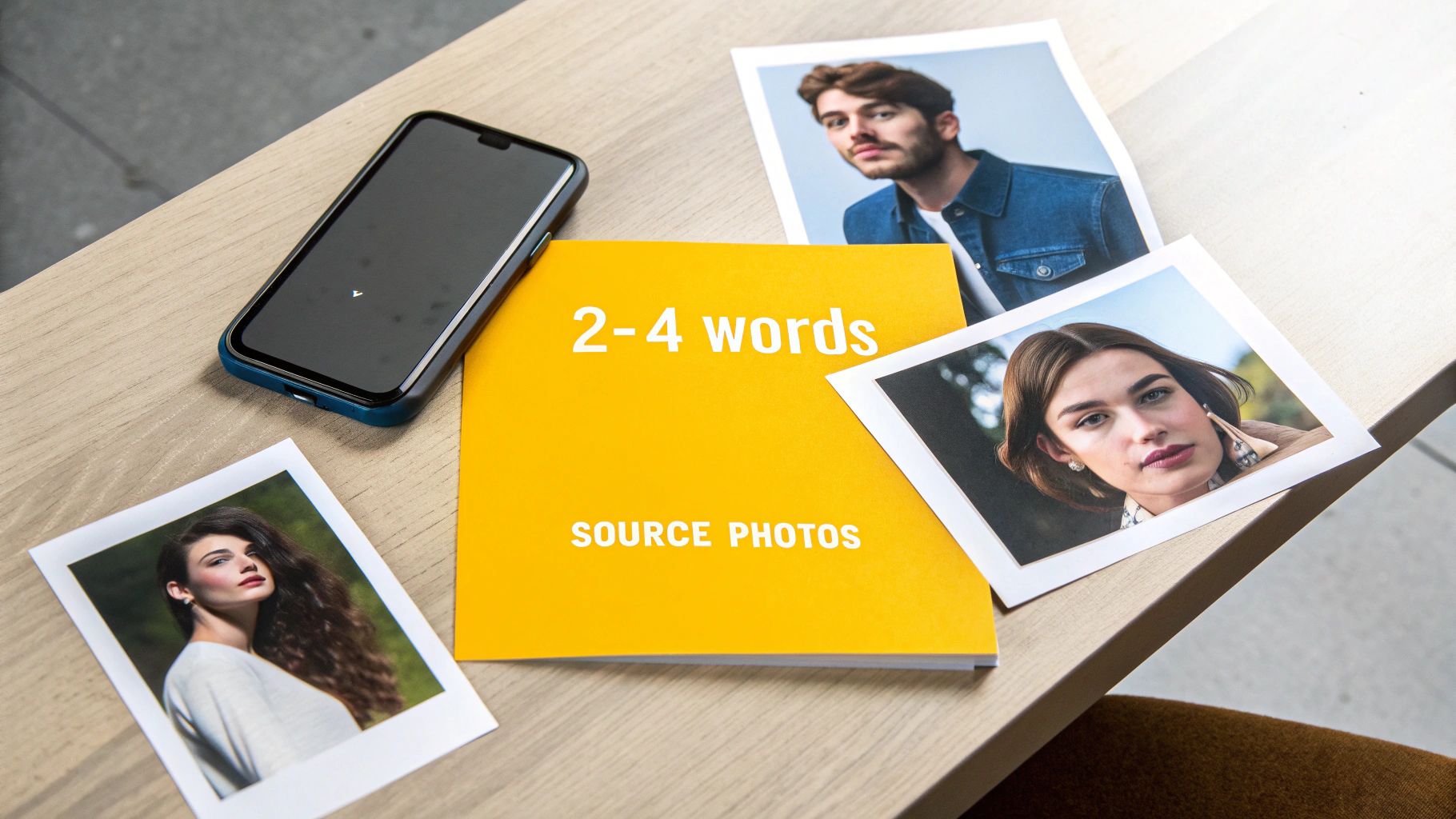
This training process is what makes the final output a high-fidelity version of you, not just a generic face. If you're curious about the tech behind this, our guide on how to generate photos with AI breaks down what’s happening under the hood.
Building Your Ideal Photo Set
Your main goal is to upload a clean, diverse collection of photos. Variety is everything here. A mix of angles, expressions, and lighting gives the AI the data it needs to create something that looks realistic and versatile.
A really solid photo set should always include:
- A Full Range of Head Angles: Make sure you have shots from the front, three-quarter views (from both the left and right), and full-on profile shots. This is crucial for the AI to learn the actual shape of your head and face.
- Different Expressions: Don't just stick to one look. Include photos where you’re smiling, have a neutral expression, and maybe one where you’re laughing. This gives the AI more creative freedom.
- Varied Lighting Conditions: Snap some photos indoors and some outdoors. This simple trick teaches the model how different light sources and shadows play across your features.
- Sharp, High-Quality Images: Your face needs to be the star of the show—well-lit and in focus. Blurry, dark, or pixelated photos will just lead to a muddled result.
My Pro Tip: The more high-quality, varied photos you provide, the better. I've found that a sweet spot is around 10-20 clean, diverse images. This gives the AI plenty to work with without overwhelming it.
Common Mistakes to Sidestep
Knowing what not to upload is just as important as knowing what to include. Certain kinds of pictures can seriously confuse the AI, resulting in weird digital artifacts or a portrait that just doesn't look like you.
Here are the biggest pitfalls I see people fall into:
- Anything Blocking Your Face: Avoid photos where you're wearing sunglasses or hats. Even having your hand partially covering your face can throw things off. The AI needs a clear view.
- Heavy Filters or Editing: Ditch the Snapchat filters and dramatic Instagram presets. These alter your core features and will teach the AI an inaccurate version of you.
- Outdated Photos: Stick to recent pictures. If you use photos from five years ago, expect your AI profile picture to look like you did back then.
- Group Shots: This is a huge no-no. Never upload a picture with more than one person in it. The AI won't have a clue which face it's supposed to be learning.
By being picky about your source photos and sidestepping these common blunders, you’re setting the stage for a seriously impressive and accurate AI headshot.
Writing Prompts That Create Your Ideal Headshot
Alright, you’ve got your source photos ready to go. Now it's time for the fun part: playing art director. Crafting a great prompt is what turns your raw idea into a standout AI-generated profile picture. Don't worry, this isn't about learning secret codes; it's simply about describing the image you have in your head as clearly as possible.
Think of it like briefing a professional photographer. If you just ask for "a professional headshot," you’ll get something... well, professional. And generic. But if you describe the exact lighting, the background, the mood, and even the camera angle, you're going to get something that feels unique and intentional. This is your chance to really define your digital first impression.
The Anatomy of a Powerful Prompt
A really effective prompt isn’t just one command; it’s a series of descriptive layers stacked together. Each word you add is another brushstroke, guiding the AI closer and closer to your vision. It's best to start with the basics and then layer on the details.
Here are the core components I always think about:
- Style and Medium: What's the overall vibe? Are you after a crisp, photorealistic shot, a timeless oil painting, or maybe something a bit more stylized? Starting with a term like "cinematic," "studio portrait," or "corporate headshot" immediately sets the scene.
- Lighting: This is your secret weapon for controlling the mood. Bright, even light feels clean and professional, while dramatic shadows can add a sense of intrigue. Try using phrases like "soft natural light," "dramatic studio lighting," or my personal favorite for a warm feel, "golden hour glow."
- Environment and Background: Where is this photo being taken? You can go way beyond a simple colored backdrop. Get specific with something like "in a modern office with a blurred background," "against a textured gray wall," or "outdoors in a lush park setting."
- Composition and Angle: This is about telling the AI how to frame you. Simple commands like "close-up portrait," "medium shot," or "looking directly at the camera" give you incredible control over how the final image is composed.
When you start combining these elements, you leave very little to chance and get much closer to the result you want. If you’re ever stuck for ideas, we’ve put together a huge list of AI image prompt examples that cover all sorts of styles.
Prompting for Profile Pictures: From Basic to Advanced
The real magic happens when you move beyond basic requests. The difference between a decent AI headshot and a truly fantastic one often boils down to a few extra, well-chosen words. Adding these details helps the AI grasp the nuance you're after.
Let's break down how a prompt can evolve.
Key Takeaway: The more specific your language, the more control you have. Use vivid adjectives to describe the mood, the texture of the background, and the quality of the light. This is how you create a truly unique AI-generated profile picture.
Here’s a look at how you can transform a simple idea into a detailed, powerful prompt that gives PhotoMaxi everything it needs to create something amazing.
| Goal | Basic Prompt | Advanced PhotoMaxi Prompt |
|---|---|---|
| A friendly corporate look | Professional headshot, smiling | Photorealistic corporate headshot, warm and approachable, soft natural light from a window, in a modern office with a blurred background. |
| A serious, dramatic portrait | Man in a suit, serious | Cinematic close-up portrait of a man in a dark suit, dramatic Rembrandt lighting, against a dark textured wall, looking slightly off-camera. |
| A creative, outdoor shot | Woman outdoors | Outdoor portrait of a woman, golden hour sunlight, standing in a field of wildflowers, shallow depth of field, candid expression. |
See the difference? Those extra details give the AI specific instructions on lighting, setting, and mood, resulting in a much more polished and intentional final image.
Fine-Tuning Your Image in PhotoMaxi
A great prompt gets you in the ballpark, but the real artistry in creating a perfect AI profile picture comes from the fine-tuning. This is where you elevate a good image to a great one, adding that professional polish that makes a headshot truly stand out. Think of PhotoMaxi's toolkit as your digital darkroom.
The initial AI generation is like getting the raw footage. Now, it's time to edit. These settings are surprisingly intuitive, letting you refine the final image without needing a crash course in photo editing.
This diagram shows how the core parts of your prompt—style, lighting, and environment—work together. Nailing these upfront makes the fine-tuning stage much smoother.
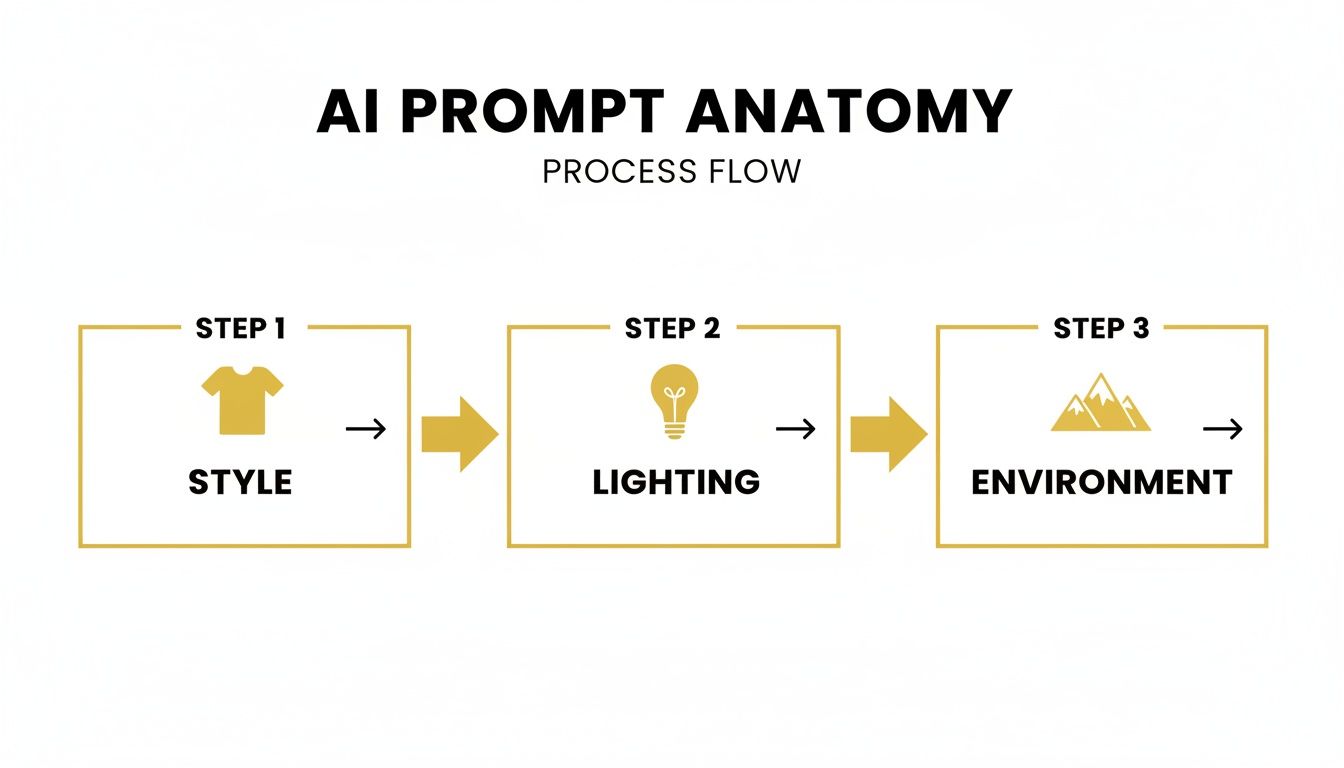
When you understand how these pieces fit together, you'll find yourself making smarter, faster adjustments later on.
Balancing Realism with Style
One of the most critical settings you'll use is the Likeness Fidelity slider. This dial essentially tells the AI how strictly it should adhere to your source photos.
If you push it all the way up, the AI will prioritize an exact replica of your facial features—perfect for a no-nonsense corporate headshot. But if you dial it back, you give the AI more creative license to blend your likeness with the artistic style you prompted. It’s a delicate dance.
My Personal Tip: I usually start with the fidelity slider around 75-80%. This sweet spot produces an image that is unmistakably me, but with the refined quality of a high-end studio portrait. For something more stylized or illustrative, I might drop it down to 60% to let the AI get more creative.
Mastering Light and Environment
Never, ever underestimate lighting. It completely dictates the mood and professionalism of your photo. PhotoMaxi gives you several one-click presets that mimic classic photography setups, which is a huge time-saver.
- Studio Softbox: This is my go-to for a clean, professional headshot. It creates even, flattering light that minimizes harsh shadows and gives off an approachable vibe.
- Golden Hour: Want something a bit warmer and more cinematic? This preset simulates that beautiful, soft glow you get right after sunrise or just before sunset.
- Dramatic Rim Light: For a more intense, edgy look, this option creates a bright outline of light behind you. It’s fantastic for making your silhouette pop against the background.
And don't forget the background itself. You can instantly swap out the setting for anything from a sleek, modern office to an abstract color wash, ensuring the entire image aligns with your personal brand.
Finalizing with Upscaling
Once the composition and lighting are just right, there’s one last, crucial step: Upscaling. This is non-negotiable if you want a high-quality result.
AI models often generate images at a lower resolution to work faster. Upscaling uses a separate AI process to intelligently increase the image's size and pixel count without making it blurry. It sharpens details and smooths out imperfections.
This final touch transforms your image into a crystal-clear, high-resolution file that looks sharp everywhere, from a tiny X profile icon to a full-screen LinkedIn banner. Skipping this step is the fastest way to make all your hard work look amateurish and pixelated.
Optimizing Your New Headshot for Social Media
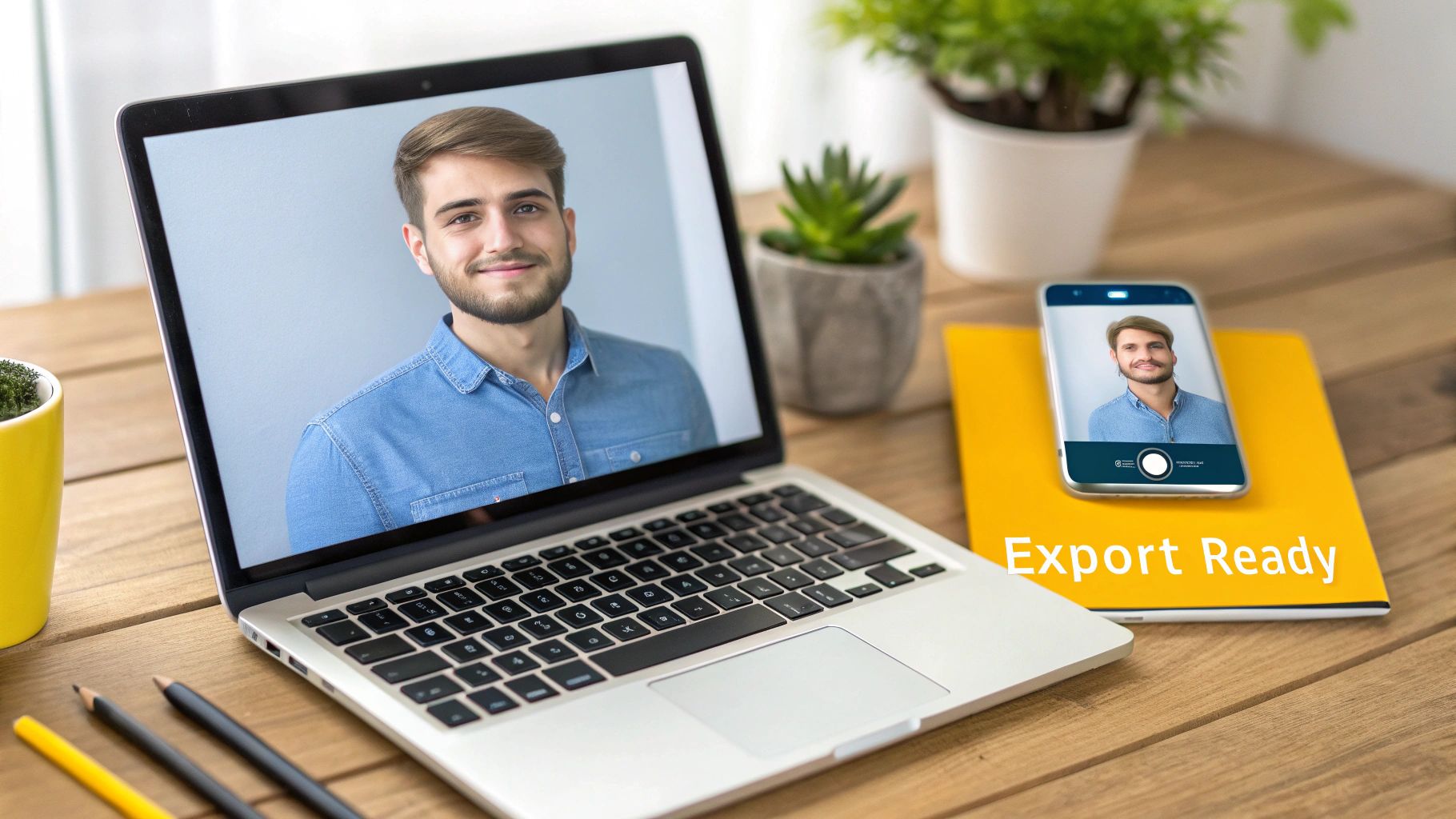
So, you’ve used AI to create a fantastic new profile picture. That’s the hard part done, right? Almost. Now comes the crucial final step: exporting and sizing it correctly to make a killer first impression online.
Don't let your hard work go to waste by letting social media platforms butcher your image. Platforms like LinkedIn and Instagram use aggressive compression that can turn a perfectly sharp headshot into a pixelated mess. The best way to fight back is to start with the highest quality file possible.
My go-to format is always PNG. It’s a lossless format, which means it hangs onto all that beautiful detail you perfected. A JPEG might look okay at first glance, but a PNG gives you a much better foundation to withstand the inevitable compression, ensuring your picture stays crisp.
Sizing for Each Platform
Every social network has its own little quirks when it comes to image dimensions. You can't just upload one image everywhere and hope for the best—that's how you end up with your head awkwardly cropped or a blurry, low-quality photo.
Taking a moment to resize your image for each platform is a small step that makes a huge difference. It guarantees your picture shows up exactly how you want it to, without any weird automatic cropping. The constant demand for "profile picture maker" tools just goes to show how many people are looking for ways to get this right.
Pro Tip from Experience: Even when a platform, like LinkedIn or Instagram, displays your profile picture in a circle, always upload a perfectly square image. This puts you in control of the framing and prevents the platform from making a weird crop that might cut off part of your face or hair.
To take the guesswork out of it, here's a handy cheat sheet I use for the most common platforms.
Profile Picture Sizing Guide for Major Platforms
This table is your quick-reference guide for the ideal dimensions on today's most popular social media and professional networking sites. Getting these right is key to a sharp-looking profile.
| Platform | Recommended Dimensions (Pixels) | Display Aspect Ratio |
|---|---|---|
| 400 x 400 | 1:1 | |
| 720 x 720 | 1:1 | |
| X (Twitter) | 400 x 400 | 1:1 |
| 720 x 720 | 1:1 |
Remember, these are the minimum recommended sizes. Uploading a larger square image (like 1080 x 1080 pixels) often yields even better results, as it gives the platform more data to work with.
Maintaining Brand Consistency
If you're creating a few different headshots—say, a more formal one for your professional network and a creative one for your personal profiles—try to keep a common thread between them. This could be a consistent color scheme, a similar lighting style, or even just a shared background element.
This subtle consistency helps build a recognizable personal brand. People will start to associate that style with you, no matter where they see your profile pop up.
One last thing before you hit "upload": run your final image through an upscaler. It’s the final polish that ensures your photo is razor-sharp and ready for its debut. If you're not sure which one to use, we've already tested some of the best free AI image upscaler tools out there.
Got Questions? We've Got Answers
Even with the best photos and a killer prompt, you might still have a few things you're wondering about. This whole AI generated profile picture thing is new for most of us, so it’s completely normal to have questions about everything from data privacy to whether you can legally use your new headshot on your company website.
Let's tackle some of the most common questions head-on. Getting these details straight will help you use the tech with total confidence.
What Happens to My Photos After I Upload Them?
This is usually the first thing people ask, and for good reason. When you upload your pictures, you’re basically giving an AI a temporary crash course on what you look like. Any platform worth its salt, like PhotoMaxi, takes that responsibility very seriously.
Your photos are only used to generate your headshots. They aren't thrown into a giant digital pot to train the main public AI models. Once your images are ready, both your original photos and the temporary AI model of your face are deleted from the servers, usually within a pretty short window. It's always a good idea to skim the platform's privacy policy for the exact timeline.
The Bottom Line: Your photos are used for one thing only: creating your headshots. They aren't repurposed or used for general AI training, which keeps your data private and secure.
Can I Actually Use These for My Business?
The short answer is yes, but it usually depends on the plan you choose. The legal side of AI-generated content is still being ironed out, but most services lay out the rules clearly in their terms of service.
Typically, free versions or basic plans are for personal use only. If you upgrade to a paid or pro plan, you’ll almost always get a full commercial license. That means you can use your new headshot for things like:
- Your company’s "About Us" page.
- Digital ads, brochures, and sales presentations.
- Your author photo on a book or byline for an article.
Just be sure to double-check the licensing agreement before you start using your headshot for commercial projects. It's worth noting that the U.S. Copyright Office has stated that works without significant human creative input can't be copyrighted, which makes the license from the AI provider your official green light for business use.
Why Do Some of My AI Photos Look a Little… Strange?
It happens. Even the most advanced AI can spit out an image with a weird hand or a slightly off-kilter eye. This is because the AI is essentially a master pattern-matcher, piecing together an image pixel by pixel without a true human understanding of anatomy.
If you get a few duds, don't sweat it. It’s all part of the process. In fact, the sheer volume of options is one of the biggest perks of using AI. Where a traditional photoshoot might give you 5-10 edited shots, AI headshot generators can produce 40 to 100 customizable options from a single session. It's a massive shift in what's possible, and you can discover more about the trends in AI headshot generation to see just how far the technology has come.
All you have to do is toss out the ones you don’t like and focus on the winners. Sometimes, a small tweak to your prompt or a little adjustment to the Likeness Fidelity slider is all it takes to get a much more realistic result on the next go-around.
Ready to see what you can create? With PhotoMaxi, you can generate an incredible variety of professional headshots in just a few minutes, dial them in perfectly, and build a much stronger online presence. Try PhotoMaxi today!
Related Articles


Ready to Create Amazing AI Photos?
Join thousands of creators using PhotoMaxi to generate stunning AI-powered images and videos.
Get Started Free