
10 Game-Changing AI Image Prompt Examples to Master in 2026
Welcome to the new era of content creation where the right words can build entire visual worlds. Mastering AI image generation isn't about knowing a secret code; it's about understanding the language of creative direction. Effective prompts are the critical difference between generic, uncanny outputs and stunning, on-brand visuals that captivate audiences and drive engagement. This guide moves beyond basic descriptions to provide a strategic framework for crafting powerful instructions.
We will explore 10 distinct categories of ai image prompt examples, packed with actionable strategies, negative prompt suggestions, and specific tactics you can apply directly. You'll find ready-to-use prompts designed for a variety of professional applications:
- Portraits and Influencer Content: Achieve character consistency and professional studio lighting.
- Ecommerce & Product Photography: Create compelling product showcases and virtual try-on visuals.
- Cinematic & Narrative Shots: Generate story-driven sequences with specific moods and styles.
Whether you're an influencer building a personal brand, an e-commerce store owner optimizing product shots, or a filmmaker producing cinematic sequences, these examples will equip you to generate consistently high-quality, monetizable content. This playbook is designed to transform your creative process from hours of guesswork into a streamlined, predictable workflow. Get ready to unlock the full potential of your personal AI photographer.
1. Character Consistency Portrait Prompts
Character consistency prompts are foundational for creating a recognizable digital persona or brand model. This technique involves crafting highly detailed descriptions to ensure the AI generates the same "person" across multiple images, maintaining consistent facial features, hairstyles, and unique identifiers. This is critical for building a coherent visual narrative for AI avatars, virtual influencers, or synthetic models used in brand campaigns.
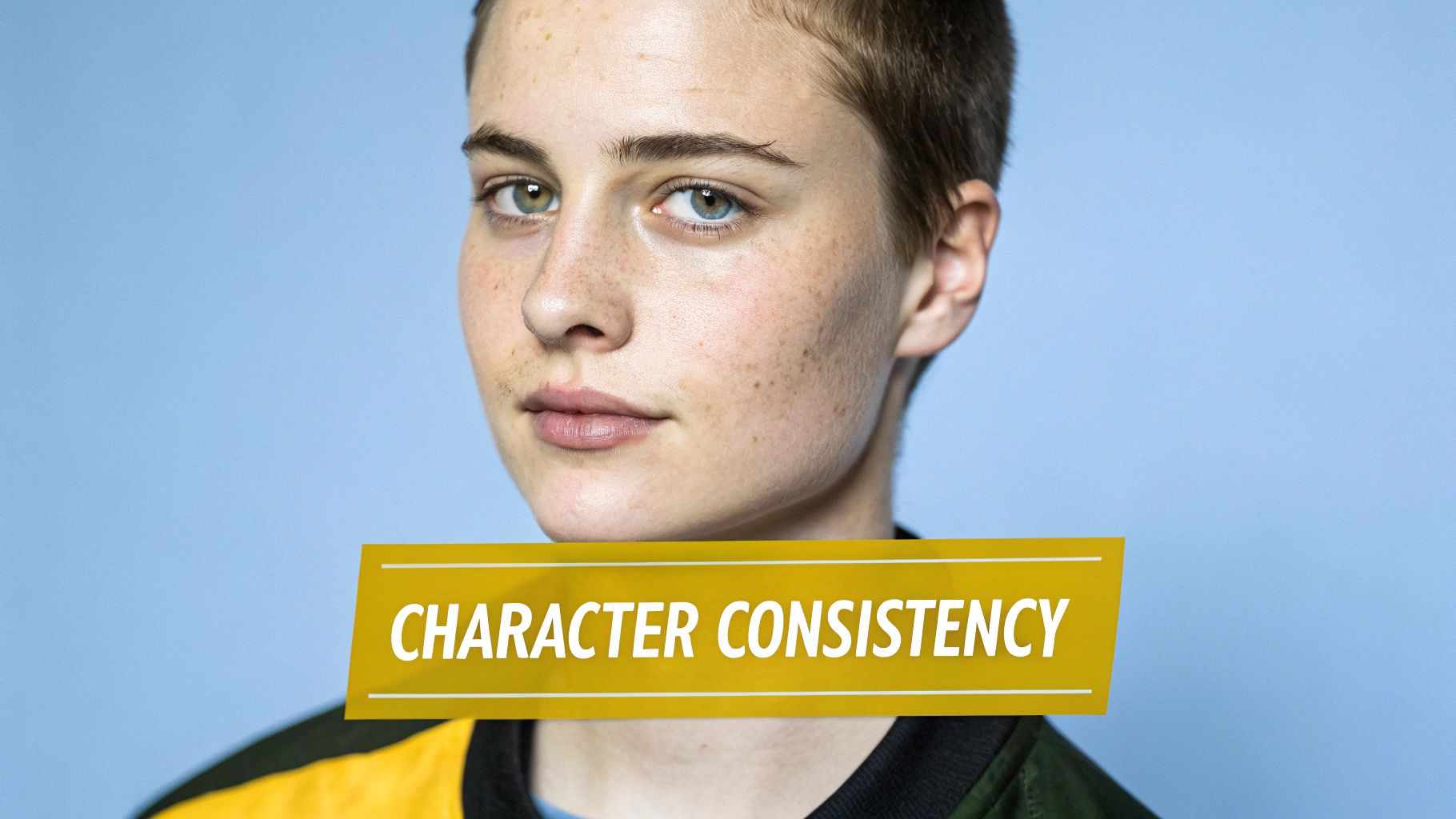
The core strategy is to lock down the character's core attributes while varying the context, such as lighting, pose, or background. By defining specific, non-negotiable features, you create a reusable "character template" that provides reliability in your creative workflow.
Strategic Breakdown
- Goal: Maintain facial and physical likeness across a series of images.
- Method: Use a highly descriptive "base prompt" that specifies key facial features. Keep this base constant while modifying other elements like clothing, location, and mood for each new image.
- Application: Essential for digital influencers, personal avatars, and e-commerce brands needing a consistent synthetic model for product showcases.
Actionable Prompt Example
Here is one of the best ai image prompt examples for achieving character consistency:
Prompt:
photorealistic medium close-up portrait of a 25-year-old woman with a defined jawline, light freckles across her nose and cheeks, high cheekbones, almond-shaped eyes with distinct heterochromia (one eye hazel brown, one eye sea green), thin arched eyebrows, shoulder-length wavy auburn hair with subtle copper highlights, fair skin with warm undertones, wearing a simple white t-shirt, soft studio lighting, bokeh background --ar 3:4 --style raw
Key Takeaways:
- Be Hyper-Specific: Vague terms like "pretty" are subjective. Instead, use concrete descriptors like "defined jawline," "almond-shaped eyes," and "thin arched eyebrows."
- Identify Uniqueness: Features like freckles and heterochromia act as powerful anchors for the AI, significantly increasing the chances of reproducing the same character.
- Separate Character from Scene: The character description is the core. Elements like clothing (
simple white t-shirt) and lighting (soft studio lighting) can be easily swapped out without losing the character's likeness. For a deeper dive into creating lifelike faces, exploring the best AI portrait generators can provide additional tools and insights.
2. Studio Lighting and Professional Photography Prompts
Studio lighting prompts are essential for replicating the polish and precision of a professional photo shoot. This technique involves using highly specific photographic language to control the AI's interpretation of light, shadow, camera settings, and composition. By describing key light placement, fill light ratios, and backdrop details, you can generate commercial-grade imagery for products, fashion, and portraits without needing physical equipment.
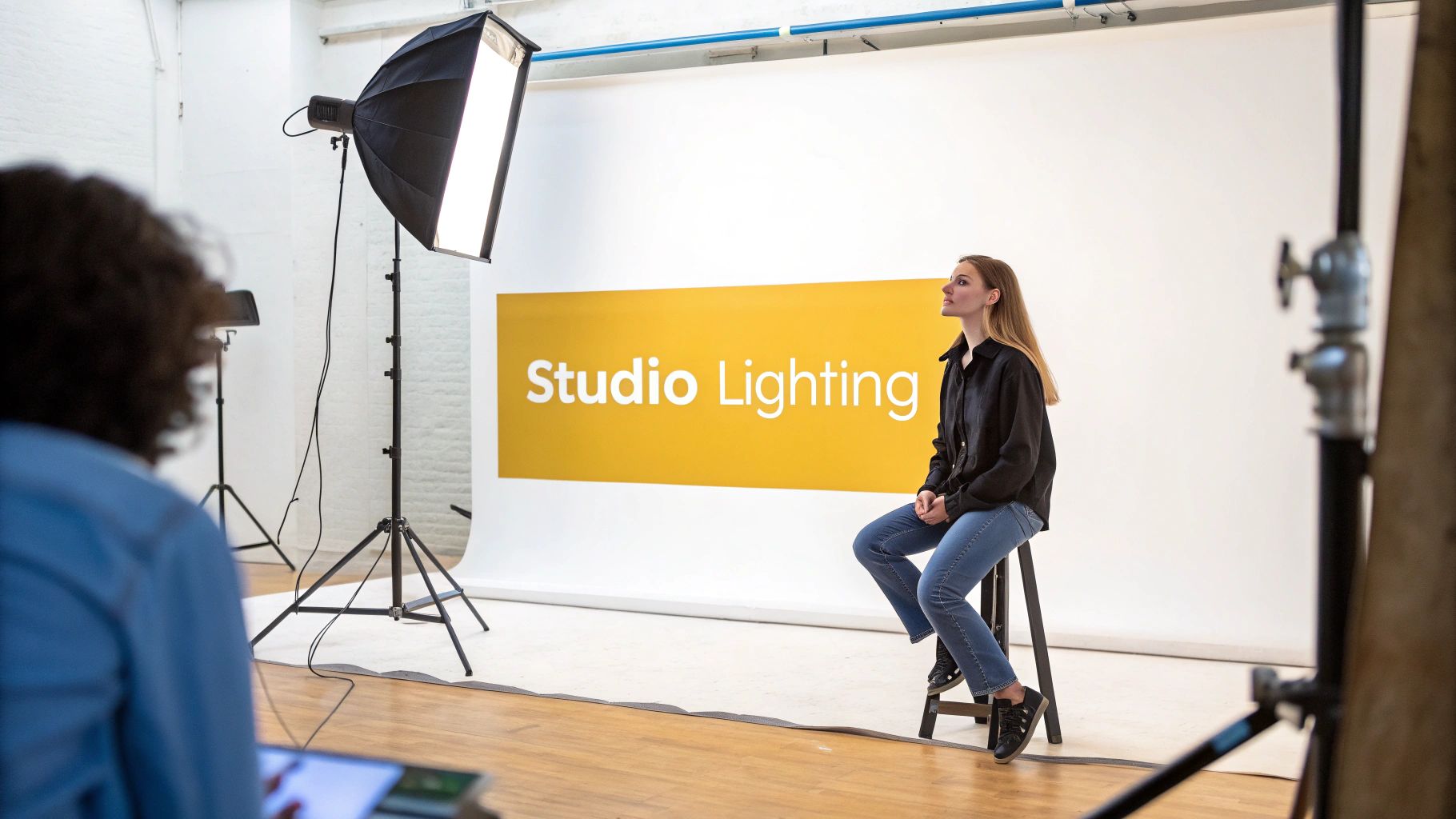
The strategy is to move beyond simple descriptions and command the AI with the vocabulary of a professional photographer. This allows for precise control over the mood and quality of the final image, ensuring it meets the standards for e-commerce catalogs, advertising campaigns, or high-fashion editorials.
Strategic Breakdown
- Goal: To generate images with professional, controlled lighting and a high-end studio aesthetic.
- Method: Specify lighting setups (e.g., 'Rembrandt lighting', 'three-point lighting'), camera settings (f-stop, shutter speed), and lens types (e.g., '85mm lens') to guide the AI.
- Application: Perfect for e-commerce product photography, professional headshots, fashion lookbooks, and any scenario demanding a clean, polished, and commercially viable look.
Actionable Prompt Example
This is one of the most effective ai image prompt examples for creating a professional studio shot:
Prompt:
full body fashion shot of a model wearing a minimalist beige trench coat, standing in a photography studio, dramatic three-point lighting setup with a strong key light from the side creating defined shadows, soft fill light, and a subtle rim light for separation, seamless charcoal gray paper background, shot on a Canon EOS 5D Mark IV with an 85mm f/1.8 lens, shallow depth of field, sharp focus on the model's eyes --ar 9:16 --style raw
Key Takeaways:
- Use Technical Language: Terms like 'three-point lighting', 'key light', and 'rim light' are professional commands that give the AI precise instructions, leading to more predictable and high-quality results.
- Specify Camera and Lens: Mentioning a specific camera and lens (e.g.,
Canon EOS 5D Mark IV with an 85mm f/1.8 lens) helps the AI replicate the distinct visual characteristics of professional gear, like bokeh and depth of field. - Control the Environment: A detailed backdrop description like a
seamless charcoal gray paper backgroundeliminates visual clutter and establishes a professional studio context, ensuring the subject remains the central focus.
3. Location and Environment Context Prompts
Location and environment context prompts are used to build immersive, detailed worlds around a subject. This technique focuses on describing the background, weather, time of day, and overall atmosphere to place a character or product within a specific, believable setting. It allows creators to generate diverse content that feels like it was shot in multiple locations, seasons, or conditions, all from a single workstation.
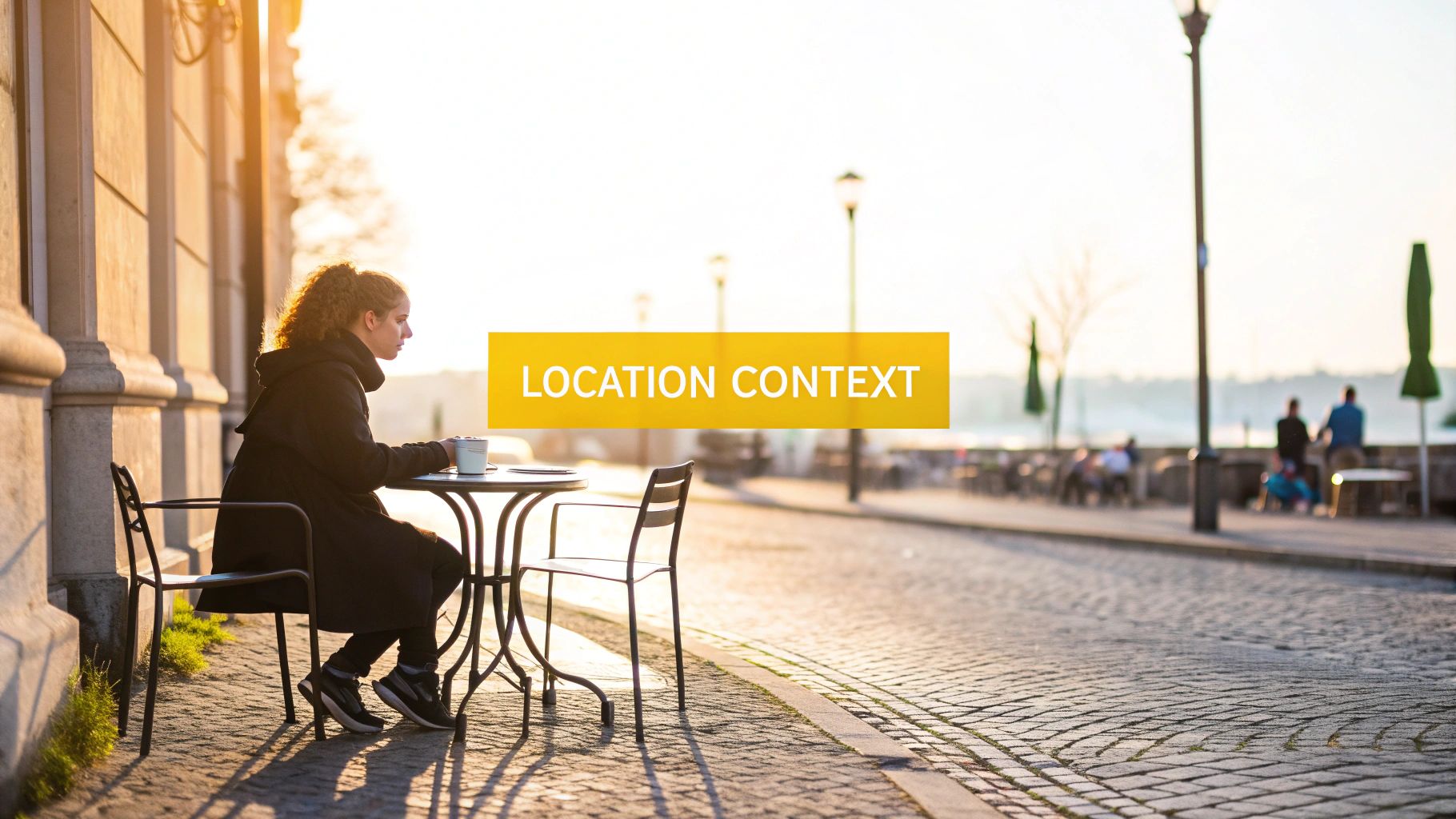
The strategy is to make the environment as much a character as the subject itself. By layering descriptive details about the location, you create a rich narrative context that enhances the story being told. This is invaluable for travel influencers who want to post "from" anywhere in the world or fashion brands creating seasonal lookbooks in thematic settings.
Strategic Breakdown
- Goal: Create a convincing and atmospheric setting that complements the subject.
- Method: Combine specific location names with descriptive adjectives and sensory details. Layer elements like weather, lighting, and time of day to build a rich, multi-dimensional scene.
- Application: Ideal for travel and lifestyle content, seasonal marketing campaigns, real estate visualization, and e-commerce brands showcasing products in aspirational contexts.
Actionable Prompt Example
This is one of the most effective ai image prompt examples for creating a detailed environmental context:
Prompt:
lifestyle photo of a woman sitting at a small wrought-iron table at an outdoor cafe on a narrow cobblestone street in Santorini, Greece. Bright midday sun casting crisp shadows, vibrant blue-domed buildings in the background, overflowing pink bougainvillea vines on white stucco walls, a half-empty glass of iced coffee on the table, candid moment, shot on a Sony A7III with a 35mm lens, warm color grade, natural lighting --ar 16:9
Key Takeaways:
- Be Geographic and Descriptive: Don't just say "Greece." Specify "Santorini, Greece" and add details like "narrow cobblestone street" and "blue-domed buildings" to guide the AI with precision.
- Layer Sensory Details: Elements like "bright midday sun," "crisp shadows," and "overflowing pink bougainvillea" add depth and realism, making the scene more immersive and believable.
- Establish the Mood: The time of day ("midday sun") and action ("candid moment") work together to create an energetic, relaxed travel vibe. Swapping this for "golden hour sunset" would instantly create a more romantic mood.
4. Fashion and Style Direction Prompts
Fashion and style direction prompts are used to meticulously control the aesthetic of clothing, makeup, and accessories in an image. This technique goes beyond simple clothing descriptions, allowing creators to specify fashion eras, designer influences, fabric textures, and entire style movements. It's indispensable for fashion brands, e-commerce stores, and influencers who need to generate highly specific and cohesive visual content that aligns with their brand identity.
The strategy involves layering multiple style descriptors to create a unique and targeted look. By combining eras, designer aesthetics, and specific material details, you can guide the AI to produce images that feel like they belong in a professional lookbook or a high-fashion editorial.
Strategic Breakdown
- Goal: To generate images with a specific, cohesive, and brand-aligned fashion aesthetic.
- Method: Use a combination of high-level style concepts (e.g., 'Y2K luxury') and granular details (e.g., 'brushed wool sweater') to define the entire look. Reference specific designers or eras to anchor the AI's creative interpretation.
- Application: Ideal for clothing brands creating digital lookbooks, influencers generating "outfit of the day" content, and stylists developing client mood boards at scale.
Actionable Prompt Example
This is one of the most effective ai image prompt examples for detailed fashion direction:
Prompt:
full-body fashion editorial shot of a model on a minimalist studio set, styled in a Y2K luxury meets modern minimalist aesthetic, wearing low-rise baggy denim jeans, a cropped brushed wool sweater in cream, and chunky silver platform boots, holding a small silver shoulder bag, makeup is glossy with a bold frosted lip, dynamic pose, clean lighting --ar 9:16 --style raw
Key Takeaways:
- Combine and Conquer: Don't be afraid to mix styles. Terms like "Y2K luxury meets modern minimalist" create a unique hybrid aesthetic that the AI can interpret creatively.
- Fabric is Key: Specifying textures like "brushed wool" and "baggy denim" adds a layer of realism and authenticity that elevates the image beyond a generic outfit.
- Reference Designers and Eras: Using influential names or distinct periods (e.g., "in the style of Celine," "90s grunge") acts as a powerful shortcut to communicate a complex visual language to the AI.
- Detail the Whole Look: Remember to include makeup (
glossy with a bold frosted lip) and accessories (chunky silver platform boots) to ensure the final image is fully realized and stylistically consistent.
5. Pose and Body Language Direction Prompts
Pose and body language prompts are crucial for injecting emotion, narrative, and dynamism into AI-generated images. Instead of letting the AI guess the subject's posture, these prompts provide explicit instructions on body positioning, facial expressions, and limb placement. This control is vital for visual storytelling, enabling creators to convey specific moods like confidence, contemplation, or joy through non-verbal cues.
This technique transforms static portraits into compelling scenes. By mastering pose direction, you can efficiently generate a wide variety of content from a single character or concept, perfect for social media campaigns where multiple visuals are needed for one outfit or product.
Strategic Breakdown
- Goal: To control the subject's physical posture and expression to convey a specific emotion, action, or narrative.
- Method: Combine precise physical descriptions (e.g., 'hands in pockets,' 'leaning against a wall') with emotional descriptors (e.g., 'confident smirk,' 'pensive gaze'). This directs the AI to align the body language with the intended mood.
- Application: Essential for influencers creating diverse content carousels, brands showcasing products in use, and fitness creators demonstrating exercises.
Actionable Prompt Example
Here is one of the best ai image prompt examples for directing pose and body language:
Prompt:
full body shot of a female influencer in a confident power stance, one hand on hip, the other hand casually holding a smartphone, slight smirk, looking directly at the camera, standing on a bustling urban street corner, golden hour lighting casting long shadows, wearing stylish streetwear, shallow depth of field --ar 9:16 --style vibrant
Key Takeaways:
- Combine Action and Emotion: The prompt doesn't just say "standing." It specifies a "confident power stance" and a "slight smirk," linking a physical pose to an emotional state for a more impactful result.
- Be Clear on Limb Placement: Explicitly state where hands and arms should be, such as "one hand on hip" and "casually holding a smartphone." This avoids awkward or unnatural AI-generated hand positions.
- Use Professional Terminology: Referencing terms from photography ('power stance') or specific fields like dance or yoga ('dancer's arabesque pose') can provide the AI with stronger, more accurate visual references. For more advanced posing techniques, exploring how to train custom models on specific actions with tools like PhotoMaxi's AI model trainer can unlock even greater creative control.
6. Mood and Artistic Style Prompts
Mood and artistic style prompts are essential for infusing your images with a specific emotional tone and visual aesthetic. Instead of just describing a scene's content, these prompts dictate its creative direction by referencing artistic movements, color palettes, and lighting techniques. This allows you to generate images that feel like they belong to a specific genre, such as film noir, surrealism, or vibrant pop art.
This technique is crucial for brands and creators aiming to establish a consistent and recognizable visual identity. By defining the artistic DNA of an image, you can ensure that every output, regardless of the subject, aligns with your creative vision, whether it's moody and cinematic or bright and playful.
Strategic Breakdown
- Goal: To control the overall aesthetic, emotional tone, and artistic direction of the generated image.
- Method: Use specific keywords related to art movements, film genres, famous directors or photographers, color theory, and lighting moods to guide the AI's creative interpretation.
- Application: Ideal for creative agencies testing campaign directions, luxury brands maintaining a sophisticated aesthetic, and filmmakers storyboarding scenes with a distinct visual language.
Actionable Prompt Example
This is a powerful example of the ai image prompt examples that focus on establishing a clear artistic style:
Prompt:
cinematic wide shot of a lone figure walking down a rain-slicked neon-lit alleyway in a futuristic city, style of Blade Runner, high contrast, moody, deep shadows with vibrant cyan and magenta highlights, anamorphic lens flare, photorealistic, 8k, detailed urban grime --ar 16:9 --style raw
Key Takeaways:
- Reference Specific Media: Citing a well-known film like "Blade Runner" gives the AI a rich visual library to pull from, immediately establishing a cyberpunk, neo-noir atmosphere.
- Combine Mood and Technique: Terms like "moody," "high contrast," and "deep shadows" define the emotional tone, while technical descriptors like "anamorphic lens flare" and "rain-slicked" add specific cinematic effects.
- Dictate the Color Palette: Specifying colors like "vibrant cyan and magenta highlights" ensures the image adheres to a particular color grade, which is fundamental to creating a cohesive artistic style. This level of control is key for brands looking to align AI visuals with their established color schemes.
7. Product Showcase and Virtual Try-On Prompts
Product showcase prompts are specialized instructions designed for e-commerce, enabling AI to generate images of products being used, worn, or displayed in realistic contexts. This technique is crucial for creating virtual try-on experiences and contextual product photography, showing an item's scale, fit, and functionality without a physical photoshoot. It's a game-changer for brands needing to visualize products on various body types or in lifestyle settings.
The primary goal is to seamlessly integrate a specific product into a generated scene. This involves detailing not only the product but also how a model interacts with it, from wearing a necklace to holding a smartphone. This method helps customers make more informed purchasing decisions by bridging the gap between online browsing and real-world application.
Strategic Breakdown
- Goal: To generate realistic images of a product in use, demonstrating its application, fit, and scale for e-commerce and marketing.
- Method: Combine detailed product descriptions (including brand, model, and color) with descriptions of a model and the specific interaction. Using reference images of the product is highly recommended for accuracy.
- Application: Essential for fashion, beauty, and electronics brands on platforms like Shopify to create diverse product galleries, marketing campaigns, and virtual try-on features.
Actionable Prompt Example
Here is a powerful example from our collection of ai image prompt examples for showcasing a product:
Prompt:
crisp product photograph of a woman's hand with manicured nails, holding the new "AuraGlow Facial Serum" in a 30ml clear glass bottle with a gold dropper, serum is a light peach color, her fingers are gently wrapped around the bottle to show the label, soft morning light from a window, blurred background of a modern bathroom with white marble --ar 4:5 --style raw --v 6.0
Key Takeaways:
- Be Explicit with Product Details: Name the product (
AuraGlow Facial Serum) and describe its packaging (30ml clear glass bottle with a gold dropper). This level of detail guides the AI to a more accurate rendering. - Define the Interaction: Specify exactly how the product is being held or worn. Phrases like
fingers are gently wrapped around the bottleare more effective than just "holding the bottle." - Set a Commercial Scene: Use context cues like
soft morning lightand ablurred background of a modern bathroomto create a professional, on-brand lifestyle aesthetic. For more advanced techniques, discovering the right AI product photo generator can significantly enhance your e-commerce visuals.
8. Narrative and Storytelling Sequence Prompts
Narrative sequence prompts are designed to generate a series of connected images that tell a coherent story or illustrate a progression over time. This technique moves beyond single-shot generation to create multi-image narratives, showing the same character or subject across different scenes, emotional states, or chronological moments. This is invaluable for creating content like comic strips, storyboards for films, or engaging multi-post social media campaigns.
The strategy hinges on combining a consistent character or subject description with evolving contextual details. By systematically changing elements like location, time of day, or action, you can guide the AI to produce a visual storyline, frame by frame. This method transforms the AI from a simple image generator into a collaborative storytelling partner.
Strategic Breakdown
- Goal: Create a series of visually consistent images that form a logical and compelling narrative sequence.
- Method: Establish a "master prompt" for your character and setting, then create variations for each "scene" by only modifying the action, time, or emotional keywords. Generating images chronologically helps the AI maintain consistency.
- Application: Ideal for filmmakers storyboarding cinematic sequences, brands illustrating a product's journey, and content creators producing "day-in-the-life" or before-and-after series for platforms like Instagram Stories or TikTok.
Actionable Prompt Example
Here is a great set of ai image prompt examples for creating a short narrative sequence:
Scene 1 Prompt:
cinematic wide shot of a lone astronaut, "Alex," with a sleek white and orange spacesuit, standing on a desolate red Martian landscape at dawn, looking towards a distant shimmering object on the horizon, sense of wonder and discovery, dramatic lighting from the rising sun --ar 16:9 --style rawScene 2 Prompt:
cinematic medium shot of the same astronaut, "Alex," now cautiously approaching the shimmering crystalline object, kneeling down to inspect it, face visor reflecting the alien structure, atmosphere of tension and curiosity, harsh midday sun casting sharp shadows --ar 16:9 --style rawScene 3 Prompt:
cinematic close-up of the astronaut "Alex's" helmet, the shimmering object now glowing softly, casting an ethereal blue light onto Alex's face, eyes wide with awe, a single tear visible, emotional peak of the story, dusk lighting --ar 16:9 --style raw
Key Takeaways:
- Establish Anchors: The core elements (
astronaut "Alex",sleek white and orange spacesuit,Martian landscape) remain constant to ensure continuity. Using a name like "Alex" can further reinforce character identity. - Progress the Narrative: Each prompt advances the story by changing the action (standing, approaching, reacting), the shot type (wide, medium, close-up), and the time of day (dawn, midday, dusk).
- Guide the Emotion: Use keywords like "sense of wonder," "tension and curiosity," and "awe" to direct the mood of each frame, ensuring the emotional arc of your story is clear. Before committing credits to a long sequence, generate the first two or three frames to confirm the AI is maintaining consistency.
9. Technical Parameter and Quality Control Prompts
Technical parameter prompts are used to enforce specific output standards, such as resolution, detail level, aspect ratio, and camera settings. This approach shifts the focus from purely creative description to technical precision, ensuring the generated images meet the requirements for specific platforms, print media, or digital campaigns. It's a crucial technique for professionals who need predictable, high-quality results at scale.
The core strategy involves embedding camera specifications, rendering quality commands, and formatting rules directly into the prompt. By doing this, you guide the AI not just on what to create, but how to render it, which is essential for maintaining brand consistency and optimizing workflows for large batch creations.
Strategic Breakdown
- Goal: To produce images that meet specific technical and quality standards for professional use.
- Method: Integrate precise technical terms related to photography, resolution, and aspect ratios directly into the creative prompt.
- Application: Indispensable for social media managers creating platform-specific content, e-commerce teams ensuring product photos meet site standards, and marketing operations managing large-scale asset production.
Actionable Prompt Example
Here is one of the best ai image prompt examples for exercising quality control:
Prompt:
High-angle shot of a minimalist wooden desk with a laptop, a white ceramic mug, and a succulent plant, natural morning light from a window on the left. Photographed with a Sony a7 IV, 35mm f/1.8 lens, shallow depth of field, sharp focus on the laptop keyboard, 8K resolution, hyper-detailed, professional product photography for a tech blog hero image --ar 16:9 --style raw --quality 1
Key Takeaways:
- Mimic Real Gear: Referencing specific camera bodies and lenses (e.g.,
Sony a7 IV, 35mm f/1.8 lens) helps the AI replicate the distinct visual characteristics associated with professional equipment, such as color science and lens bokeh. - Define Quality Explicitly: Terms like 8K resolution, hyper-detailed, and sharp focus leave no room for ambiguity. These commands instruct the AI to prioritize clarity and fine detail in the final render.
- Control the Frame: Specifying aspect ratios (
--ar 16:9) and shot types (High-angle shot) is non-negotiable for creating assets that fit perfectly into website banners, social media stories, or video thumbnails without awkward cropping. For more tips on achieving this level of quality, explore our guide to creating realistic AI photos.
10. Brand and Commercial Usage Prompts
Brand and commercial usage prompts are engineered to generate visuals that strictly adhere to a company's established brand identity and are suitable for commercial use. This technique involves embedding specific brand guidelines, such as color palettes, logo styles, and overall aesthetic, directly into the prompt. It ensures the AI produces on-brand content that is consistent, marketable, and legally compliant for advertising and sales channels.
The primary goal is to move beyond generic stock-like images to create a bespoke visual library that reinforces brand recognition. By codifying brand rules into prompts, marketing teams and e-commerce merchants can scale content production for social media, product listings, and campaigns without diluting their visual identity.
Strategic Breakdown
- Goal: Produce a high volume of images that align with specific brand guidelines and are cleared for commercial purposes.
- Method: Integrate brand-specific keywords, including hex color codes, approved visual elements, and desired tone, into a structured prompt. This creates a reusable template for consistent marketing collateral.
- Application: Ideal for e-commerce brands needing uniform product photos, marketing agencies creating white-label content for clients, and businesses batch-creating social media assets.
Actionable Prompt Example
This is one of the most effective ai image prompt examples for creating on-brand commercial content:
Prompt:
e-commerce product photography of a luxury skincare bottle, minimalist composition, placed on a clean marble surface, soft morning light from a side window, background is a solid color matching Pantone 13-1520 Rose Quartz (#F7CAC9), with a subtle shadow, reflecting a sophisticated and gentle brand identity, 4K, sharp focus on the product label --ar 1:1 --style raw
Key Takeaways:
- Codify Brand Colors: Directly referencing Pantone codes or hex codes (
#F7CAC9) forces the AI to adhere to your exact brand palette, eliminating color inconsistencies. - Define the Brand Vibe: Use descriptive adjectives that reflect your brand's personality, such as
sophisticated,gentle,minimalist, orenergetic. This guides the overall mood of the image. - Specify Commercial Context: Terms like e-commerce product photography and
sharp focus on the product labelinstruct the AI to generate an image suitable for a specific commercial use case, like a Shopify product listing.
10-Point Comparison of AI Image Prompt Examples
| Approach | 🔄 Complexity | ⚡ Resources & Efficiency | ⭐ Expected outcomes (quality) | 📊 Ideal use cases | 💡 Key advantage / Tip |
|---|---|---|---|---|---|
| Character Consistency Portrait Prompts | High — detailed facial specs & iterations | Medium‑High — reference images + prompt tuning; efficient once templated | ⭐⭐⭐⭐ — strong likeness & repeatability | Avatars, influencer branding, synthetic models | Start with a high‑quality reference; document successful prompts |
| Studio Lighting and Professional Photography Prompts | Medium‑High — technical lighting setups | Medium — photography knowledge; replaces physical studio (time saving) ⚡ | ⭐⭐⭐⭐ — consistent professional look | Product catalogs, portraits, fashion editorials | Specify lighting ratios, camera lens and settings |
| Location and Environment Context Prompts | Medium — multiple environmental layers | Low‑Medium — descriptive refs, iterative tests | ⭐⭐⭐ — immersive but may need retries for accuracy | Travel/lifestyle content, seasonal campaigns, real estate | Use specific place names + vivid adjectives; layer elements for richness |
| Fashion and Style Direction Prompts | Medium — many fashion/style variables | Medium — designer refs, color palettes; fast outfit variation ⚡ | ⭐⭐⭐⭐ — cohesive branded looks, trend testing | Lookbooks, influencer content, virtual styling | Reference designers and fabric details; test color combos first |
| Pose and Body Language Direction Prompts | Medium — pose detail + anatomy challenges | Low‑Medium — pose references; iterate for correct anatomy | ⭐⭐⭐ — varied expressive poses; some anatomical errors possible | Influencers, fitness demos, action/product-in-use shots | Start simple, specify hand placement and body angles |
| Mood and Artistic Style Prompts | Low‑Medium — stylistic references & color grade | Low — style references, quick to iterate ⚡ | ⭐⭐⭐⭐ — distinct visual identity; subjective consistency | Campaign aesthetics, creative testing, brand mood boards | Cite photographers/film era and separate lighting mood from style |
| Product Showcase and Virtual Try‑On Prompts | High — realistic interaction & scale accuracy | High — product refs, hex codes, more testing; supports e‑commerce ⚡ | ⭐⭐⭐ — practical for commerce but fine detail may vary | Shopify product pages, virtual try‑on, jewelry/eyewear | Provide exact product images/colors and size references |
| Narrative and Storytelling Sequence Prompts | High — multi‑scene continuity & planning | High — storyboard, sequence numbering, repeated descriptors | ⭐⭐⭐⭐ — cohesive multi‑image narratives; drift risk over long sequences | Image‑to‑video, multi‑post campaigns, branded stories | Create a storyboard; number scenes and reuse identical character descriptors |
| Technical Parameter and Quality Control Prompts | Medium — precise platform specs | Medium — technical know‑how; reduces post‑processing ⚡ | ⭐⭐⭐⭐ — platform‑ready, consistent technical quality | Social managers, batch production, e‑commerce image sets | Specify aspect ratios/resolution and test small batches first |
| Brand and Commercial Usage Prompts | High — legal, branding and approval workflows | Medium‑High — brand assets, approvals, licensing checks | ⭐⭐⭐⭐ — commercially viable, on‑brand outputs | Agencies, enterprise brands, monetized content | Document hex codes/typography and include licensing/versioning in prompts |
Key Takeaways: Building Your High-Performance Prompt Library
The journey from a blank canvas to a stunning AI-generated image is paved with precise language and strategic thinking. Throughout this guide, we've explored a diverse range of ai image prompt examples, moving beyond simple descriptions to a more architectural approach. The goal is not just to generate one good image, but to build a reliable, scalable system for producing high-quality visual content that aligns perfectly with your creative or commercial objectives.
The examples provided, from intricate character portraits to dynamic ecommerce shots, serve as more than mere templates. They are deconstructed formulas, each with specific components you can isolate, adapt, and recombine. True mastery emerges when you begin to see prompts not as monolithic commands, but as a layered recipe of distinct ingredients.
The Core Principles of Advanced Prompting
As you move forward, keep three core principles at the forefront of your process:
- Specificity is Your Superpower: Vague requests yield generic results. The difference between "a photo of a woman" and "headshot, beautiful Scandinavian woman, 28 years old, confident smile, natural makeup, detailed skin texture, shot on a Canon EOS R5 with a 85mm f/1.2 lens" is the difference between an unusable stock photo and a commercial-grade portrait.
- Strategic Layering Builds Depth: The most powerful prompts are built by stacking elements. Start with a core subject, then layer in lighting (studio rim lighting), environment (minimalist concrete studio), mood (serene, contemplative), and technical parameters (hyperrealistic, 8k, photorealistic). This method gives you granular control over the final output.
- Iteration is the Path to Excellence: Your first prompt is rarely your last. The true workflow of a prompt engineer involves generating an image, analyzing what worked and what didn't, and refining the prompt. Documenting these iterations is crucial for building a personal or brand-specific prompt library that consistently delivers.
Building Your Actionable Prompt Library
The ultimate goal is to move beyond copying and pasting ai image prompt examples and to start engineering your own. Your most valuable asset will be a personalized library of tested, high-performance prompts that reflect your unique style, brand identity, or narrative vision.
Here are your next steps:
- Deconstruct and Recombine: Take a prompt from the 'Cinematic Frames' section and merge it with a lighting setup from the 'Studio Photography' examples. See how combining different strategic elements creates a completely new aesthetic.
- Establish a "Control" Prompt: For your core subjects (e.g., your brand's main product or a consistent character), create a highly detailed base prompt. This becomes your control variable, which you can then modify with different poses, environments, or styles for A/B testing and campaign variations.
- Master Negative Prompts: Pay as much attention to your negative prompts as your positive ones. A well-crafted negative prompt (
--no disfigured, blurry, bad anatomy, extra limbs) is your quality control mechanism, cleaning up artifacts and ensuring a professional finish. - Document Everything: Use a simple spreadsheet or a dedicated tool to save your best prompts. Note the model used, the seed number (if you want to replicate the exact image), and a brief description of the outcome. This documentation turns random successes into a repeatable process.
By treating prompt creation as a strategic skill rather than a creative lottery, you fundamentally change your content production workflow. What once required weeks of planning, photoshoots, and post-production can now be accomplished in a few hours of focused, creative work. You are no longer just a content creator; you are an architect of visual realities, equipped with the tools to build whatever your brand or story needs, on-demand.
Ready to put these strategies into action and accelerate your creative workflow? PhotoMaxi is designed to help you organize, test, and scale your AI image generation, transforming these ai image prompt examples into a high-performance content engine. Start building your professional prompt library and unlock unprecedented visual quality and efficiency today at PhotoMaxi.
Related Articles


Ready to Create Amazing AI Photos?
Join thousands of creators using PhotoMaxi to generate stunning AI-powered images and videos.
Get Started Free